
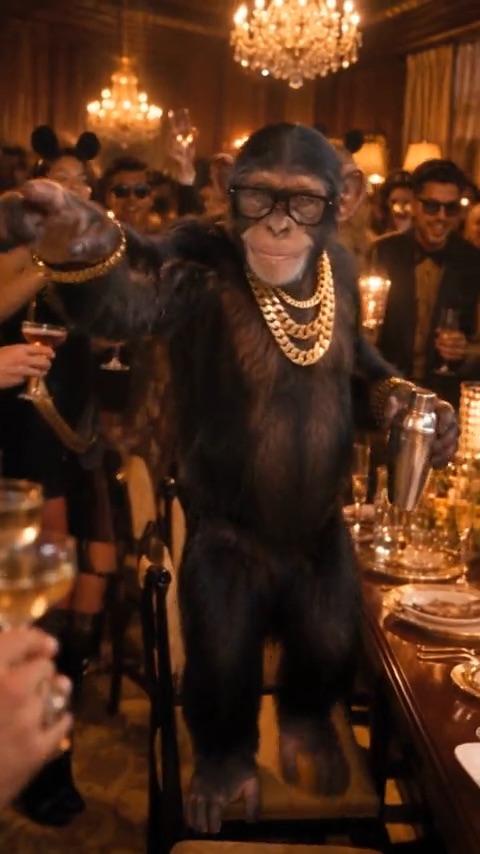
0 to 2 s
The walk-up
Steps forward, settles in, and squares up to the camera.
One photo in. Burning Bridges AI takes the motion from the viral trend clip and performs it with you as the star — no filming, no learning the routine.
Your photo
One person, head to waist in frame, good light. JPG, PNG or WebP.
Quality
The Burning Bridges motion every video copies. You only add the photo.
Every video follows the beats of the Burning Bridges clip, set to the 2026 song “Burning Bridges”. Your photo takes the lead role and makes every move below.
0 to 2 s
Steps forward, settles in, and squares up to the camera.
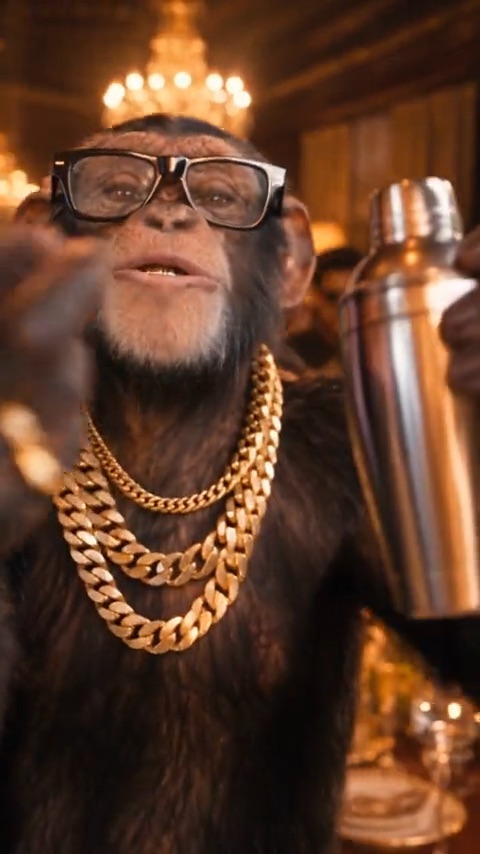
2 to 6 s
Leans in close to the lens with a slow, confident grin, then raises a hand right up to the camera.
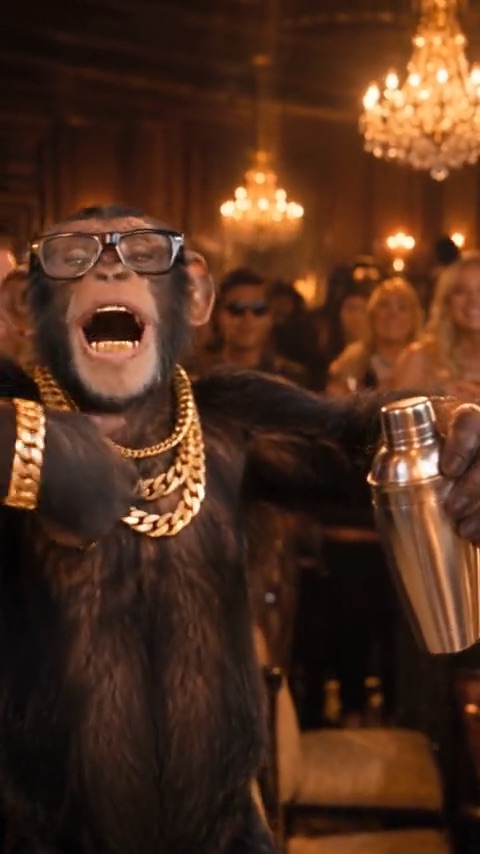
6 to 15 s
Arms wide, rapping along and rocking back — then turning sideways to work the room.
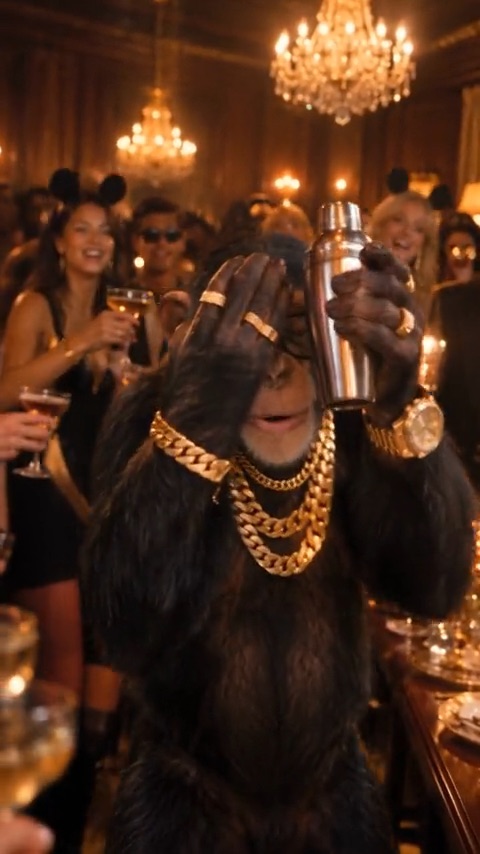
15 to 20 s
Hand over the eyes, scanning the room for her — then a finger pointed straight at the camera to finish.
There is no prompt to write and nothing to edit. The motion is built in.
A clear shot of one person with head, shoulders, and upper body in frame. Phone photos are fine.
720p costs 100 credits and 1080p costs 300 credits. The Burning Bridges motion is already loaded — no clip to find, no timing to match.
Rendering takes a few minutes and you can close the tab meanwhile. The finished video waits in the studio, ready to download.
Buy a credit pack once and use it within a year. A 720p video costs 100 credits and a 1080p video costs 300.
$6.90
One standard video, to see how it looks.
Most popular
$9.90
Try it with a few clips.
$29.90
For you, your friends and a few retakes.
$49.90
For creators posting the trend every week.
Upload a picture, pick 720p or 1080p, and let Burning Bridges AI do the moves. Post it tonight.