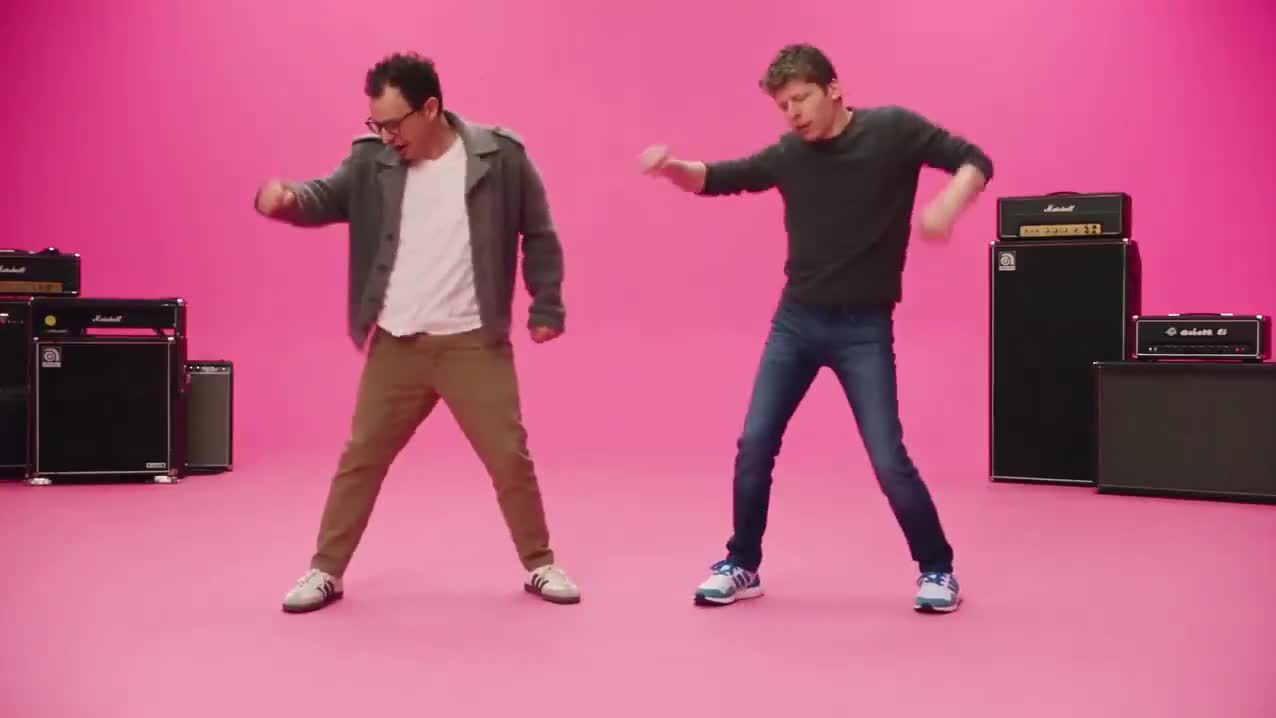
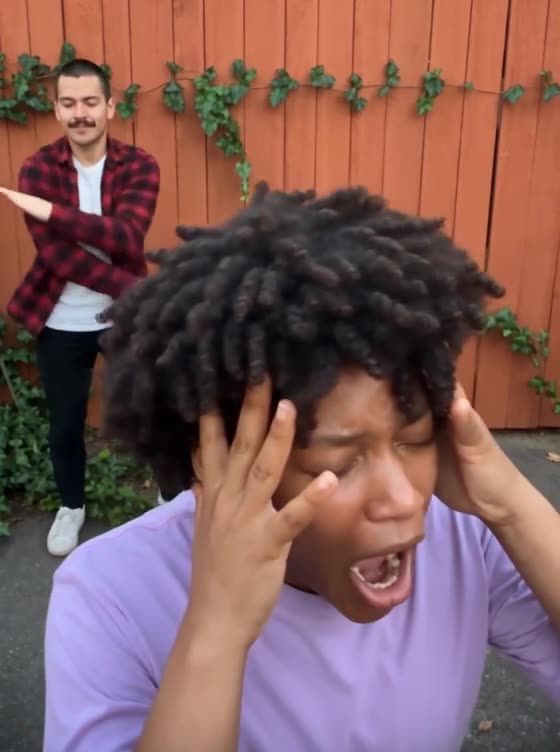
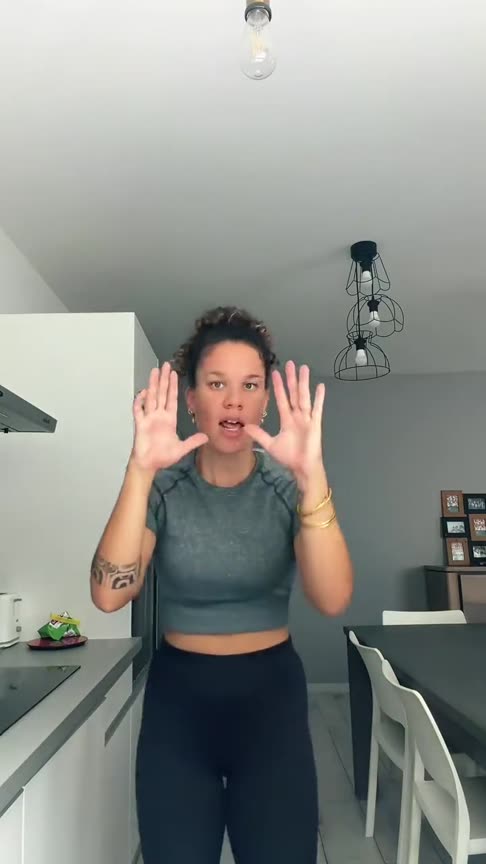
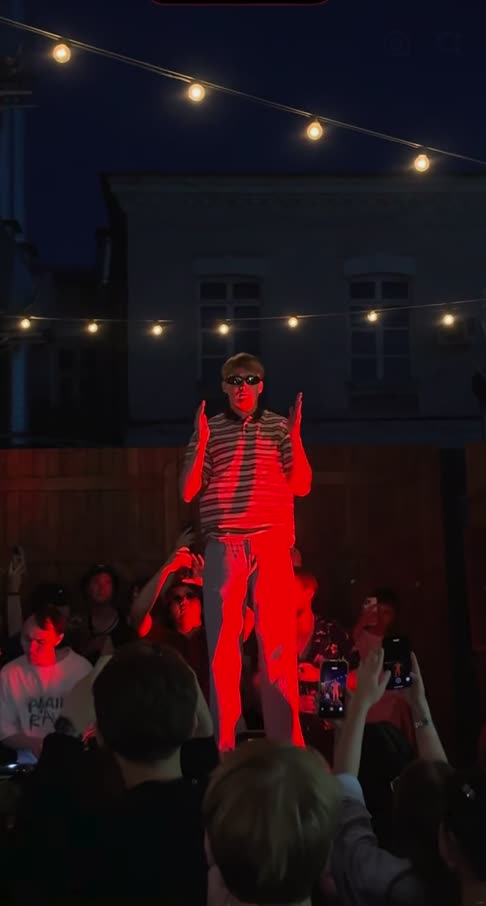
Burning Bridges AI Prompt: A Copy-and-Paste Template for the Drake Party Clip
Burning Bridges AI prompt to copy: the reference-clip prompt, lines for friends, pets and a new place, a text-only version, and the mistakes to avoid.
By Burning Bridges AI · Updated · 5 min read
What a Drake party clip prompt has to get right
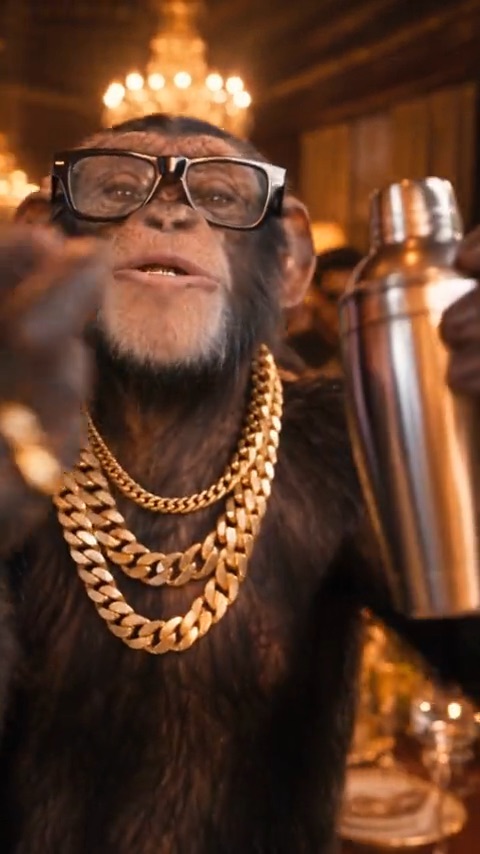
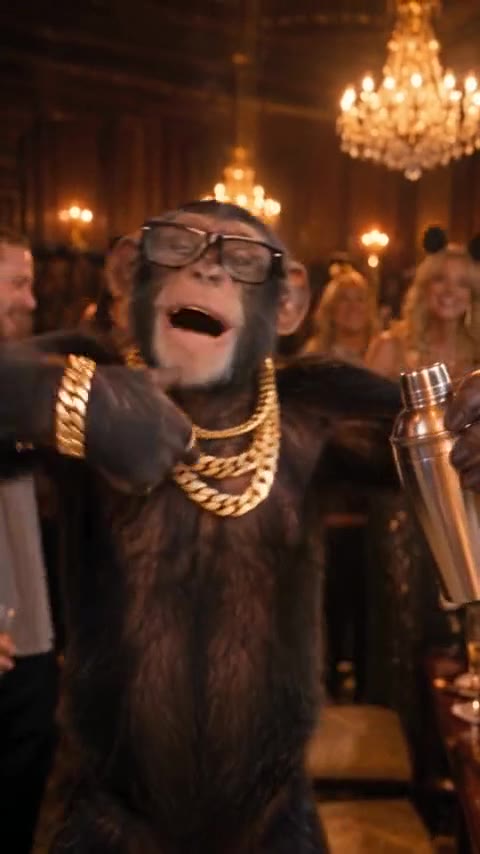
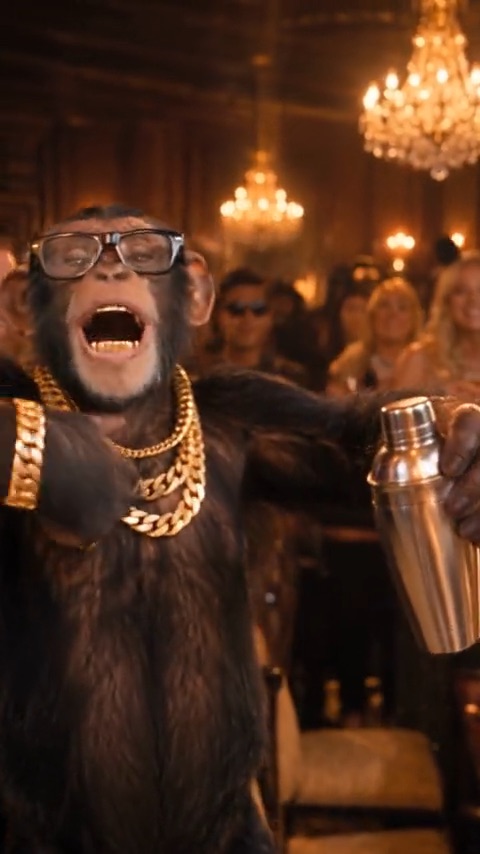
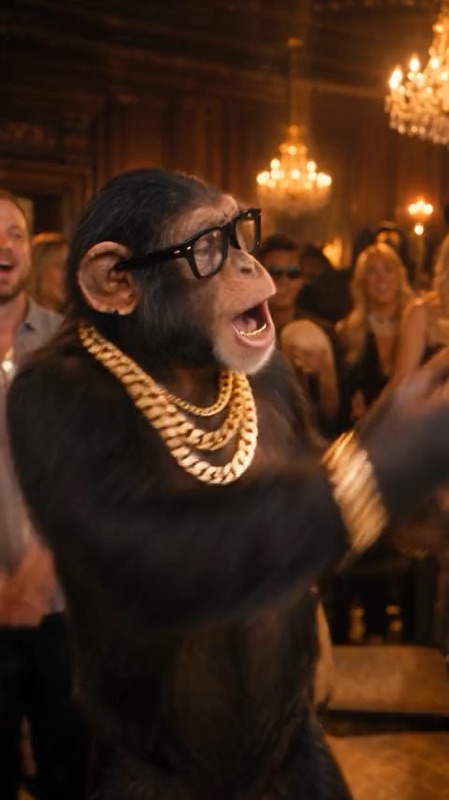
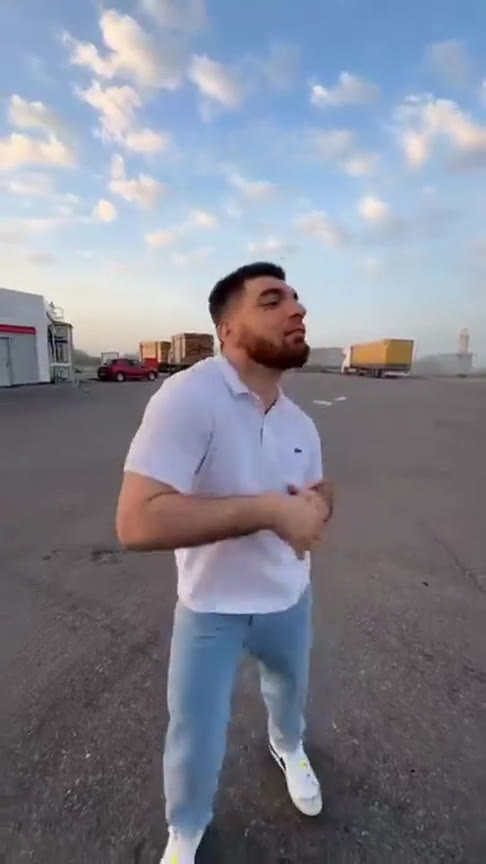
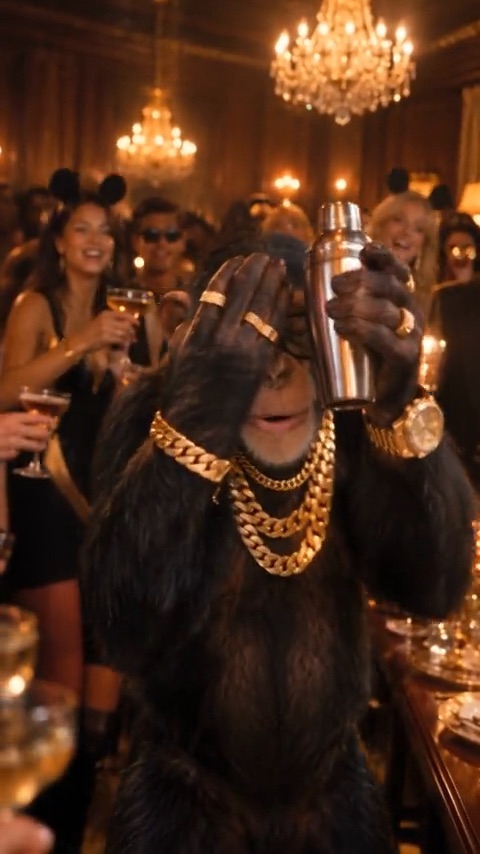
The trend clip has four beats: the walk-up, the grin, the hype and the “where she at?” finish. The prompt doesn’t need to describe every move. It has to give the model five instructions:
- Who to replace. Name the role, “the lead performer the camera follows”, not a person.
- What to keep from the photo. Face, hair, skin tone, body shape and outfit.
- What to keep from the clip. The chandelier room, the gold light, the other guests and the silver cup.
- Copy the motion and timing. The beats only read as the trend if they land on the same moments of the song.
- Add nothing. No extra people, captions or logos.
The Burning Bridges prompt (copy and paste)
This prompt is written for video models that take one reference clip plus photos, called “Image 1”, “Image 2” and so on. Rename the images if your tool labels them differently.
Recreate the reference video shot for shot. Replace only the lead performer, the person the camera follows, with the subject of Image 1, in every frame where they appear.
Identity: keep the subject's own face, hair, skin tone, body shape and outfit from Image 1. They hold the same silver cup as the lead in the reference.
Scene: keep the chandelier-lit room, the warm gold light, the table and every other guest exactly as they are in the reference.
Motion: copy the lead's moves with the same timing: the walk up to the camera, the slow grin and the raised hand, the arms-wide hype, and the final move, one hand flat over the eyes scanning the room, then a finger pointed at the lens.
Camera: keep the handheld camera, the framing and every cut of the reference.
Do not add people, text, captions, logos or watermarks.
To put friends in the crowd, add
Also replace the three guests closest to the lead with the subjects of Image 2, Image 3 and Image 4, one person each, from left to right as the camera sees them. Each keeps their own face and outfit. Faces never blend or swap. Everyone else stays as they are.
For a dog or cat as the lead, add (and change the animal)
Image 1 is a dog. Keep it a dog: same fur, face and size. It stands upright and does the moves with its own paws.
To move the party to your own place, add
Move the whole scene to the place shown in the last uploaded image. Keep the same moves, camera and timing, and match the light to the new place.
A text-only version for tools without a reference clip
Some tools, like the Gemini app, start from photos and text instead of a reference clip. Gemini Omni makes 10-second clips. For those tools, describe the beats in one paragraph:
A 10-second handheld party video in a room lit by crystal chandeliers, with warm gold light, a long dinner table and a cheering crowd. The person in Image 1 walks up to the camera holding a silver cup, grins slowly and raises a hand to the lens, then throws their arms wide and hypes up the room. At the end they hold one hand flat over their eyes, scan the room as if looking for someone, and point at the camera. Keep the face, hair and outfit from Image 1.
Expect an “inspired by” clip. The model invents its own room and camera, and the moves will drift from the original. The guide to the Gemini friends version covers what Gemini does well and where it falls short.
What to upload with the Burning Bridges AI prompt
- The trend clip, trimmed. Higgsfield Genjutsu accepts 4 to 30 seconds. Cut it from the walk-up to the “where she at?” finish.
- One photo per person. Facing the camera, head to waist in frame, good light, no sunglasses. Separate photos work far better than a group shot.
- The song, if the tool takes audio. If it doesn’t, add the “Burning Bridges” sound when you post. See how to add the Burning Bridges sound.
Why a Burning Bridges prompt fails, and how to fix it
- Real names in the prompt. Models block or ignore them. Describe the role instead.
- No reference clip. The model invents new moves. Upload the clip, or use the text-only prompt and accept a looser result.
- A long list of moves. It fights the reference clip. “Copy the moves with the same timing” is enough.
- One group photo for several friends. Faces get mixed. Use one photo per person and map each to one guest.
- Sunglasses or heavy filters in the photo. The face drifts during the turns. Use a clear, front-facing photo.
Where to paste the prompt
Higgsfield Genjutsu takes a source clip and up to 30 photos, and its prompt is optional. Our Higgsfield Genjutsu walkthrough for the trend covers the steps. Media.io’s Burning Bridges page uses a Motion Control workflow with a reference clip and copied prompts. Each tool charges in its own way, so check the price before you generate.
Or skip the prompt
On Burning Bridges AI the clip, the prompt and the song are built in. You add one photo, up to three friends and an optional photo of a place, then press Generate. A 16-second video costs from 100 credits, with packs from $9.90 and no subscription. Failed videos are refunded automatically.