Burning Bridges Video With Friends Using Gemini: How to Remake the Trend, and Its Limits
Burning Bridges video with friends using Gemini: how Gemini Omni turns up to 5 photos into a party clip, the 10-second limit and alternatives.
By Burning Bridges AI · Updated · 5 min read
Can Gemini remake the Burning Bridges trend?
Gemini can make a party clip that looks like the Burning Bridges trend. Gemini Omni is the video model in the Gemini app. Google says it replaces Veo there, and the model listed on Google’s page is Gemini Omni 1.1 Flash. According to Google, Gemini Omni can:
- Create 10-second videos with native audio.
- Turn up to 5 photos into a video.
- Extend a scene when you ask what happens next.
- Edit an uploaded video by chat, including swapping characters.
- Cast friends through shared AI avatars.
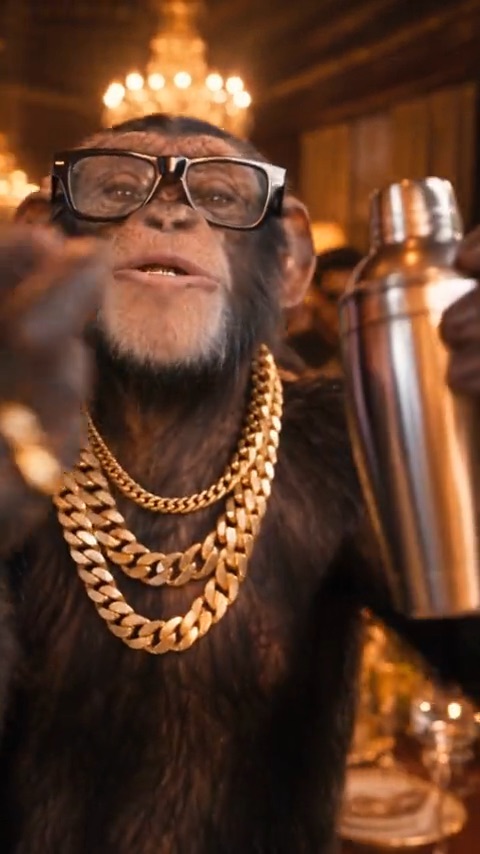
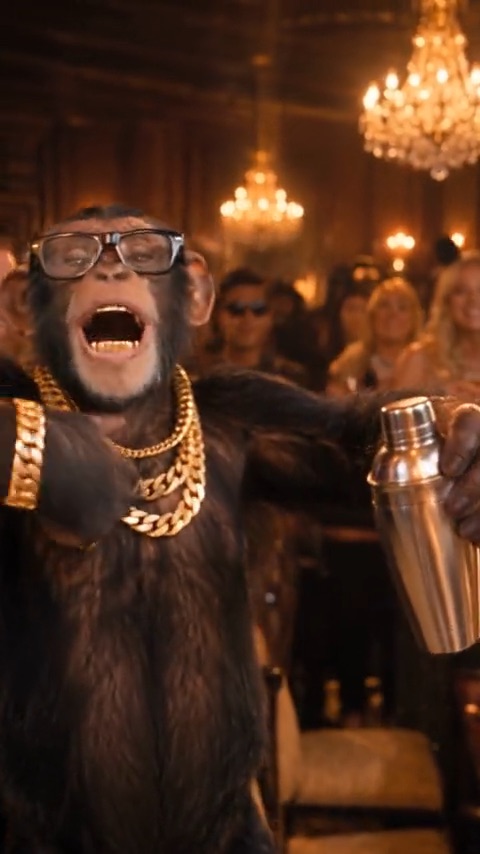
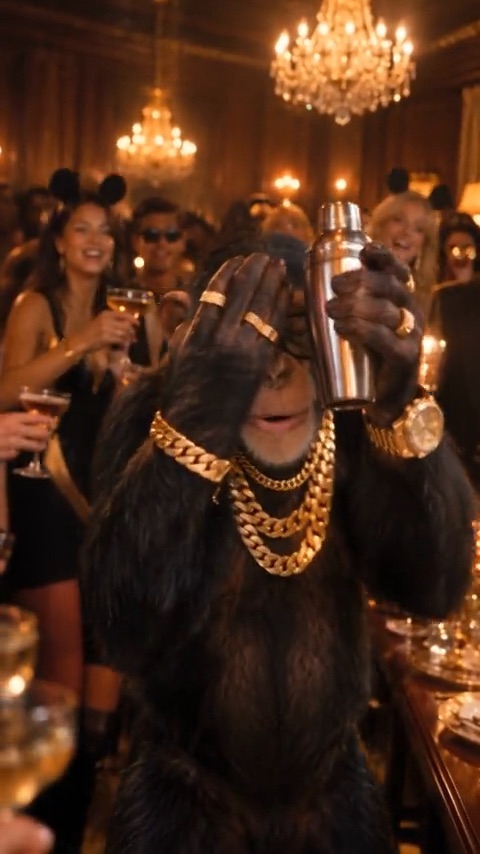
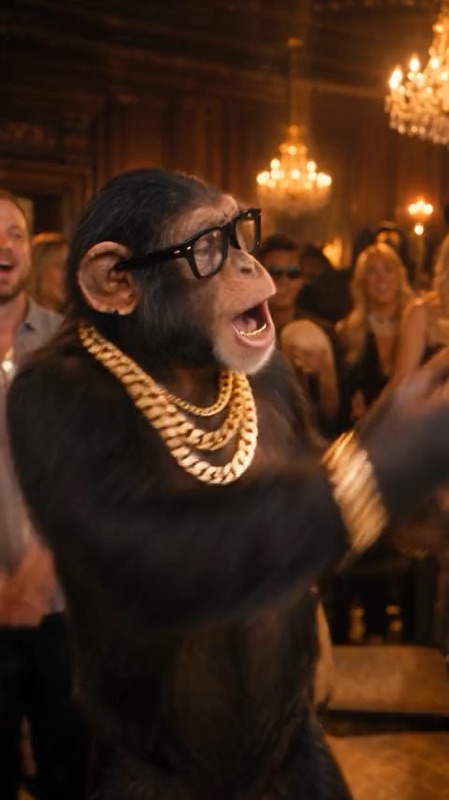
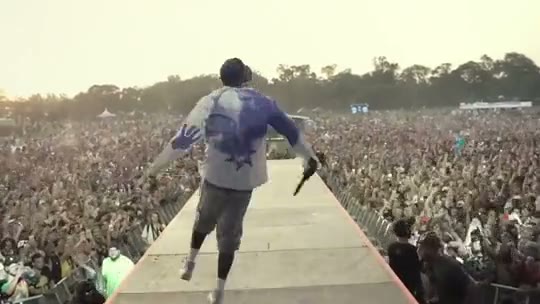
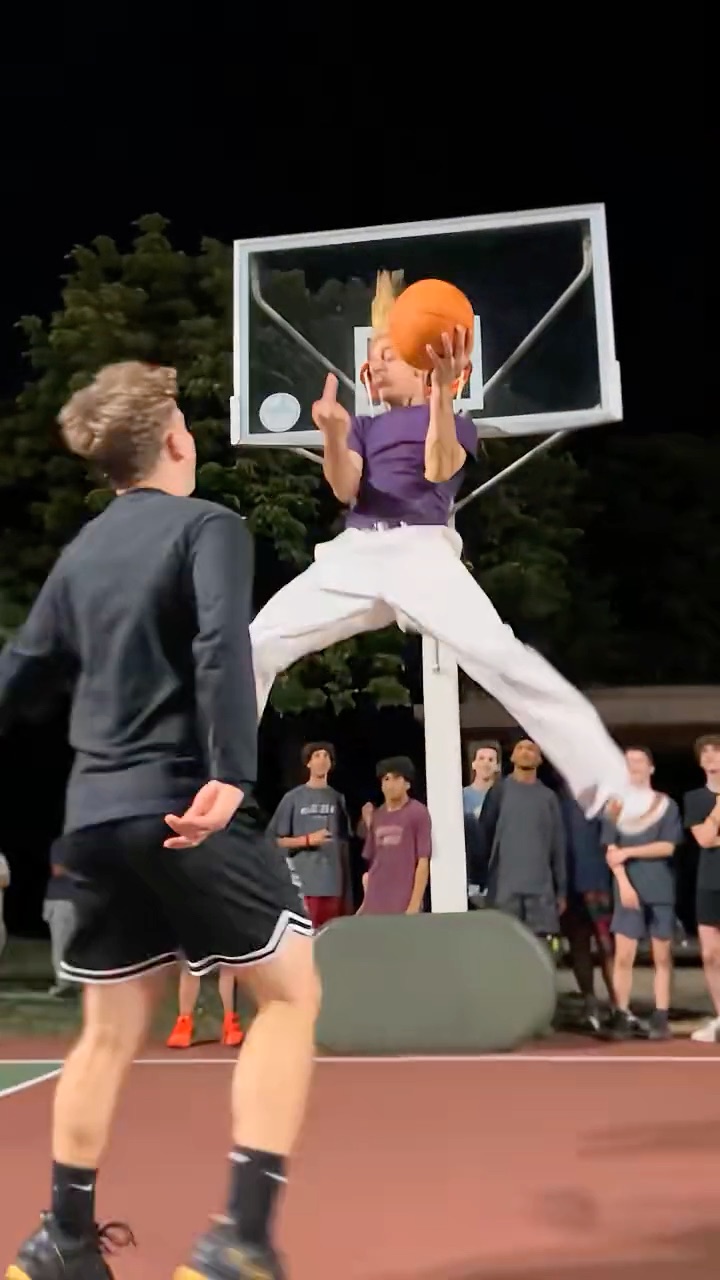
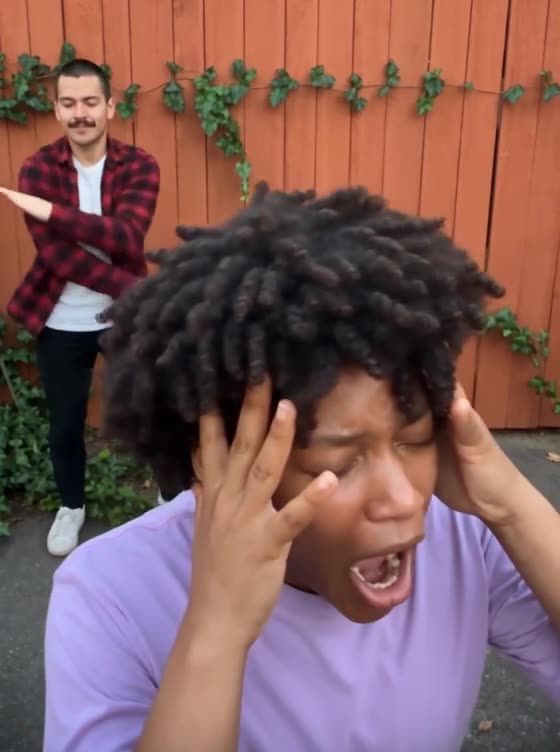
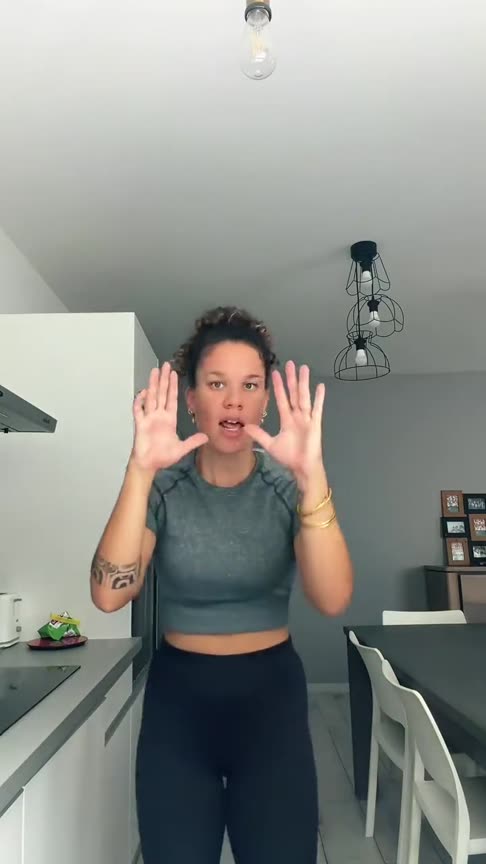
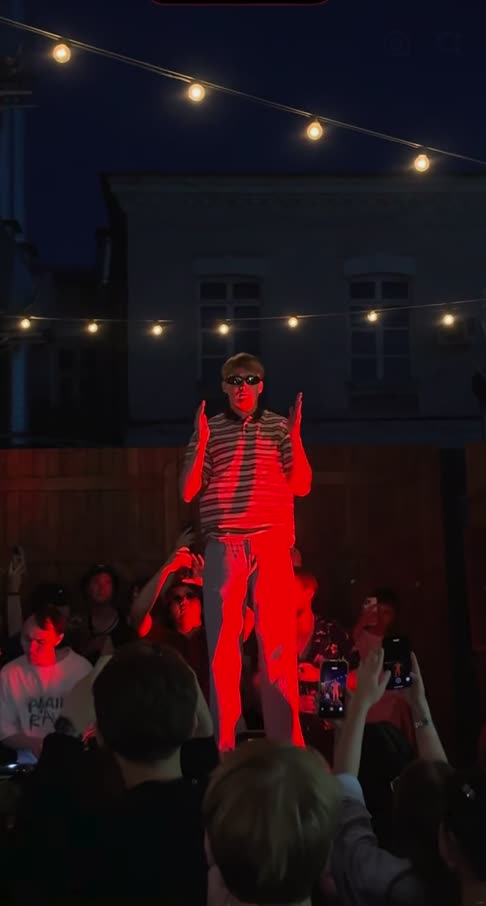
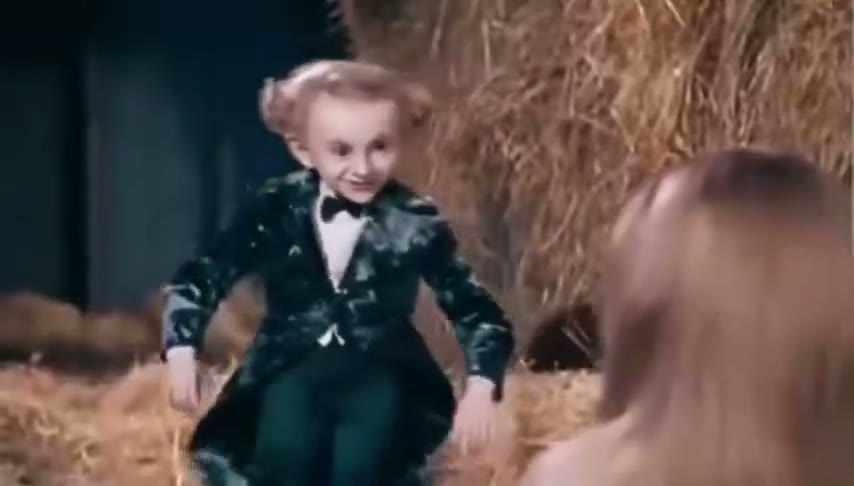
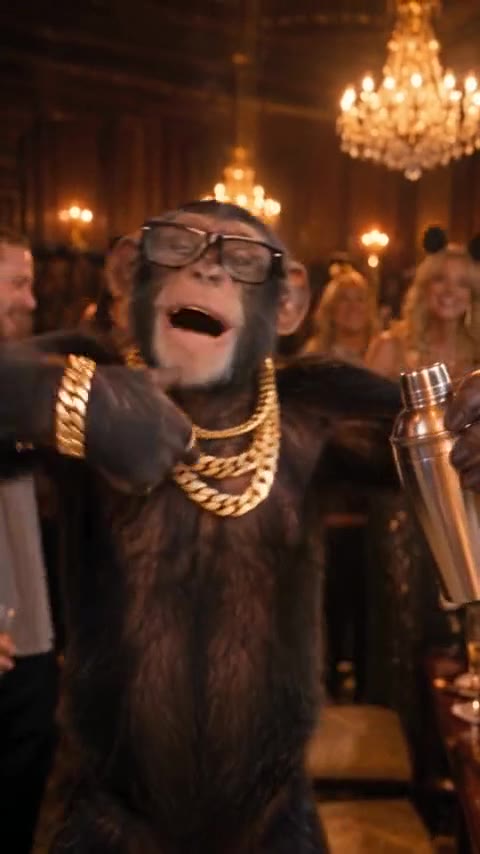
The catch is the moves. The Burning Bridges trend is recognisable because of four beats: the walk-up, the grin, the hype and the “where she at?” finish. When Gemini starts from photos and text, it generates its own version of those moves. Expect a clip “inspired by” the trend.
Gemini Omni facts are from Google’s Gemini Omni page, checked November 19, 2026. We have not tested Gemini Omni with the trend clip ourselves.
How to make the Burning Bridges party video with friends in Gemini
- Get access to Gemini Omni. Google requires a Google AI subscription. Features vary by plan and country, and you must be 18 or older.
- Collect one photo per person, up to 5. Use clear, front-facing photos, head to waist in frame. Only use photos of friends who agreed. Friends with a Gemini avatar can share it with you instead.
- Start a video in Gemini and attach the photos. Put your own photo first, so it is Image 1.
- Paste the prompt below. It names the host and puts each friend in the crowd.
- Extend the scene for the finish. If the 10 seconds end before the “where she at?” move, ask Gemini what happens next and describe the hand over the eyes.
- Download and post with the song. Add the official “Burning Bridges” sound in TikTok or Reels. See how to add the Burning Bridges sound on TikTok and Reels.
Gemini prompt for you and four friends
A 10-second handheld party video in a room lit by crystal chandeliers, with warm gold light and a long dinner table. The person in Image 1 is the host: they walk up to the camera holding a silver cup, grin slowly and raise a hand to the lens, then throw their arms wide and hype up the room. The people in Image 2, Image 3, Image 4 and Image 5 stand in the crowd right behind the host, cheering and dancing, each keeping their own face, hair and outfit. Nobody's face changes or swaps. At the end the host holds one hand flat over their eyes, scans the room as if looking for someone, and points at the camera.
Fewer friends? Delete the image numbers you don’t use. For a version that uses the trend clip as a reference, see the reference-clip prompt for the Burning Bridges video.
What Gemini can’t do for the Burning Bridges video
- It doesn’t copy the original moves from photos. The grin, the hype and the hand over the eyes are re-imagined, so timing drifts from the song.
- It doesn’t add Drake’s song. Gemini generates its own audio. You add “Burning Bridges” in the app when you post.
- Clips are 10 seconds. The trend clip runs about 20 seconds, so you need a scene extension.
- Editing the real clip is untested here. Google says Gemini Omni can swap characters in an uploaded video. Google’s overview page doesn’t give an upload length or a limit on how many people can be swapped.
- Every Gemini video carries a SynthID watermark. The watermark is invisible, and Gemini can check a file for it. Label the post as AI anyway.
Gemini vs Higgsfield vs a Burning Bridges generator for a friends version
| Gemini Omni | Higgsfield Genjutsu | Burning Bridges AI | |
|---|---|---|---|
| Friends | Up to 5 photos in total, or shared avatars | Up to 30 reference images | You as the lead, plus up to 3 friends or pets in the crowd |
| Original moves | No, invented from photos | Yes, from the clip you upload | Yes, from the preloaded clip |
| Length | 10 s, extendable | Source clip of 4–30 s | 16 s or 28 s |
| Song | No, generated audio | Not stated | Yes |
| Price | Google AI subscription | Higgsfield credits per video | 100–1200 credits per video, packs from $9.90, no subscription |
Use Gemini if you already pay for a Google AI plan and want a fun, loose version with up to four friends. Use Higgsfield Genjutsu if you want the original moves and don’t mind finding the clip; the Higgsfield Genjutsu guide for Burning Bridges has the steps. We make Burning Bridges AI, which recasts the trend clip with your friends in the crowd, song included.
Only use friends who agreed
Ask before you put a friend in the video, and don’t use photos of anyone under 18, celebrities or public figures. Gemini’s avatar sharing lets each person decide who can create with their avatar and when, which makes consent easy to manage.