Burning Bridges AI logo

Get At All AI

One photo puts you in BigXthaPlug’s From The Block performance: you rap “Give It All” into the hanging vintage mic while a packed theater lobby goes wild behind you. Works with pets too.

  • 1 photo
  • 11 s, vertical
  • “Give It All” audio
  • Pets too

Take the From The Block mic

You, at the mic in the example video

You, at the mic

Both shots

Group photos won't work. One person or pet, face to the camera and clearly lit, chest up. The clip is all close-ups, so a sharp face matters most. Adults only, no celebrities. JPG, PNG or WebP.

Quality

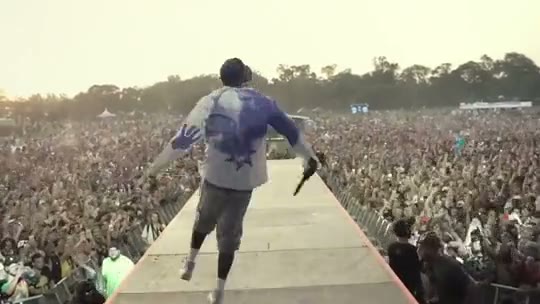
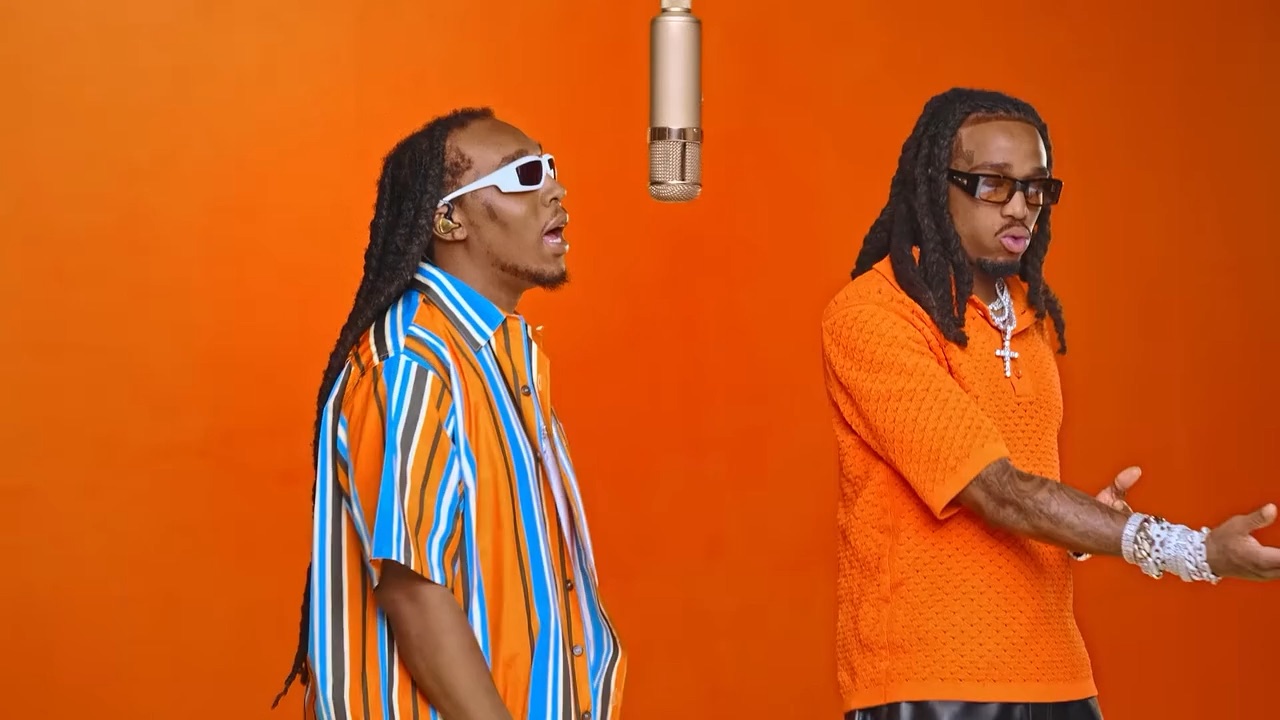
The “Give It All” performance every video recreates: the hanging vintage mic, the theater lobby crowd and the cut to the orange lights. You take the rapper’s place.

What happens in the Give It All mic clip?

The clip runs 11 seconds in two shots: a rapper at a hanging vintage mic in a crowded movie theater lobby, then a cut to the lobby’s orange lights. Your video follows both shots and the cut.

  1. 0 to 6.3 s

    The showtimes board

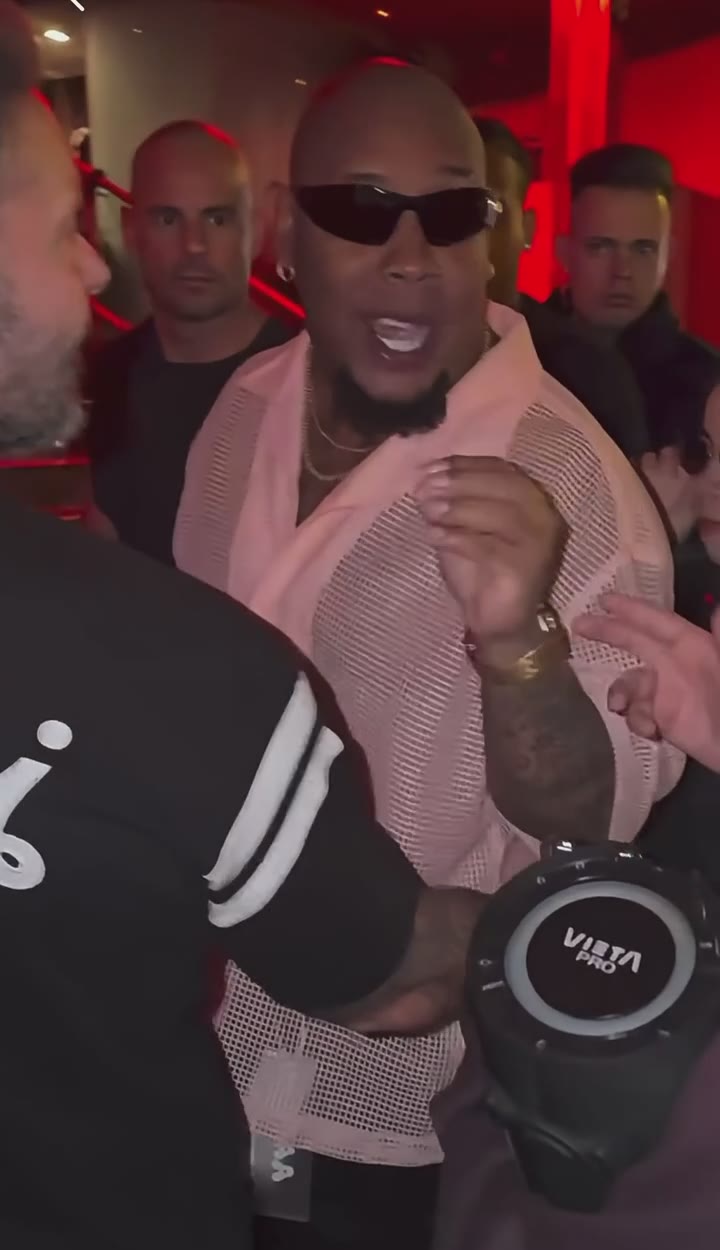
    A tight shot at the hanging chrome mic in a packed movie theater lobby. The rapper grins through the first lines while fans in black hoodies press in behind him and one waves a black cloth under the glowing orange showtimes board.

  2. 6.3 to 11 s

    The orange lights

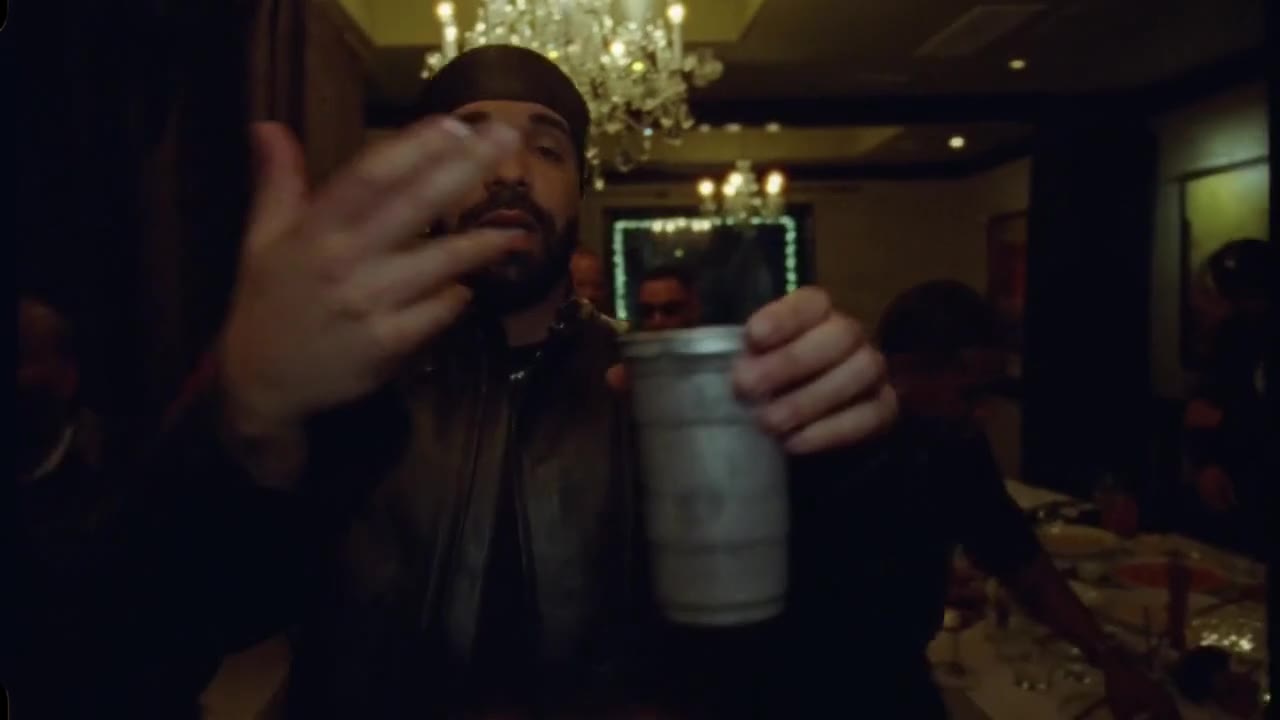
    A hard cut to a corner of the lobby lit by orange neon. The rapper throws an arm out wide, leans back into the mic, then points at the lens with a small white cube between his fingers.

How do you put yourself at the From The Block mic?

One photo and one button. The hanging mic, the theater lobby, the crowd and the cut are already in place.

  1. 1

    Upload one photo

    One person or one pet, facing the lens, chest up. Both shots of the clip are close-ups, so a sharp, well-lit face matters more than anything else in the photo.

  2. 2

    Choose the quality

    Standard 480p costs 100 credits, HD 720p 200 and Full HD 1080p 600. The mic, the theater lobby, the crowd and the cut are already set, so there is nothing to write.

  3. 3

    Download with the song

    You get 11 seconds of vertical 9:16 video with the “Give It All” audio from the clip. Rendering usually takes a few minutes and keeps going if you close the tab.

Photos that work best

  • Only you in the frame: group photos fail.
  • Look straight at the camera, mouth relaxed or smiling.
  • Soft, even light on the face, no heavy filters.
  • Your outfit carries over, so dress like you are about to perform.
  • Adults who agreed only. No minors, no celebrities, no BigXthaPlug.

Pay per video, no subscription

Buy credits once, use them on any tool within a year. Failed videos are refunded.

Single

$9.90

One video, to see how it looks.

  • 100 credits
  • 1 standard video
  • Credits valid for 12 months
  • Failed videos refunded automatically

Most popular

Starter

$19.90

Try it with a few clips.

  • 300 credits
  • 3 standard videos
  • Credits valid for 12 months
  • Failed videos refunded automatically

Creator

$49.90

For you, your friends and a few retakes.

  • 900 credits
  • 1 Full HD video or 9 standard
  • Credits valid for 12 months
  • Failed videos refunded automatically

Pro

$89.90

For creators posting the trend every week.

  • 1800 credits
  • 3 Full HD videos or 18 standard
  • Credits valid for 12 months
  • Failed videos refunded automatically

Other ways to make the From The Block AI video

Several AI sites and editing apps now offer this trend. Pick by what you already use: a browser tool, an app template, or a real mic and some friends.

OptionWhat you needBest for
This pageOne photo of a person or a petThe full 11-second remake with its audio, in the browser
Other AI template sites (Tiny Desk AI, MakeViral, Starrd)A photo, on their own credit systemsPeople who already have an account there
CapCut or Kling templatesA photo inside the appCreators who edit every post in that app; quality depends on who built the template
Filming it yourselfA mic stand, friends and a cameraA real performance of the song, with no AI in it

Where does the BigXthaPlug Give It All trend come from?

The trend copies BigXthaPlug’s From The Block performance of “Give It All”, a song from his October 30, 2026 album Better Over Time. The clip spread on TikTok in early November.

BigXthaPlug is a rapper from Dallas. His album Better Over Time came out on October 30, 2026 with 18 tracks, through UnitedMasters and 600 Entertainment (tracklist). “GIVE IT ALL” is one of them, and he teased it on TikTok before release.

From The Block is a hip-hop performance series filmed around one vintage microphone hanging from above, with a crowd packed in behind the artist (an earlier episode). BigXthaPlug rapped “Give It All” for the series in a crowded movie theater lobby. In early November the clip took off on TikTok, and people started making AI versions with themselves, friends and pets at the mic.

BigXthaPlug Give It All AI: questions

Get At All AI is an online tool that puts you in the From The Block performance of BigXthaPlug’s “Give It All”. You upload one photo, and the AI remakes the 11-second clip with you rapping at the hanging vintage microphone, the theater lobby crowd behind you and the original audio. It works in any browser, with no app and no prompt.

The Get At All trend uses “GIVE IT ALL” by BigXthaPlug, the Dallas rapper. The track is on his album Better Over Time, released on October 30, 2026 through UnitedMasters and 600 Entertainment. On TikTok and Google the song is also searched as “Give It All to Me”.

The hanging-mic clip comes from From The Block, a hip-hop performance series in which an artist raps into a single vintage microphone hanging from above while a crowd presses in behind. BigXthaPlug performed “Give It All” for the series in a packed movie theater lobby, and that performance is the clip the AI trend copies.

The BigXthaPlug Give It All trend started on TikTok in early November 2026, a few days after the song came out on October 30. People first shared the From The Block clip itself, then began posting AI versions with themselves, their friends or their pets at the microphone. AI tools added it as a template around November 10.

To make the Give It All AI trend video here, upload a clear front-facing photo of one person or pet, choose 480p, 720p or 1080p, and press Generate. There is no template link to find and nothing to edit. The video appears under “My videos” a few minutes later, ready to post on TikTok, Reels or Shorts.

Yes. The AI renders the picture first without sound, then the audio of the example clip, with BigXthaPlug’s “Give It All”, is laid back over it unchanged. If TikTok or Instagram mutes it after upload, pick the Give It All sound from the app’s own library instead.

Your mouth copies the original performer’s mouth movements shot by shot, so it opens and closes where theirs does. The timing comes from the video rather than from the audio, so a word can land a little early or late. A close-up photo with a relaxed mouth gives the most natural rapping.

Yes. The pet version of the From The Block AI video works from one sharp photo of your dog or cat with its face clearly visible. The animal raps into the microphone with its mouth moving and gestures with its own paws, and it keeps its own fur, markings and eye color.

No. The Get At All video keeps the outfit from your photo, so you perform in your own clothes. The microphone, the crowd, the theater lobby and the camera moves come from the clip. For a closer look, use a photo in which you wear a patterned shirt or a blazer.

A BigXthaPlug Give It All AI video on Burning Bridges AI costs 100 credits at 480p, 200 credits at 720p and 600 credits at 1080p. Credits come in one-time packs from $9.90 for 100 credits, with no subscription, and work on every trend on the site for 12 months. A failed video refunds its credits automatically.

Yes. The Give It All generator runs in Safari and Chrome on iPhone and Android as well as on desktop. Pick a photo from your camera roll, and when the video is ready, save the MP4 back to your phone and post it from there.

A Get At All video usually finishes in a few minutes, and it keeps rendering if you leave the page. It then waits under “My videos”. Finished videos stay there for 14 days, so download the ones you want to keep.

No. The From The Block AI tool on this page only accepts photos of yourself or of adults who agreed to appear. Photos of BigXthaPlug, other celebrities, public figures and anyone under 18 are not allowed. The full content rules are in our Terms.

No. Burning Bridges AI, which runs this generator, is an independent fan tool. It is not affiliated with or endorsed by BigXthaPlug, From The Block, UnitedMasters, 600 Entertainment or any owner of the song or the performance video. Every video it makes is AI-generated by the person who uploads the photo.

Last updated . Credit prices and the clip length come from the generator’s own settings.
Step up to the mic

Upload one photo and take the From The Block spot, crowd and all.