How to Make the Hotline Bling AI Video: Drake’s Color-Room Dance, Solo or With a Friend
How to make the Hotline Bling AI video: Drake’s color-room dance from one or two photos, which template to pick, photo tips and other apps.
By Burning Bridges AI · Updated · 5 min read
What is the Hotline Bling AI trend?
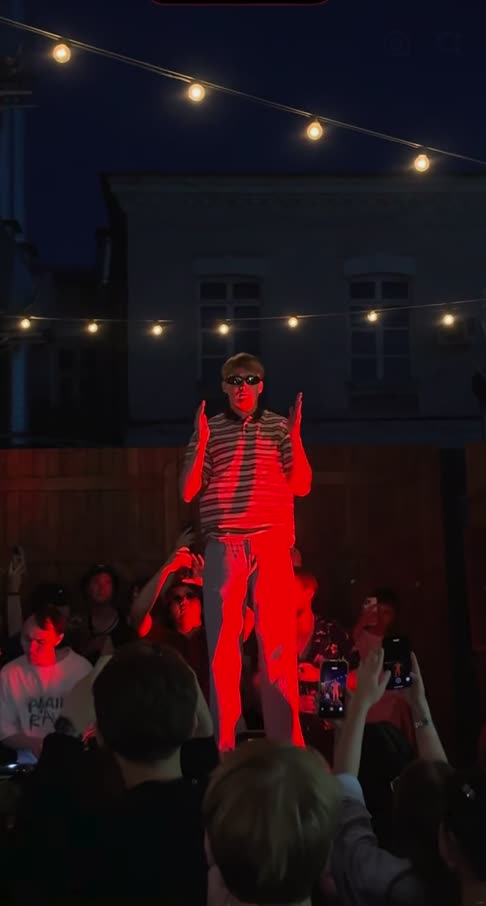
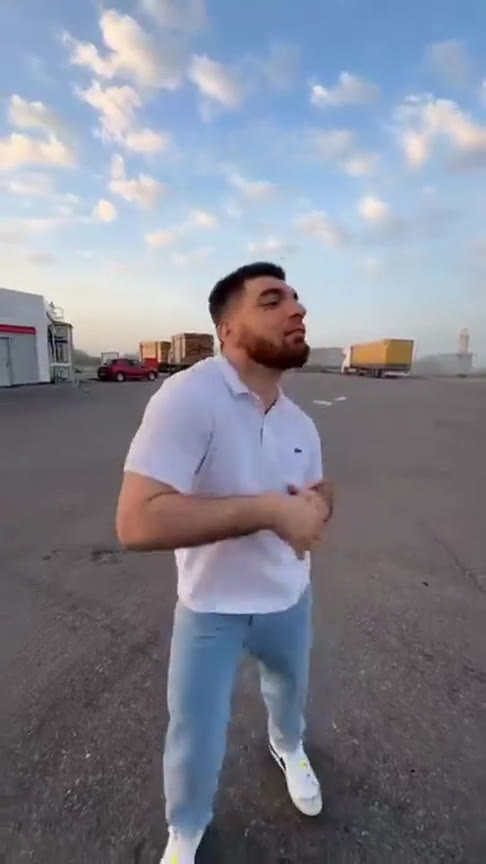
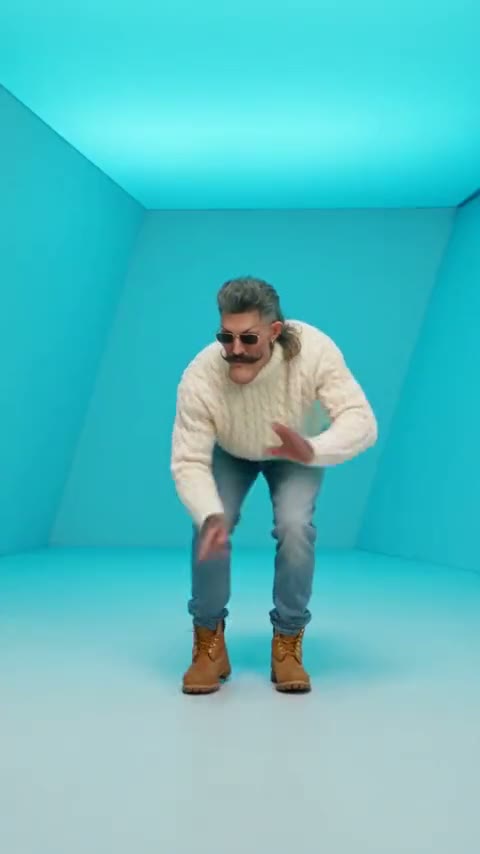
The Hotline Bling AI trend is a wave of AI videos that recreate Drake’s 2015 “Hotline Bling” music video with other people as the dancer. The videos spread on TikTok and Instagram Reels in November 2026. People post themselves, friends and parents doing the dance in the glowing pink, blue and orange rooms.
The original video premiered in October 2015 and was directed by Director X. Its sets are bare rooms washed in one color of light at a time, a look critics traced back to James Turrell’s light art. Memes of Drake’s loose, bouncy moves have circulated since 2015, so the set and the dance are recognizable with anyone in them. That makes the clip an easy AI template.
TikTok also tags the AI remakes as the “Drake Hotline Bling AI dance trend”, the “Hotline Bling pink room AI” trend and, for two-person versions, the “Hotline Bling morph”.
How do you make a Drake Hotline Bling AI video, step by step?
A Drake Hotline Bling AI video takes four steps and no editing.
Step 1: Choose a template
Pick Solo or Pt 2 for one dancer. Pick Duet if two people should share the video. The table in the next section shows how the three Hotline Bling templates differ.
Step 2: Upload a photo per dancer
Use one photo per person, facing the camera, from the head down to the waist. Open the Hotline Bling AI video generator and drop each photo into its box.
Step 3: Pick a quality and generate
Choose 480p, 720p or 1080p and press Generate. A render usually takes a few minutes, and it keeps running if you close the tab.
Step 4: Download and post
The MP4 arrives with the template’s soundtrack. Save it to your phone and upload it to TikTok, Reels or Shorts. TikTok asks creators to label realistic AI-generated videos, so switch on the AI label when you post.
Which Hotline Bling template should you pick: Solo, Pt 2 or Duet?
The right Hotline Bling template depends on how many people are in the video and where you post it. All three cost the same on this site.
| Template | Photos | Length | Format | What happens |
|---|---|---|---|---|
| Duet | 2 | 18 s | Widescreen 16:9 | 10 cuts. Two photos take turns over ten cuts, both dressed in the same knit pattern, ending in the orange room. |
| Solo | 1 | 18 s | Vertical 9:16 | 7 cuts. One dancer, seven color-washed sets and six outfit changes, ending in an orange hoodie. |
| Pt 2 | 1 | 17 s | Vertical 9:16 | 5 cuts. The sequel cut: a pink close-up, a lit hallway, steps to sit on and a red-turtleneck finale. |
- For TikTok, Reels or Shorts with one person: Solo or Pt 2, because both are vertical.
- For a couple or two best friends: Duet. It is widescreen, so it fills a phone held sideways or a YouTube player.
How does the Hotline Bling morph video work?
A Hotline Bling morph video switches the dancer from one person to another at each cut. The Duet template works this way. Each cut shows only one of the two photos, and the switch happens on the edit, never as two faces blending mid-shot. The first photo gets the close-ups and the ending, so upload the photos in the order that gives the right person the most screen time.
What makes a good photo for the Hotline Bling dance AI?
The best photo for a Hotline Bling dance AI video shows one person, waist up, looking into the lens in soft light. The AI rebuilds the whole body in every cut, so a clear photo keeps the likeness steady.
- One person per photo, never a group shot.
- Face the camera at eye level, eyes visible, no sunglasses.
- Daylight or soft indoor light, no beauty filters.
- JPG, PNG or WebP, at least 341 px on each side.
- Only adults who agreed to appear. No minors and no celebrities.
Which other apps make the Hotline Bling AI trend?
Several apps make Hotline Bling AI videos, and they differ in length, number of people and how much you control. The details below come from each app’s own page or tutorials in November 2026.
- Kapwing makes a 15-second solo clip from a single photo, set in a room that shifts color, with audio. It suits people who already edit in Kapwing.
- Vismuse turns one adult photo into a 10-second dance in a room that changes color. It suits a short single clip.
- MakeViral offers a Hotline Bling dance template that takes a photo or a camera shot.
- Dreamina appears in many Instagram tutorials for the trend. Dreamina is a general video app, so you describe or reference the dance yourself and may need retries.
- CapCut templates are made by other users. Length and quality vary from template to template.
- Burning Bridges AI has three ready-made templates, including the two-person Duet, with the soundtrack on the video.
Is a Hotline Bling AI cover the same as the AI dance trend?
No. A Hotline Bling AI cover is a song, not a dance video. Searches for “Hotline Bling AI cover” lead to AI-generated soul, gospel and 1950s Motown-style versions of the track on YouTube and TikTok. Those covers change the music and keep no picture of you. The Hotline Bling AI dance trend changes the picture and keeps Drake’s song. A dance generator cannot make a cover, and an AI music tool cannot put you in the video.
More Drake trends: the Burning Bridges AI video and the Drake Burning Bridges guide.