How to Make the Give It All AI Trend Video: Rap at BigXthaPlug’s From The Block Mic
How to make the Give It All AI trend video: put yourself or your pet at BigXthaPlug’s From The Block mic from one photo, plus song facts and tips.
By Burning Bridges AI · Updated · 5 min read
What is the BigXthaPlug Give It All AI trend?
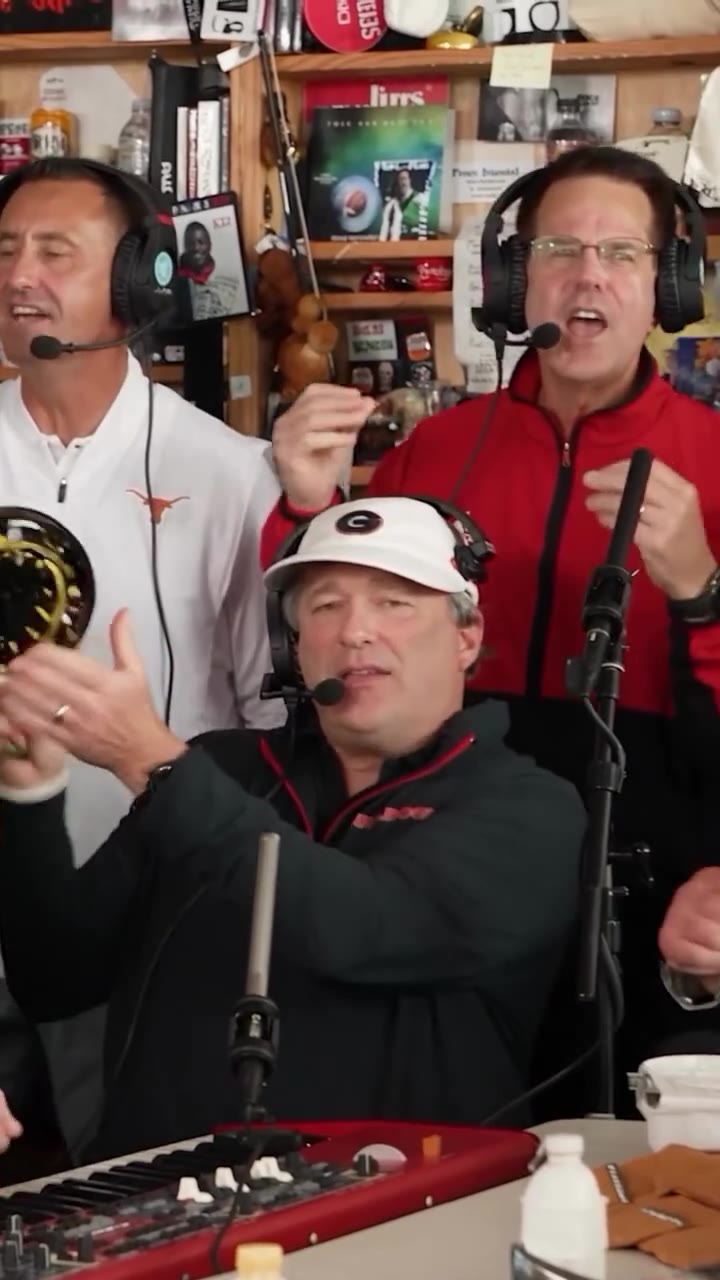
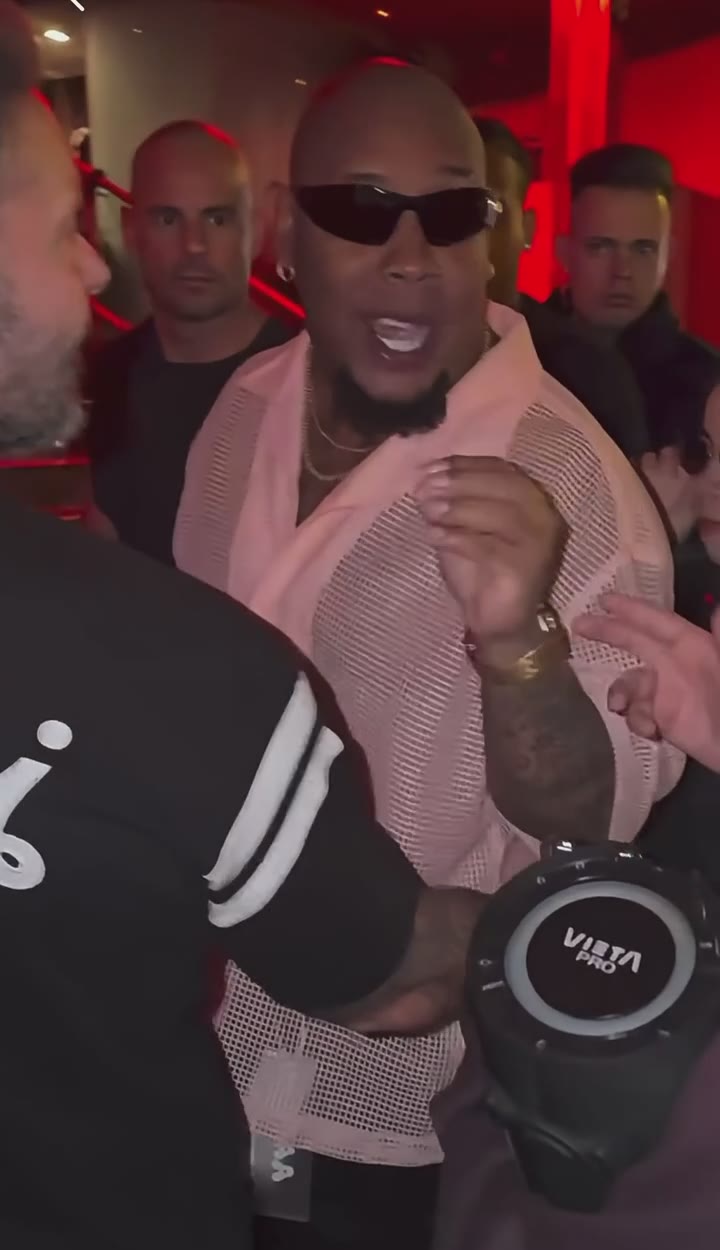
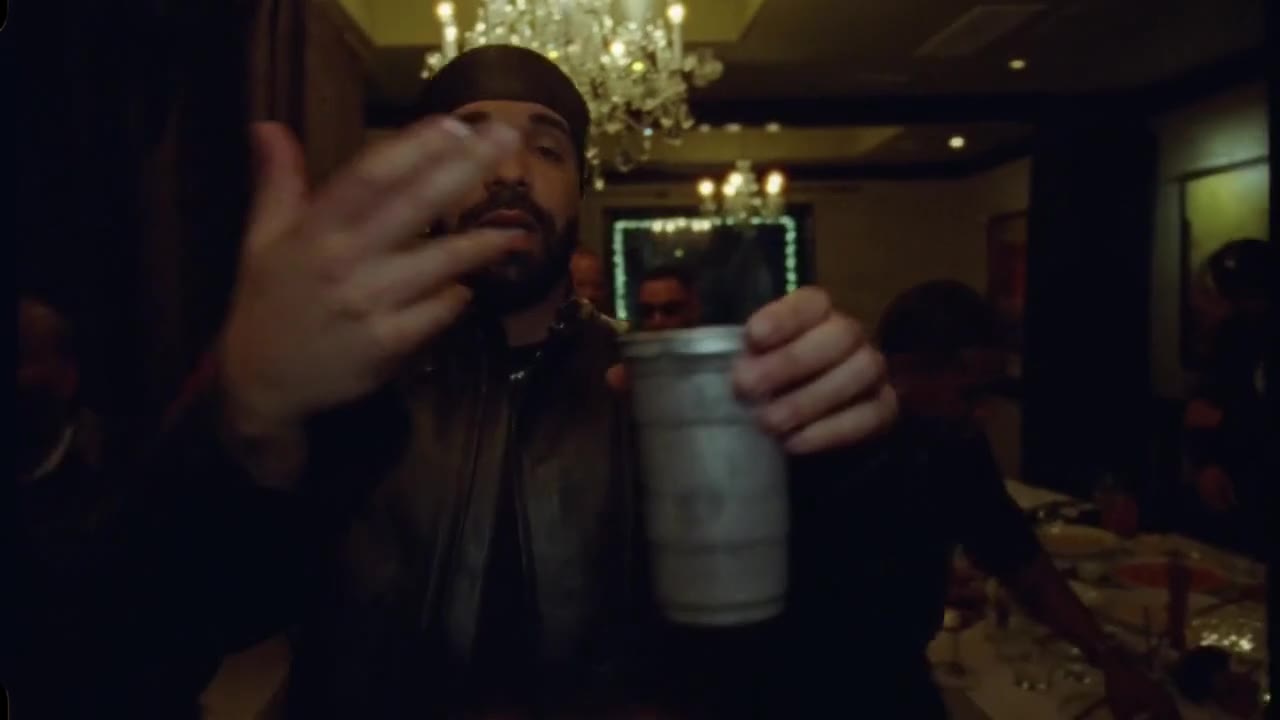
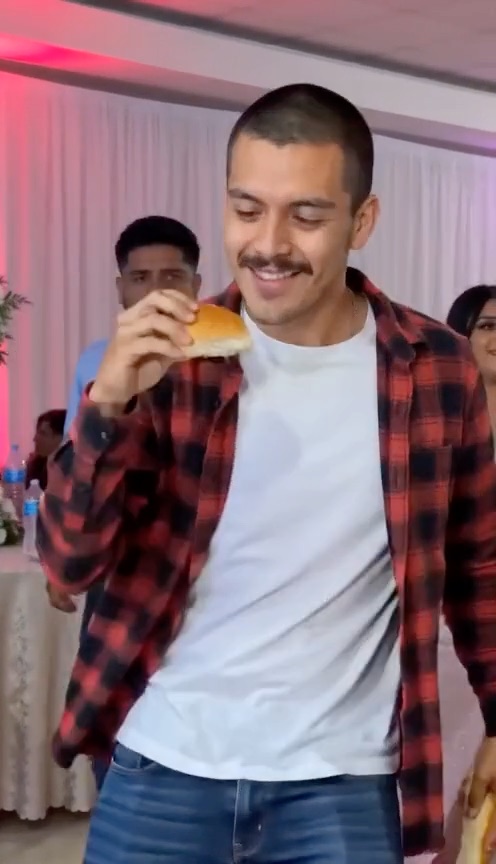
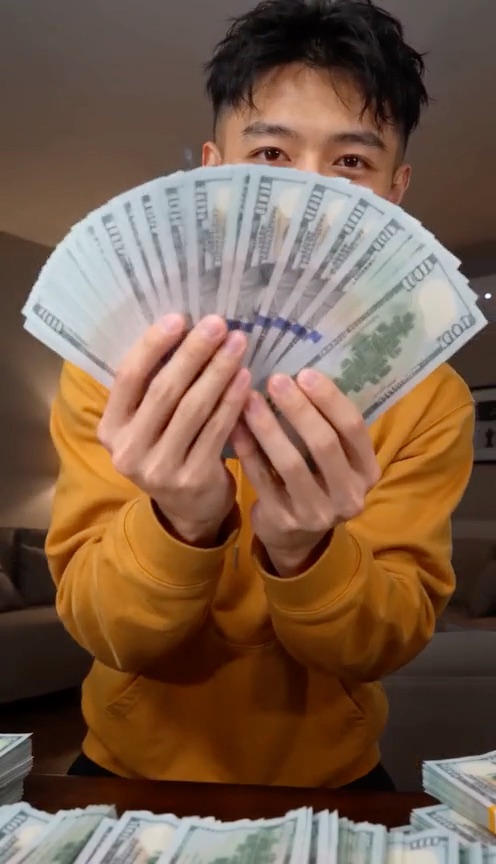
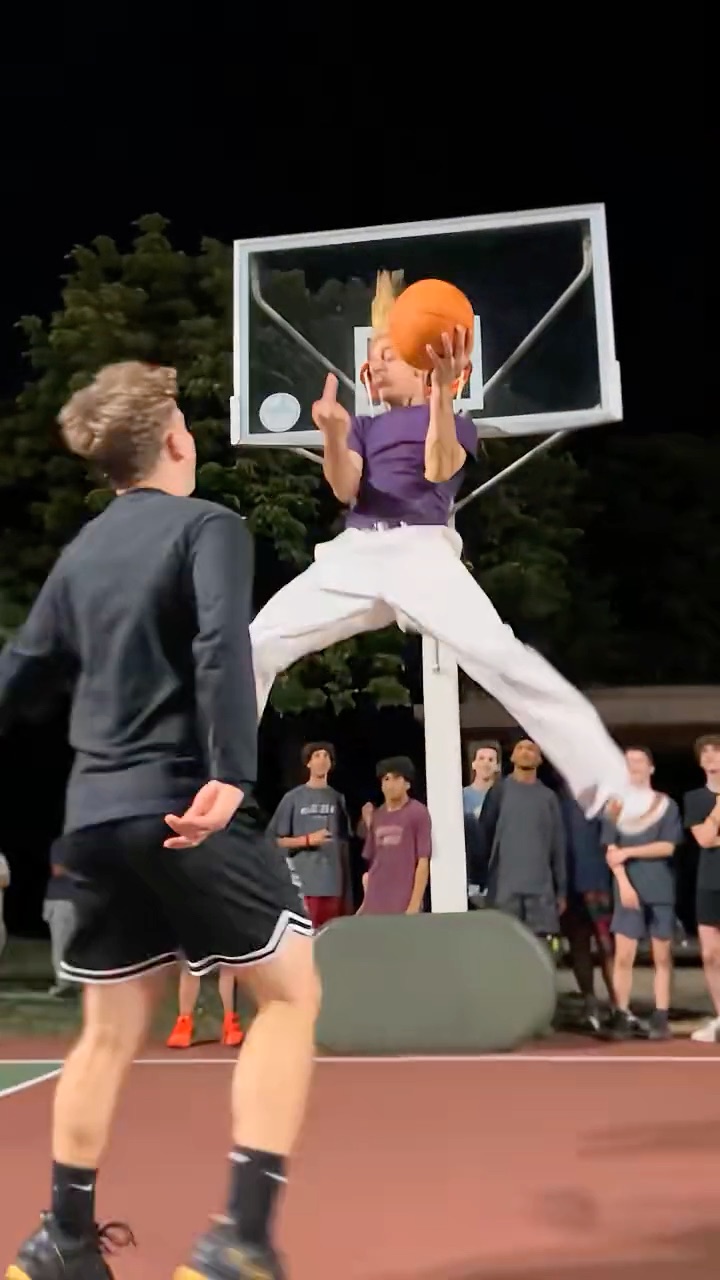
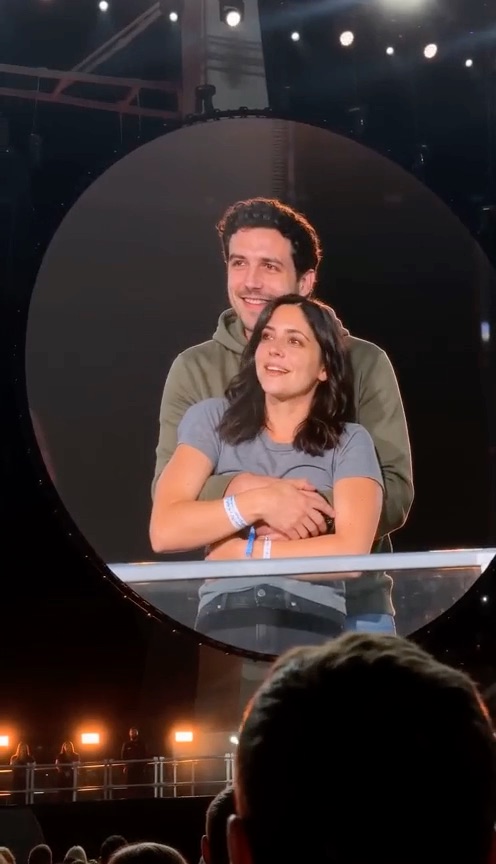
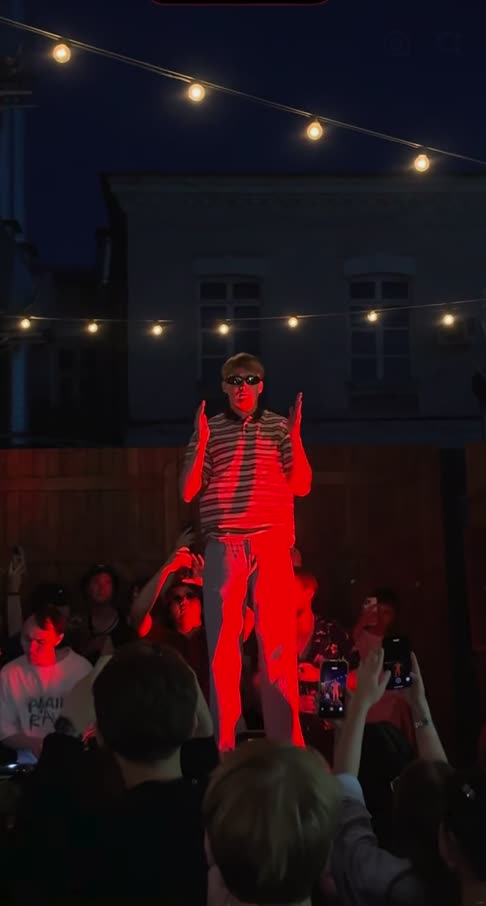
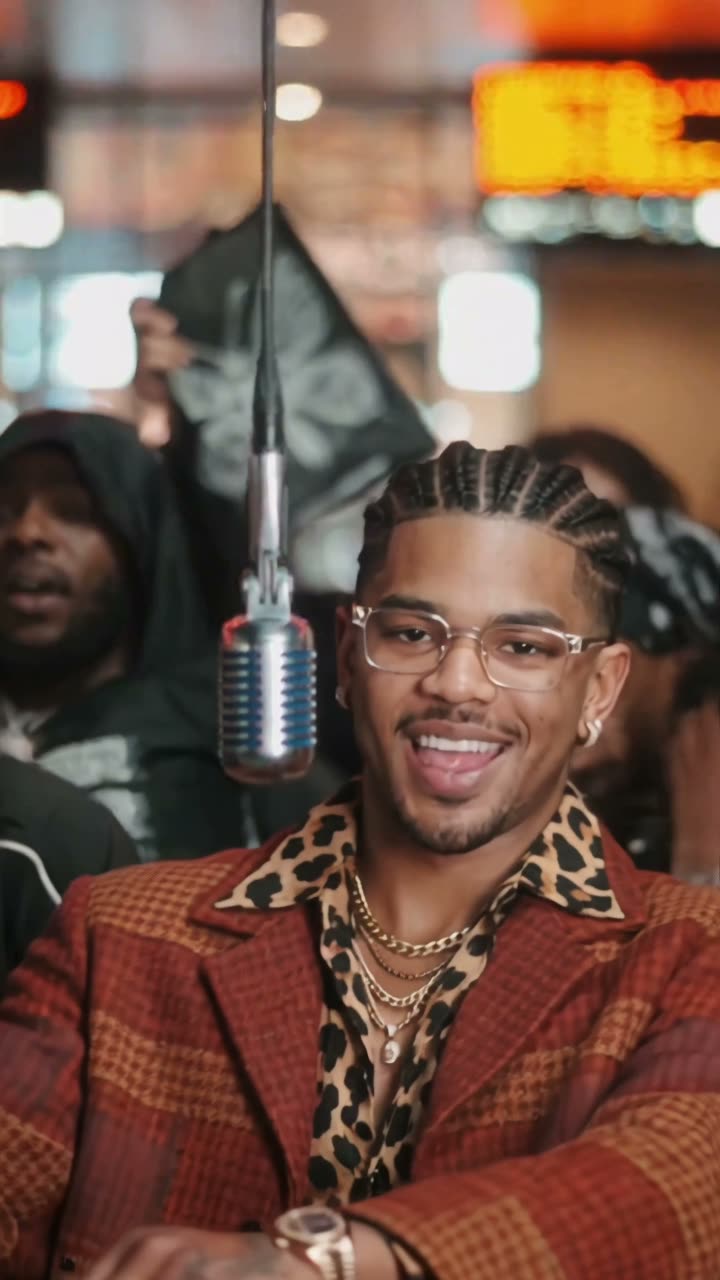
The BigXthaPlug Give It All AI trend is a TikTok trend of AI videos that put other people in BigXthaPlug’s From The Block performance of “Give It All”. In the original clip the Dallas rapper performs at a single vintage microphone hanging from above, in a packed movie theater lobby. In the AI versions, friends, parents and pets take his place at the mic.
The trend started in early November 2026, a few days after the song came out. TikTok also calls it the “Give It All to Me AI trend”, after the hook, and AI sites list it as a “From The Block AI” or “Get At All AI” template.
What song is in the Give It All AI trend?
The song in the Give It All AI trend is “GIVE IT ALL” by BigXthaPlug. It is on his album Better Over Time, released on October 30, 2026 through UnitedMasters and 600 Entertainment, according to Complex. On Google and TikTok the track is also searched as “Give It All to Me”. The official visualizer is on BigXthaPlug’s YouTube channel.
From The Block is a hip-hop performance series in which one artist raps into one hanging microphone while a crowd presses in behind. That hanging mic is the series’ trademark, which is why the BigXthaPlug clip stays easy to recognize with a new face at the mic.
What happens in the 11-second From The Block clip?
The From The Block clip used by the trend is 11 seconds long, vertical, and has two shots. An AI remake keeps both shots and replaces only the rapper.
- 0 to 6.3 s, the showtimes board: A tight shot at the hanging chrome mic in a packed movie theater lobby. The rapper grins through the first lines while fans in black hoodies press in behind him and one waves a black cloth under the glowing orange showtimes board.
- 6.3 to 11 s, the orange lights: A hard cut to a corner of the lobby lit by orange neon. The rapper throws an arm out wide, leans back into the mic, then points at the lens with a small white cube between his fingers.
How do you make the Give It All AI video, step by step?
The Give It All AI video takes four steps and no editing.
Step 1: Pick one photo
Choose a photo of one person or one pet, facing the camera, chest up. Both shots of the clip are close-ups, so a sharp, well-lit face matters more than anything else in the photo.
Step 2: Upload it
Open the From The Block mic generator and drop the photo into the upload box. You replace the rapper. The crowd, the theater lobby and the orange lights stay as they are.
Step 3: Generate
Pick 480p, 720p or 1080p and press Generate. A render usually takes a few minutes, and you can close the tab while it runs.
Step 4: Download and post
The MP4 comes with the “Give It All” audio from the clip. Post it on TikTok, Reels or Shorts. TikTok asks creators to label realistic AI-generated videos, so switch on the AI label.
Can you do the Give It All trend with a dog or cat?
Yes. The Give It All AI video works with a dog or a cat. Upload one sharp photo of the pet with its face clearly visible. The animal raps into the hanging microphone with its mouth moving and gestures with its paws. The fur, markings and eyes stay the pet’s own.
Do you wear BigXthaPlug’s outfit in the AI video?
No. The Give It All AI video keeps the clothes from your photo. The leopard-print shirt and the plaid blazer belong to the original performer and do not carry over. For a closer match, use a photo in which you wear a patterned shirt, a blazer or gold chains.
Which photo works best for the From The Block AI video?
- Only you, or only your pet, in the frame. Group photos fail.
- Look straight at the camera, mouth relaxed or smiling.
- Soft, even light on the face, no heavy filters.
- Chest up is enough, because both shots are close-ups.
- Only adults who agreed to appear. No minors and no celebrities.
Which other apps make the Give It All AI trend?
Several apps make Give It All AI videos. The list below comes from the top Google results and TikTok tutorials for the trend in November 2026.
- Kapwing published a YouTube tutorial for the BigXthaPlug Give It All AI trend. It suits people who already edit in Kapwing.
- MakeViral, Starrd and Oimi each offer a Give It All template that takes one photo. Each uses its own credit system.
- CapCut templates are shared on TikTok. Other users build them, so the clip length and the quality vary.
- Burning Bridges AI keeps the full 11-second clip with the audio and accepts pet photos.
- Filming it yourself needs a hanging mic, a crowd of friends and a camera. It is the only way to perform the song for real.
Another one-mic performance trend: the Tiny Desk AI concert.
Sources
- BigXthaPlug Better Over Time tracklist — Complex
- BigXthaPlug announces Better Over Time — Ratings Game Music
- BigXthaPlug Give It All — TikTok
- From The Block performance series — BroadwayWorld
- How to make the BigXthaPlug Give It All AI trend — Kapwing on YouTube
- AI-generated content labels — TikTok Support