Burning Bridges AI logo

Burning Bridges AIVideo Generator

One photo in. Burning Bridges AI takes the motion from Drake’s viral Burning Bridges clip, right through the “where she at?” finish, and performs it with you as the star — no filming, no learning the routine.

  • You + up to 3 friends
  • Song included
  • Any background
  • Up to 1080p

Make your Drake Burning Bridges video

You, the lead

Group photos won't work. One person or pet per photo, facing the camera, head to waist in frame, good light. Adults only, no celebrities. JPG, PNG or WebP.

Template

Quality

The Burning Bridges scene every video recreates. You add the lead, friends and a place if you like.

What happens in the Drake “where she at” video

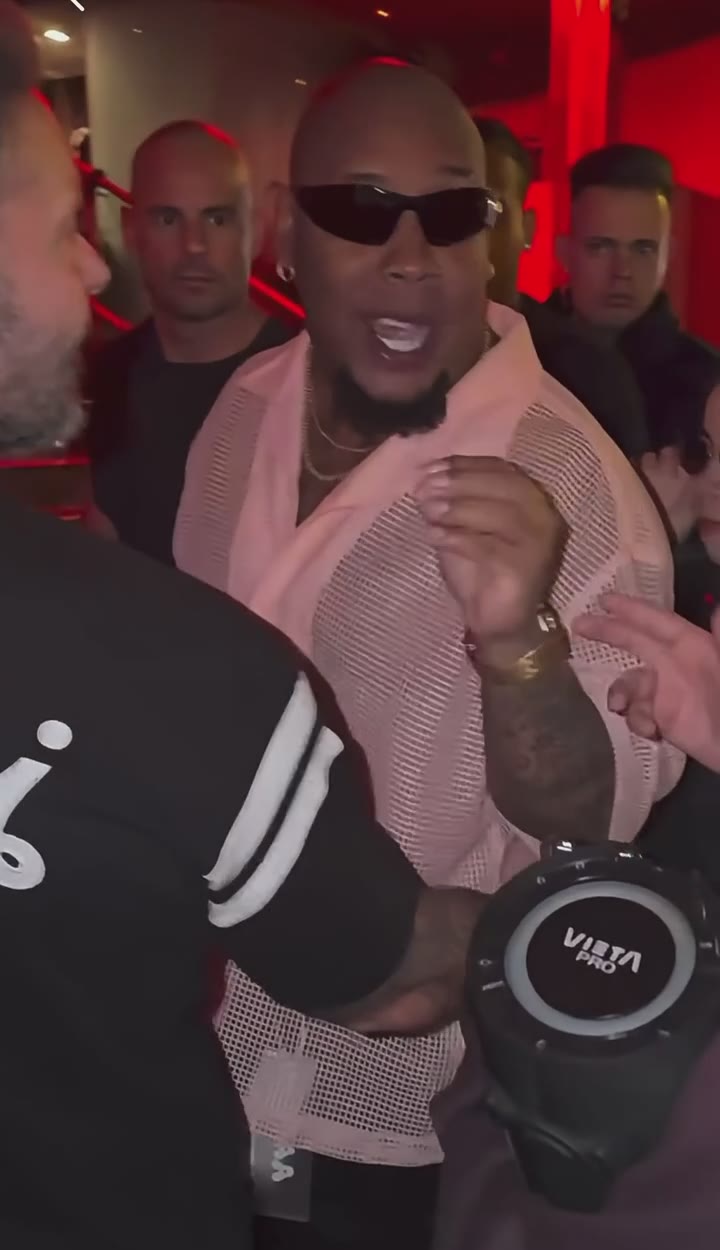
Every video follows the beats of the Burning Bridges clip, set to Drake’s 2026 song “Burning Bridges”. Your photo takes the lead role and makes every move below.

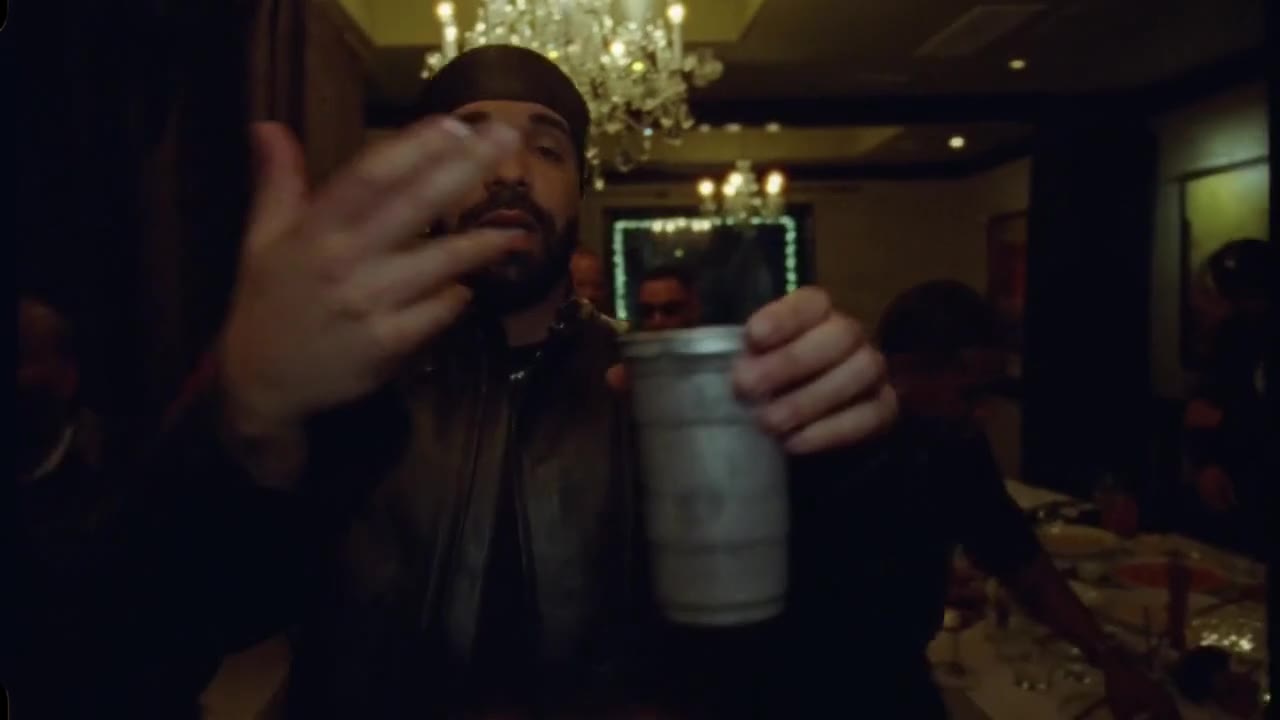
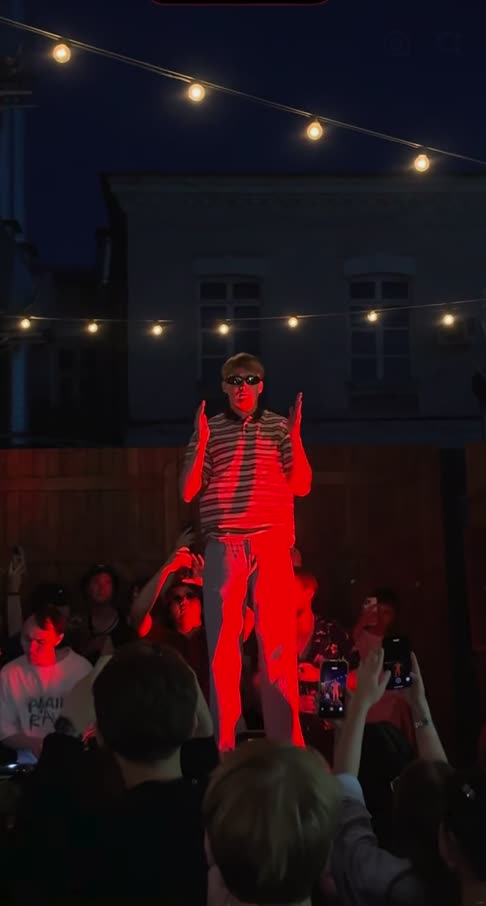
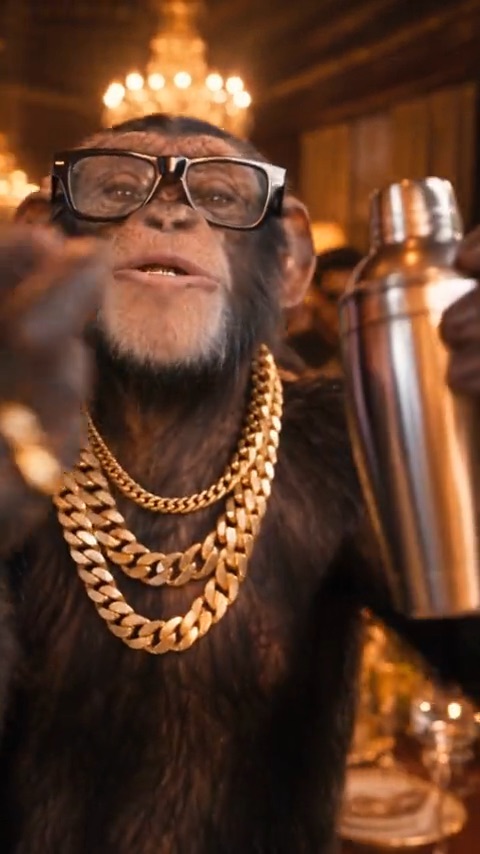
Burning Bridges AI clip opening: leaning into the lens with a slow grin

0 to 2 s

The grin

Leans in close to the lens with a slow, confident grin and holds the drink right up to the camera.
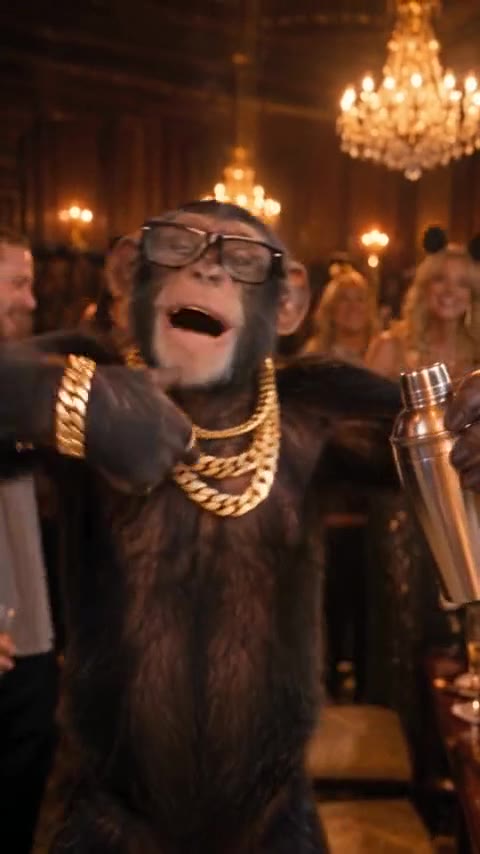
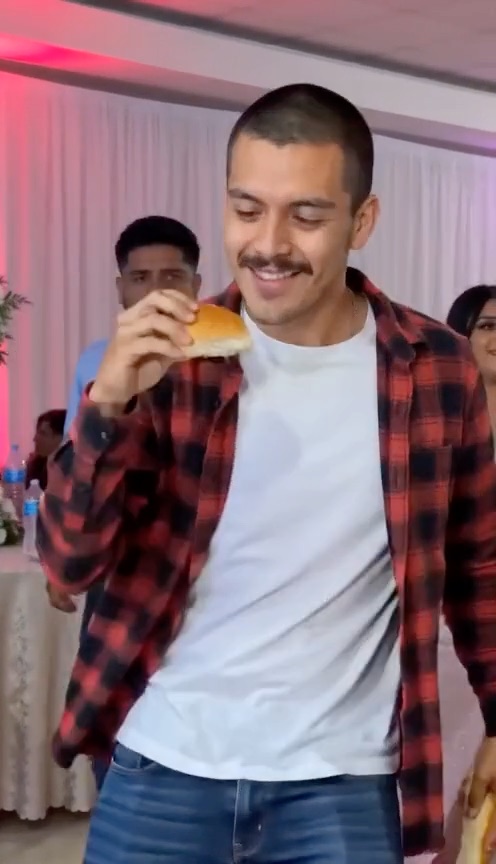
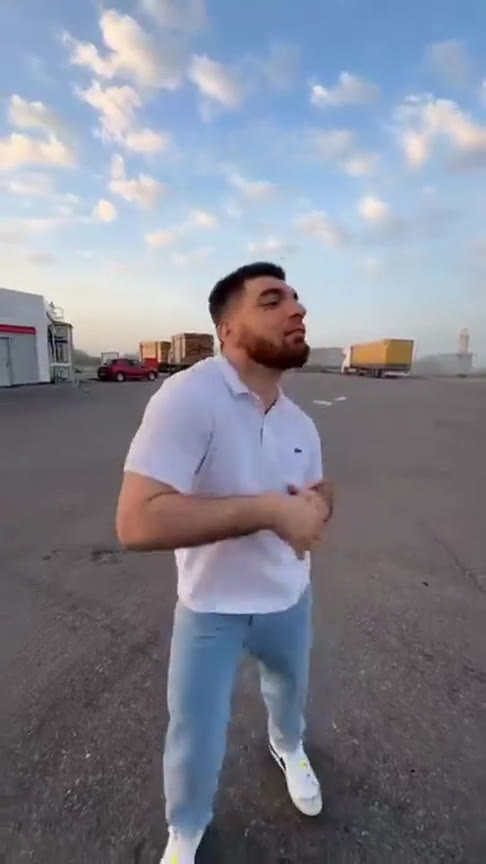
Burning Bridges AI clip: dancing to the beat in the banquet hall

2 to 7 s

The groove

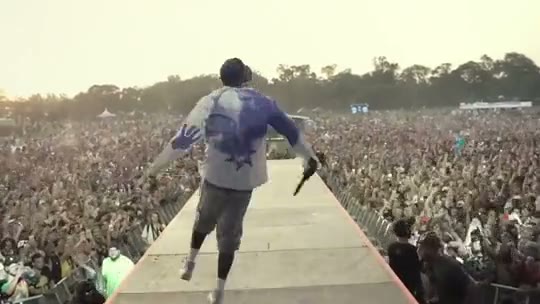
Steps back into the party and dances to the beat, arms swinging and crossing.
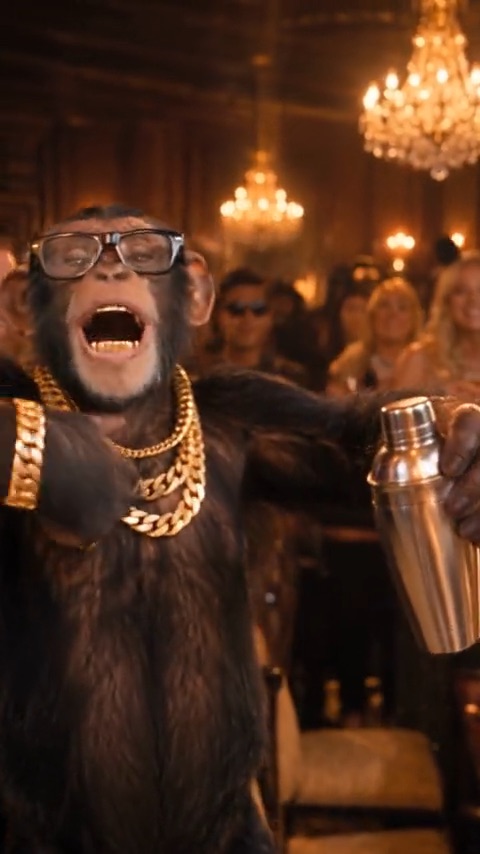
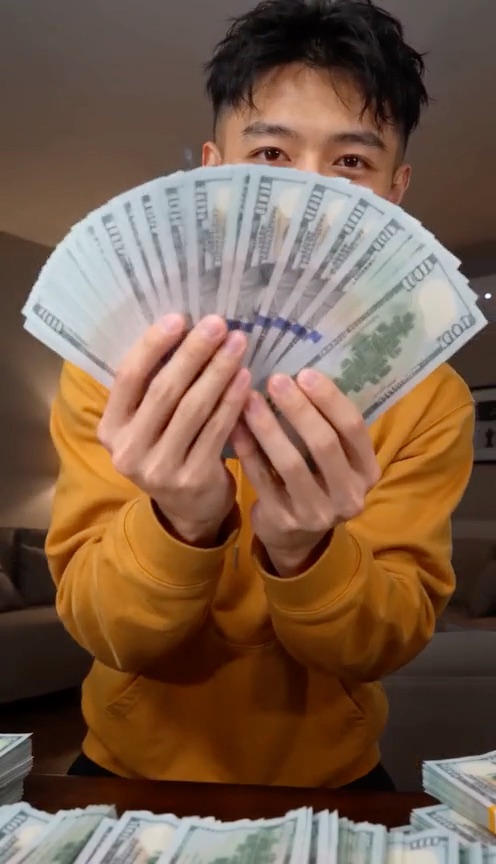
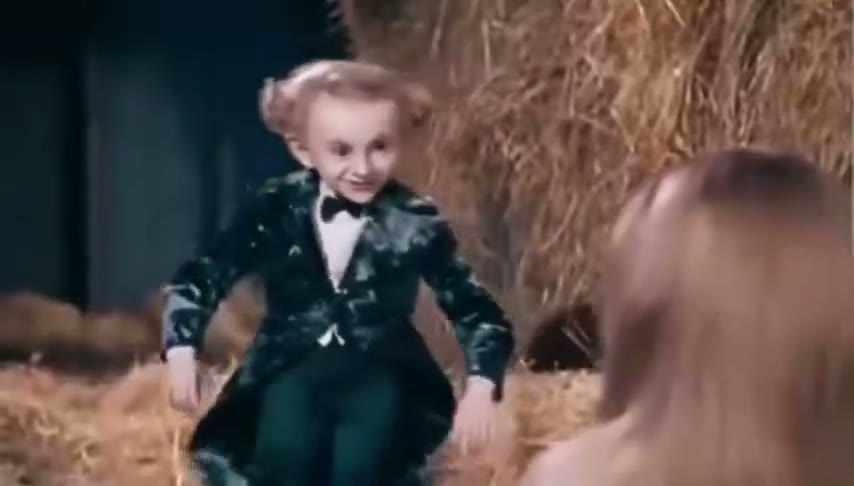
Burning Bridges AI clip: arms wide, rapping along

7 to 13 s

The hype

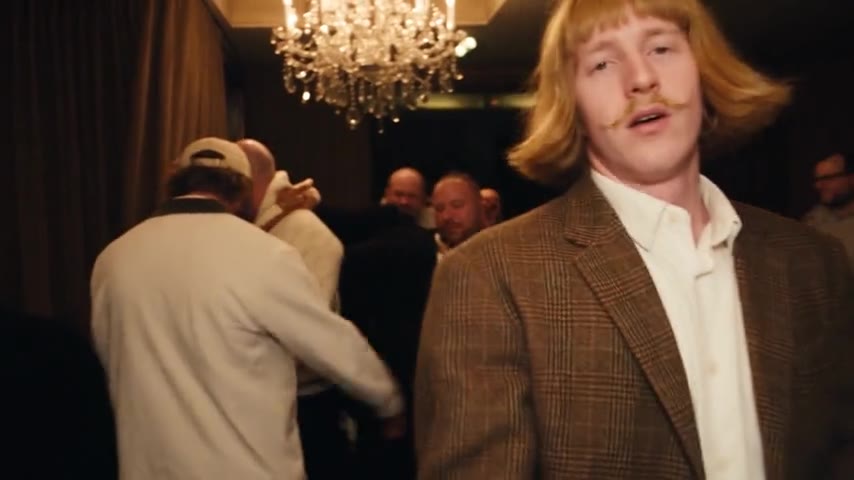
Arms wide, rapping along — then turning sideways to work the room.
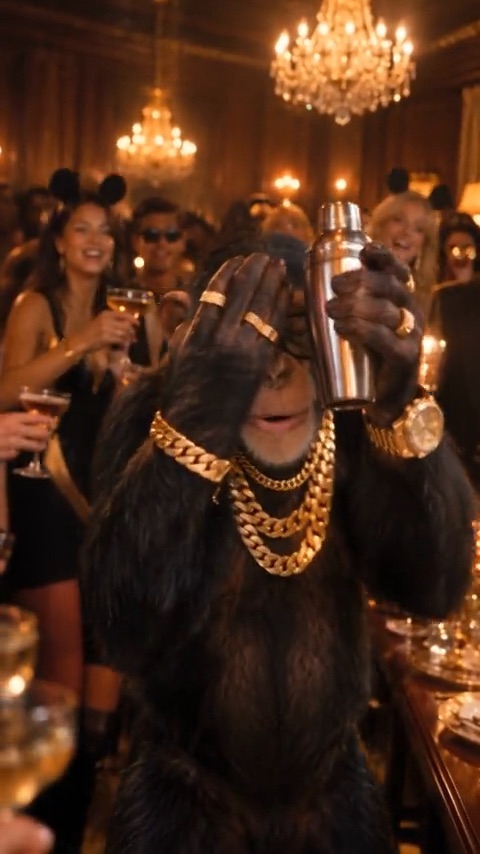
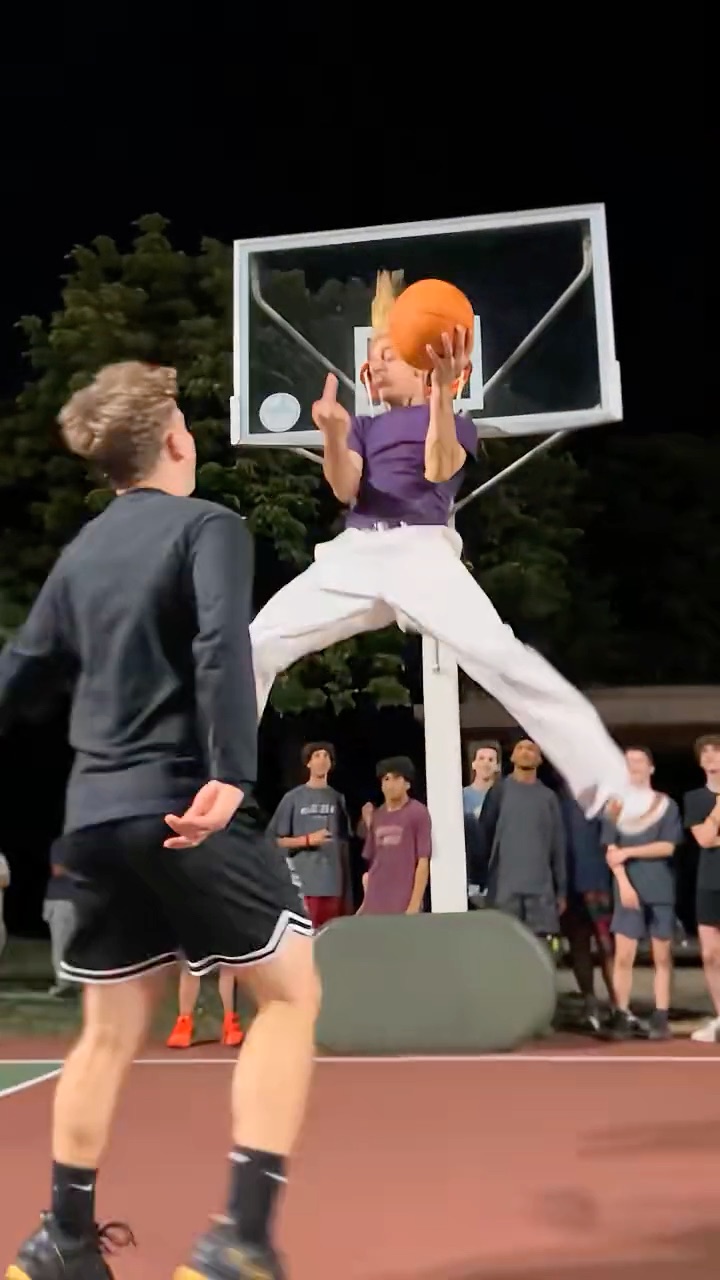
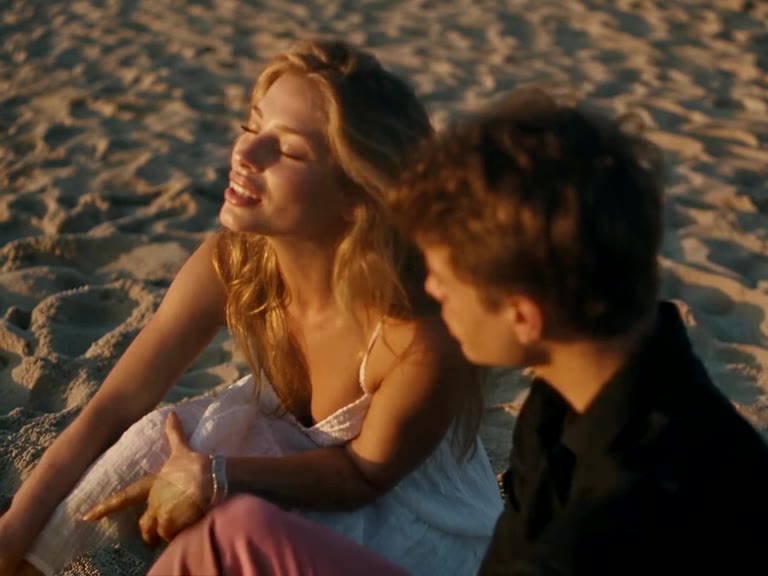
Burning Bridges AI clip finale: hand over the eyes, scanning the room

13 to 16 s

Where she at?

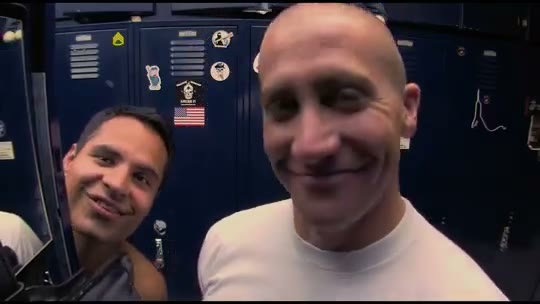
The “where she at?” meme moment: hand over the eyes, scanning the room for her — then a finger pointed straight at the camera to finish.

Other names for this trend

Drake Burning Bridges AI
the same trend, searched with the artist’s name first
Where she at Drake AI video
named after the line Drake says at the end of the clip
Burning Bridges AI edit / template
what CapCut and TikTok users call a ready-made version of the clip

How to make a Burning Bridges AI video

There is no prompt to write and nothing to edit. The motion is built in.
  1. 1

    Add your photos

    A clear shot of you or your pet with head, shoulders, and upper body in frame, plus up to three friends or pets for the crowd and, if you like, a photo of a new place. Phone photos are fine.

  2. 2

    Press Generate

    Pick a 16 or 28 second version and a quality: 16 s 100 credits at Standard (480p) or 200 at HD (720p) or 600 at Full HD (1080p); 16 s 100 credits at Standard (480p) or 200 at HD (720p) or 600 at Full HD (1080p); 28 s 200 credits at Standard (480p) or 400 at HD (720p) or 1200 at Full HD (1080p). The Burning Bridges motion is already loaded — no clip to find, no timing to match.

  3. 3

    Download and post

    Rendering takes a few minutes and you can close the tab meanwhile. The finished video waits in the studio, ready to download.

Photos that work best

  • One person or one pet per photo. Group shots confuse the model.
  • Head to waist in frame — or full body.
  • Even light, face clearly visible. No sunglasses or heavy filters.
  • Portrait or square crop, at least 341 px on each side.
  • Only adults who agreed to appear. No minors or celebrities.

Pay per video, no subscription

Buy credits once, use them on any tool within a year. Failed videos are refunded.

Single

$9.90

One video, to see how it looks.

  • 100 credits
  • 1 standard video
  • Credits valid for 12 months
  • Failed videos refunded automatically

Most popular

Starter

$19.90

Try it with a few clips.

  • 300 credits
  • 3 standard videos
  • Credits valid for 12 months
  • Failed videos refunded automatically

Creator

$49.90

For you, your friends and a few retakes.

  • 900 credits
  • 1 Full HD video or 9 standard
  • Credits valid for 12 months
  • Failed videos refunded automatically

Pro

$89.90

For creators posting the trend every week.

  • 1800 credits
  • 3 Full HD videos or 18 standard
  • Credits valid for 12 months
  • Failed videos refunded automatically

Burning Bridges trend guides: song, lyrics, tips

Where the trend came from, and how to get the best video out of it.

Questions about the Drake AI video trend

Burning Bridges AI is a website that puts you into the Drake Burning Bridges video trend. Upload a photo of yourself (or your pet), add up to three friends if you like, and the AI recreates the trend clip with you as the lead, so you get a short video of yourself doing the moves — no filming, no editing, no app to install.

“Where she at?” is the chorus line of Drake’s 2026 song “Burning Bridges”, widely read as a jab at A$AP Rocky: Rihanna, the line implies, never posted his single. The trend turned it into a move — a hand flat over the eyes, scanning the room — and every Burning Bridges AI video ends on it, with you making the move.

Yes. Burning Bridges AI works as a Drake AI video generator for the “where she at” trend: from one photo it puts you into the Drake Burning Bridges clip, so the video stars you, not Drake. It makes videos of you, your friends who agreed, or your pet; photos of Drake or any other celebrity are not allowed.

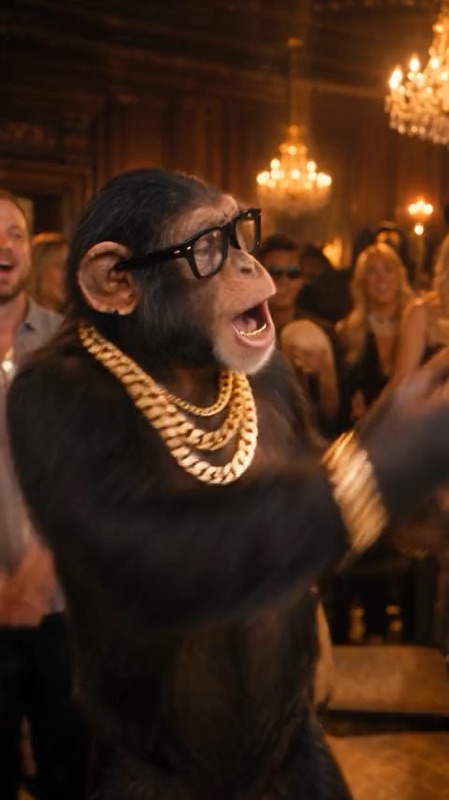
Upload your photo, add friends or a photo of a new place if you want them, pick a version (the 16-second party, the 16-second chimp banquet or the 28-second full scene) and a quality, then press Generate. When the video is ready, download it and post it.

Most videos finish in a few minutes; busy times can take longer. You can leave the page — your video keeps rendering and shows up in the studio when you come back.

One person, facing the camera, with head, shoulders, and upper body in frame — a waist-up or full-body shot is ideal. For a pet, one animal with its face and body clearly visible. Good light, nothing covering the face, and a plain background help. JPG, PNG or WebP; very wide or very tall crops are rejected.

The AI redraws your face in every frame while it moves, so it can only be as accurate as the photo it starts from. Small, blurry, dark or side-angle photos, sunglasses, and heavy beauty filters make faces drift. A sharp, well-lit photo taken at eye level, with the face looking at the camera, gives the closest likeness.

No. A 16-second video starts at 100 credits, and the smallest credit pack is $9.90 for one standard video. You only pay for videos that finish: if a video fails, its credits are returned automatically.

There is nothing to install. Burning Bridges AI runs in the browser on iPhone, Android, and desktop: open the site, upload a photo, and save the finished video to your camera roll.

No. Credits are sold in one-time packs with no subscription and nothing that renews. Buy a pack, spend the credits on videos, and buy another only if you want more.

It depends on the length and quality: 16 s 100 credits at Standard (480p) or 200 at HD (720p) or 600 at Full HD (1080p); 16 s 100 credits at Standard (480p) or 200 at HD (720p) or 600 at Full HD (1080p); 28 s 200 credits at Standard (480p) or 400 at HD (720p) or 1200 at Full HD (1080p). Friends and a background cost nothing extra. Credits come in one-time packs from $9.90 — no subscription. If a video fails, its credits are returned automatically.

Yes. The finished video comes with the soundtrack of the trend clip, in time with the moves. If it plays silent after you post, the platform muted the audio: add the "Burning Bridges" sound inside TikTok, Instagram, or YouTube instead.

The AI recreates the Burning Bridges clip with you as the lead: the person in your photo takes the lead performer’s place, keeping your face, hair, and outfit, and makes the same moves with the same timing and camera — the grin, the groove, the hype, and the “where she at?” finish. Friends you add replace people in the crowd. Without a background photo the party scene stays as it is; with one, the whole scene moves to your place.

Finished videos stay in your studio for 14 days. Download the ones you want to keep. Uploaded photos are deleted from our provider's storage within about 24 hours.

Yes. Pets work well: one of the three clips stars a chimp in glasses. Up to three friends or pets can join the crowd behind you, as long as they agreed to it (the chimp banquet takes the lead only). Do not upload photos of anyone under 18, celebrities, public figures, protected cartoon characters, or anyone who has not agreed — see the content standards in our Terms.

Pick a clear photo of yourself or your pet, open Burning Bridges AI and press Generate. The AI performs the walk-up, the grin, the hype and the “where she at?” move for you, so you never film or learn the moves. Post the finished video on TikTok, Reels or Shorts with the “Burning Bridges” sound.

No. General AI video tools ask you to find the trend clip, upload it as a motion reference and write a prompt saying who replaces whom. Burning Bridges AI has the clips and the prompt built in, so you only add photos and press Generate.

Mostly AI video apps with motion transfer, such as Higgsfield, CapCut templates, and dedicated trend sites like this one. Burning Bridges AI runs in the browser, so there is nothing to download. Our blog post on the best Burning Bridges AI video generators compares them, with prices.

Those remakes cast TV characters and the actors who play them, which our Terms do not allow. Cast your own office instead: you as the host and up to three coworkers who agreed in the crowd.

The trend uses Drake’s “Burning Bridges” from Iceman (May 15, 2026). Other songs share the name, including the 1970 Kelly’s Heroes theme by the Mike Curb Congregation and a 1972 Pink Floyd track; our blog post on the Burning Bridges song lists them all.

No. Burnin’ Bridges AI Music is a separate AI-generated outlaw country rap project, known for songs like “Black Water Damned”. Burning Bridges AI is a video generator for the Drake “Burning Bridges” trend: it makes videos of you, not music, and has no connection to that project.

No. Burning Bridges AI is an independent tool for making your own take on the trend. It is not affiliated with, endorsed by, or connected to Drake, his label, or any rights holder of the song.

Your Burning Bridges moment is one photo away

Upload a picture, press Generate, and let Burning Bridges AI do the moves. Post it tonight.