How to Put Yourself in a Viral Trend Video With AI, From One Photo
How to put yourself into a video with AI: face swap vs recasting vs prompts, step-by-step instructions, photo tips, and the trend templates you can star in right now.
By Burning Bridges AI · Updated · 5 min read
Three ways to put yourself in a video with AI
- Face swap. Pastes your face onto the person in a video. Fast, but the body, hair and clothes stay theirs, and it often flickers when they turn.
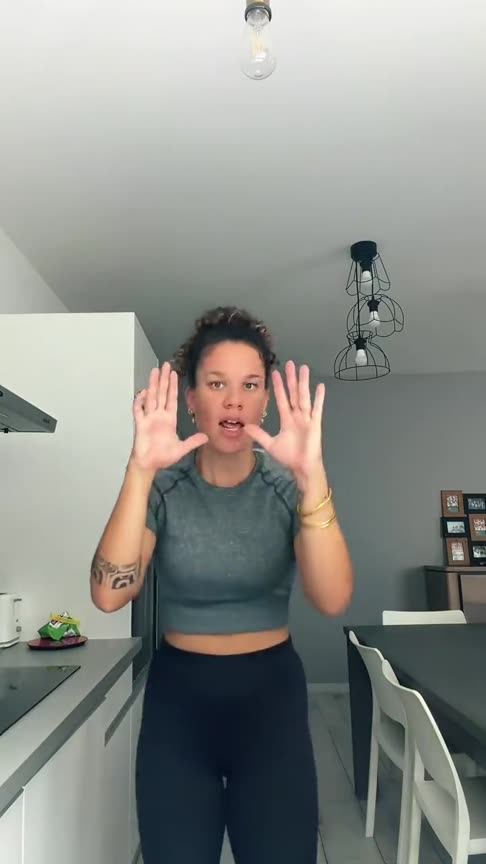
- Recasting (motion transfer). Redraws the whole person from your photo and keeps the original moves, timing and camera. This is how most viral AI trend videos are made, because the trend is recognisable only if the moves stay the same.
- Prompt-only image-to-video. Turns your photo into a new video from a text prompt. Good for something new, but it invents its own moves, so it rarely looks like the trend.
How to make an AI trend video of yourself, step by step
Step 1: Pick the trend
Decide which clip you want to be in, and how many people it has. Solo trends need one photo, duets two, group dances one per dancer.
Step 2: Pick the right photo
- One person per photo, facing the camera, face clearly visible.
- Waist up or full body for dance trends; chest up is fine for performances at a mic.
- Good light, no sunglasses or beauty filters, nothing covering the face.
- What you wear in the photo is what you wear in the video.
Step 3: Upload and generate
On a trend tool, the clip and the prompt are already loaded, so you only add photos and pick the quality. On a general video tool, you also find and trim the clip and write the prompt yourself. Rendering takes a few minutes.
Step 4: Post it
Download the video and post it on TikTok, Instagram Reels or YouTube Shorts with the trend’s sound. If the platform mutes the audio, add the sound inside the app. Label it as AI-generated.
Trends you can put yourself in right now
Every tool below has its clip, moves and sound built in. You only add photos.
| Trend | What happens | You need | Length |
|---|---|---|---|
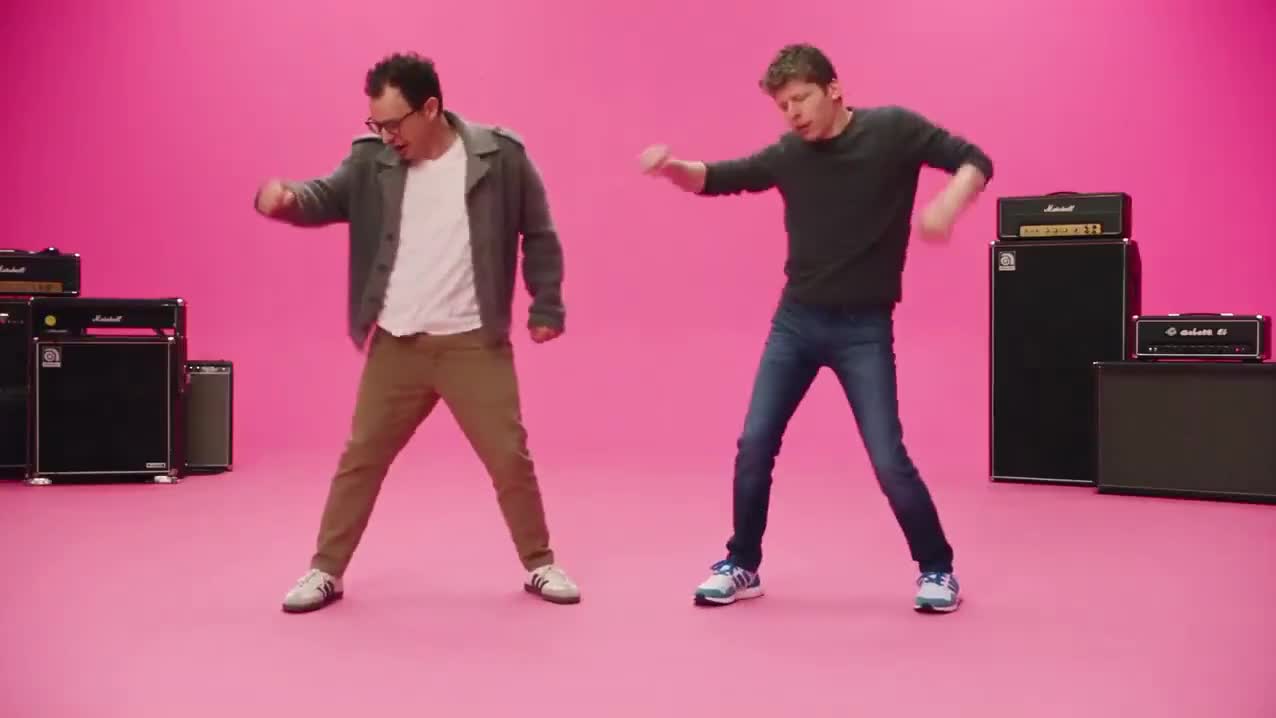
| APT AI | Two photos sing and drum in the pink APT. studio. | 2 photos | 14 or 26 s |
| Bad Times AI | You or your pet lip-sync the Bad Times song. | 1 photo | 30 s |
| Bulin 47 AI | One photo takes over the viral freestyle. | 1 photo | 23 s |
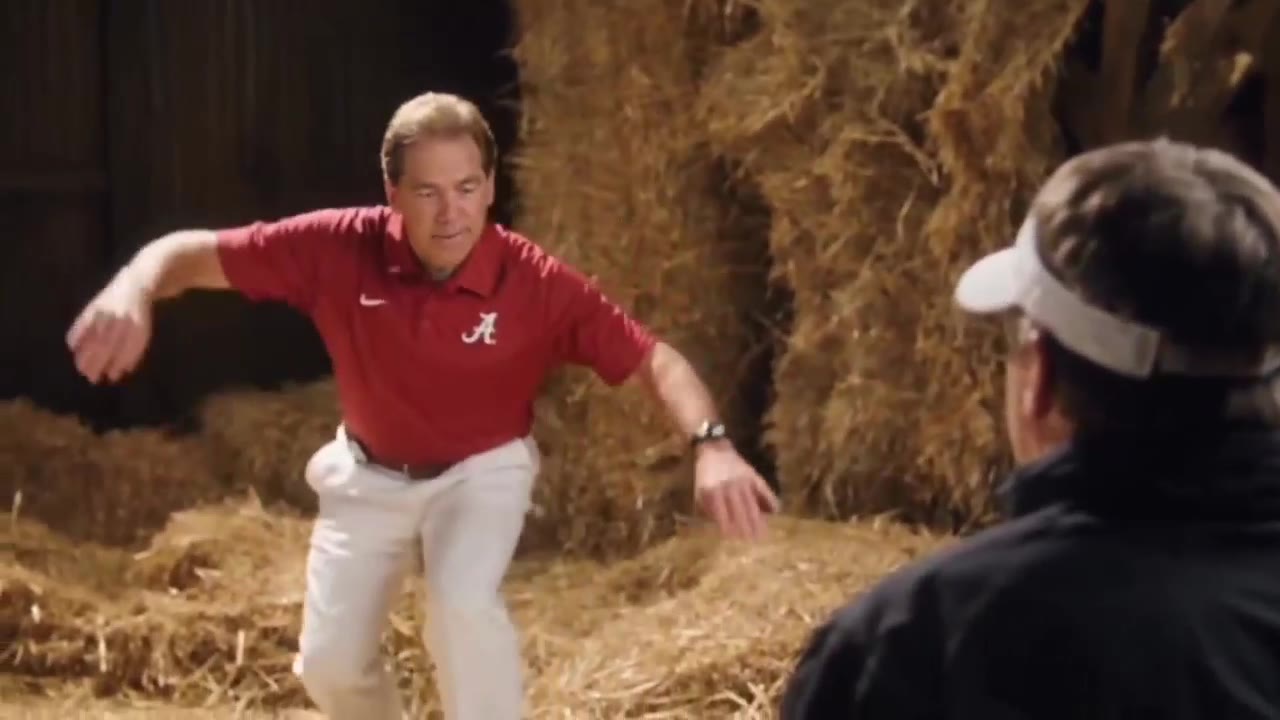
| Rumpelstiltskin AI | Two photos do the haystack dance. | 2 photos | 9 s |
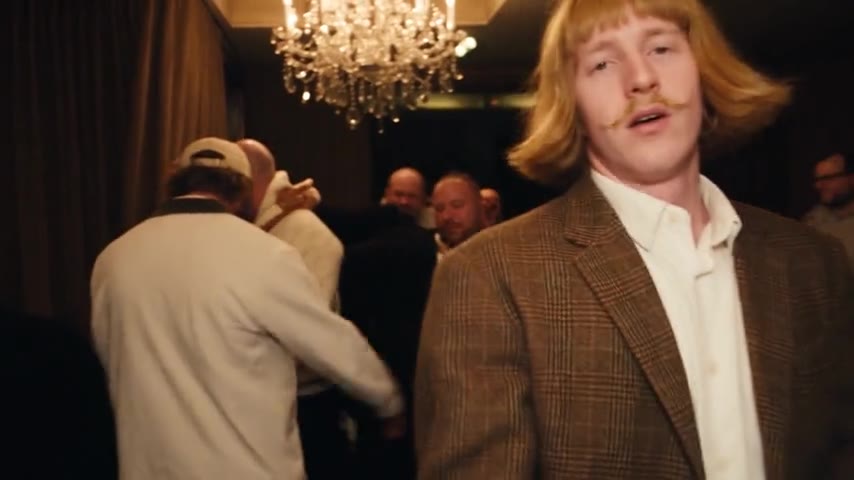
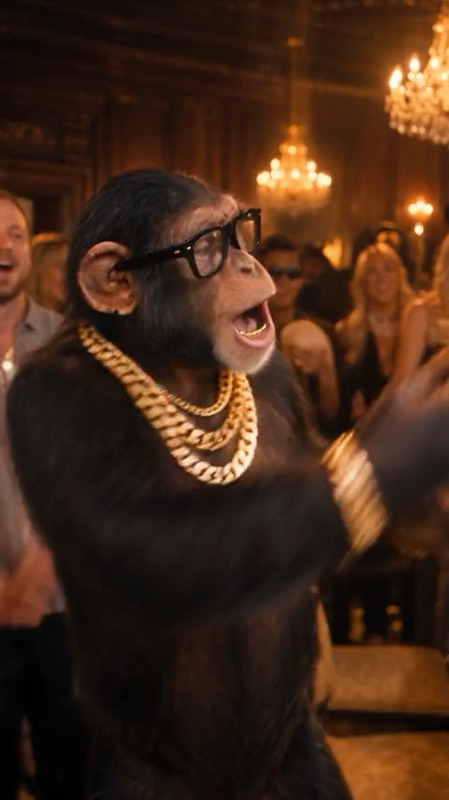
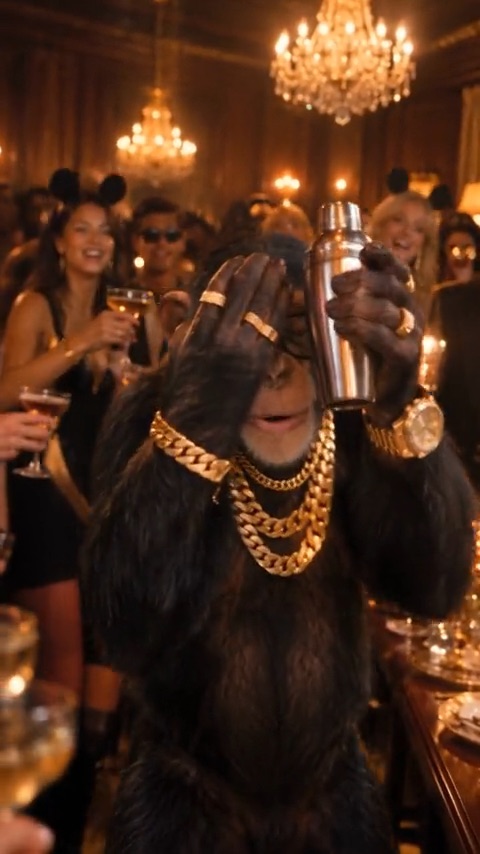
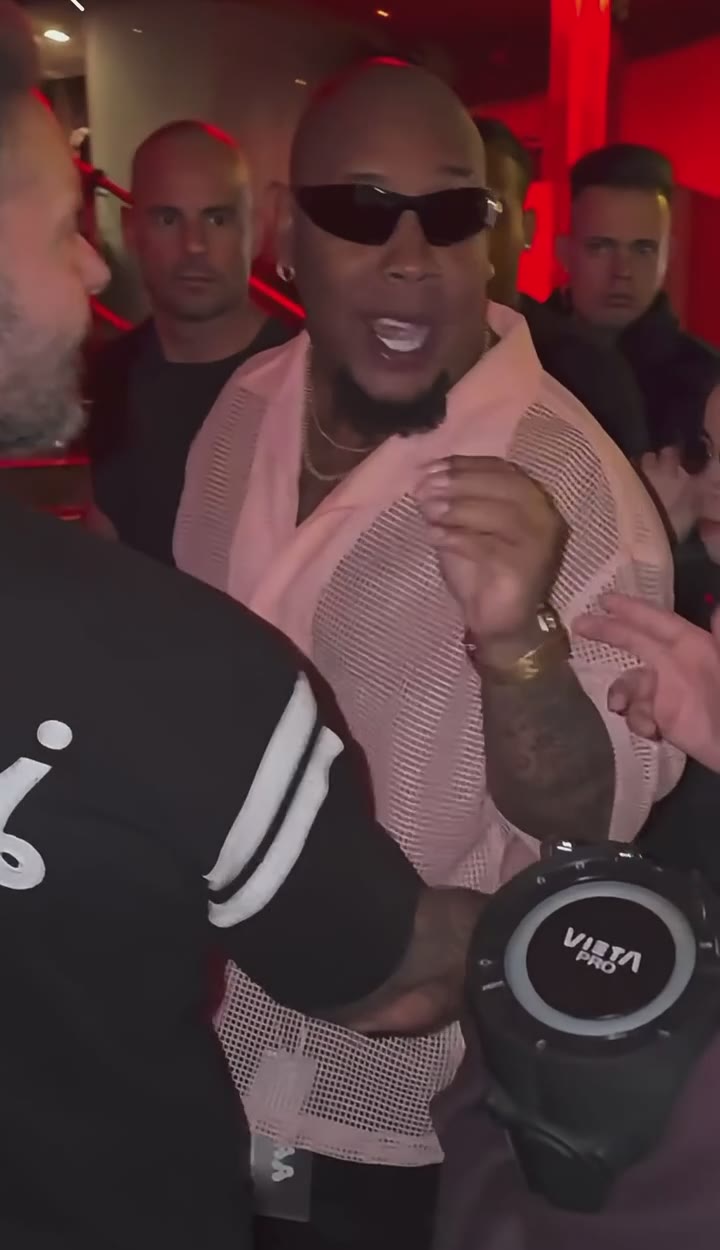
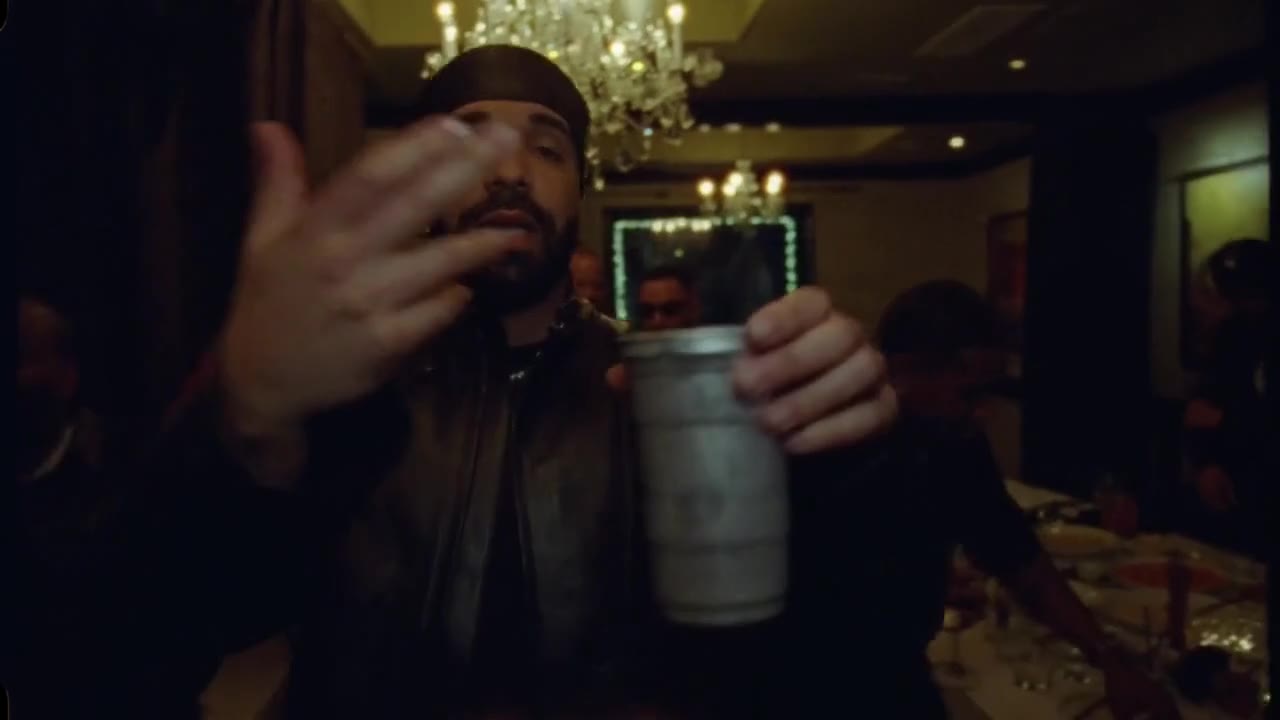
| Burning Bridges AI | You lead the party, your friends join the crowd. | 1 photo + up to 3 friends | 16 or 28 s |
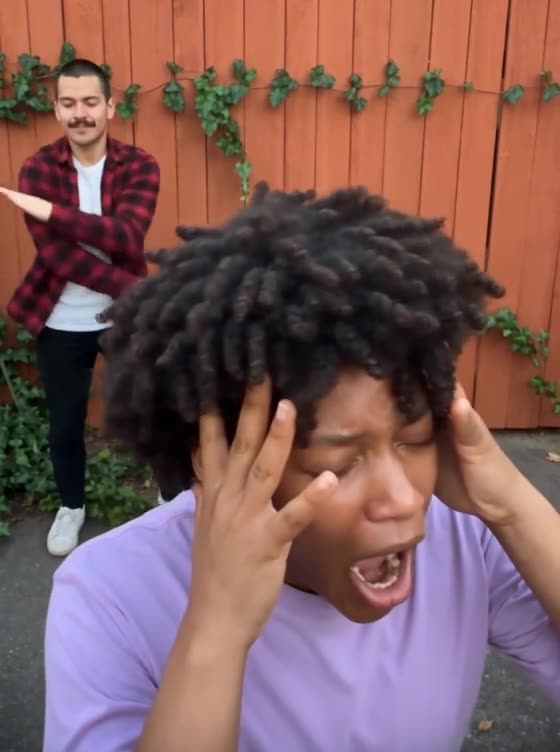
| Smalltown Boy Dance AI | Two photos scream and dance to Smalltown Boy. | 2 photos | 21 s |
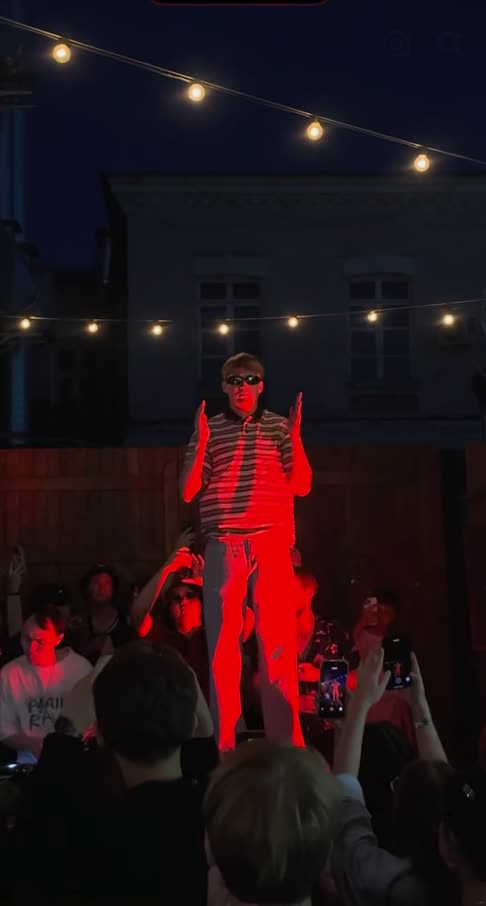
| Cheba Man AI | One photo owns the red-lit party stage. | 1 photo | 17 s |
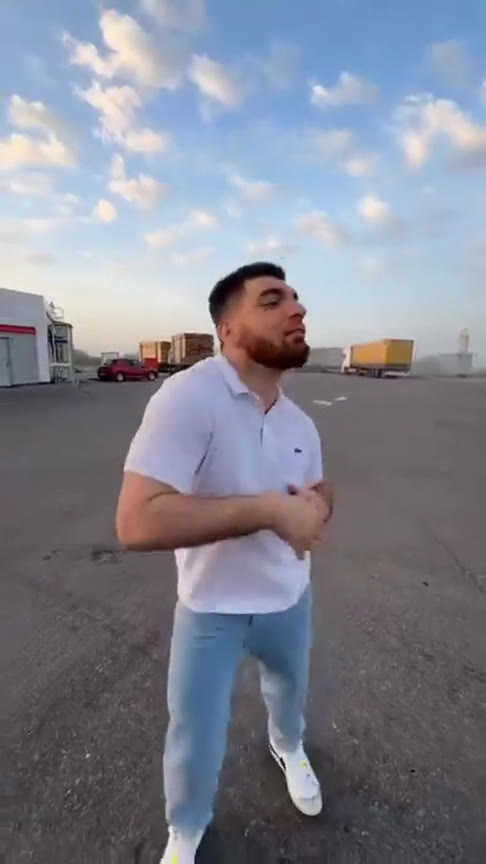
| Gas Station Dance AI | Three photos take turns dancing at the gas station. | 3 photos | 18 s |
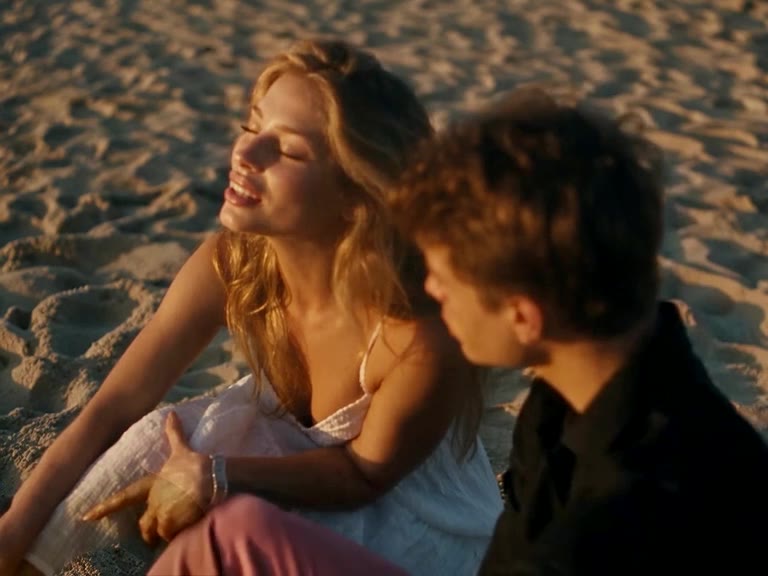
| Raindance AI | Two photos star in the sunset pier love story. | 2 photos | 28 s |
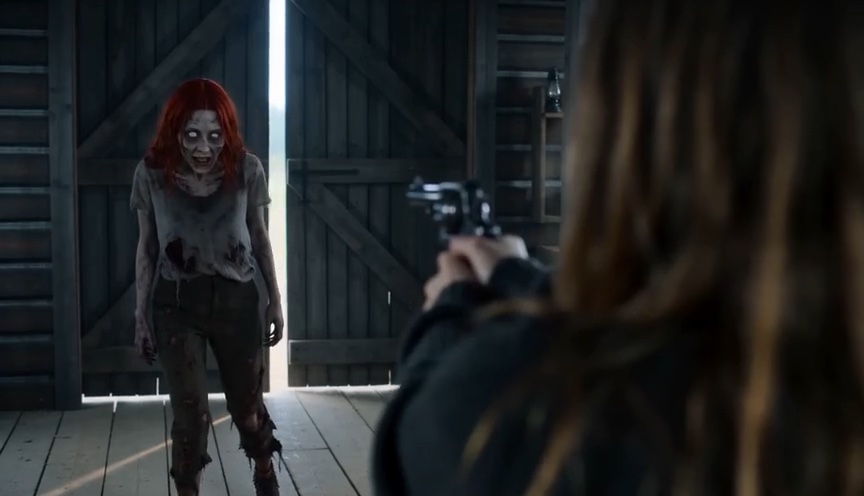
| AI Zombie | The zombie love story with your partner or pet. | 2 photos | 15 s |
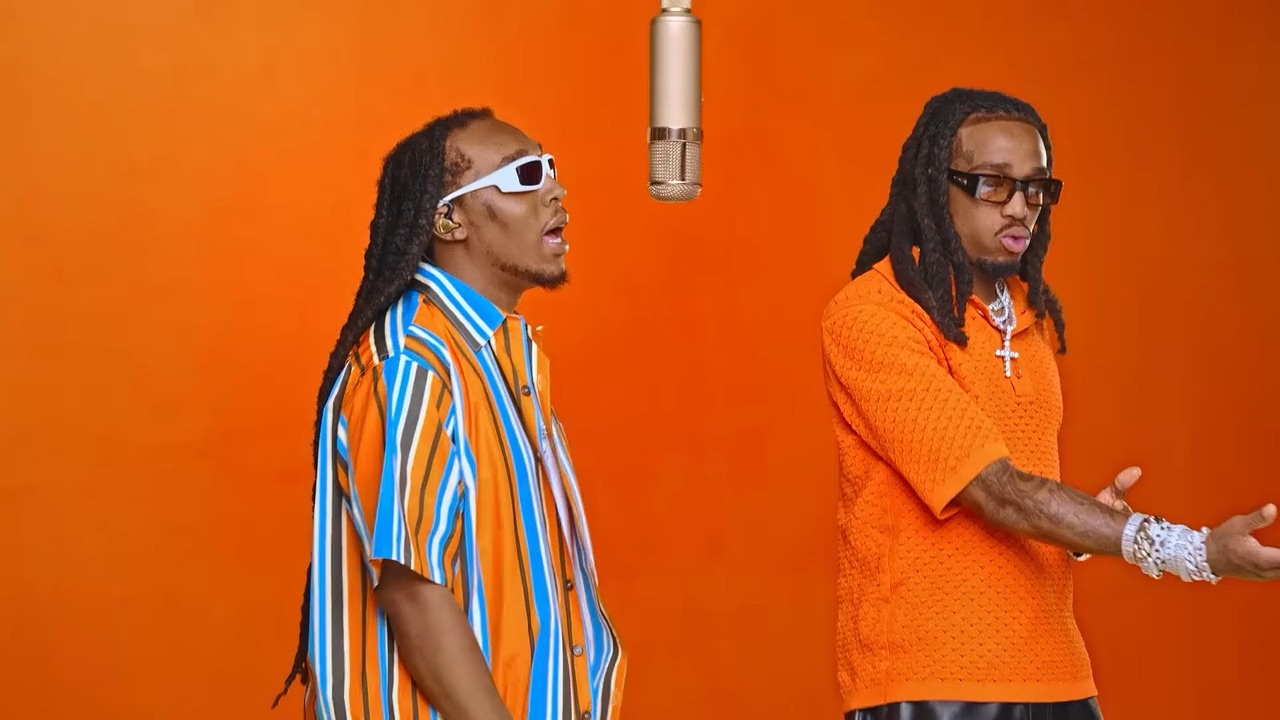
| Hotel Lobby AI | Two photos trade verses in the orange booth. | 2 photos | 15 s |
With friends, a partner or your pet
Duet and group trends are made for this: Hotel Lobby AI and APT AI take two performers, Gas Station Dance AI takes three, and Burning Bridges AI puts up to three friends in the crowd behind you. Many templates also work with cats and dogs, and Bad Times AI is mostly made with pets.
Consent and the rules
- Only use photos of people who agreed to appear, and never photos of minors.
- No celebrities or public figures, even for a joke. Most AI video tools block them anyway.
- Label the video as AI-generated when you post it.
Not sure where to start? Burning Bridges AI, the Drake “where she at?” trend, needs only one photo.