How to Make the Unforgettable Car Trend With AI (the 24 UNO Car Trend), No Car Needed
How to make the Unforgettable car trend, the 24 UNO car reveal, from one photo with AI, or film it with a real car. Prompts and the song.
By Burning Bridges AI · Updated · 4 min read
What is the Unforgettable car trend?
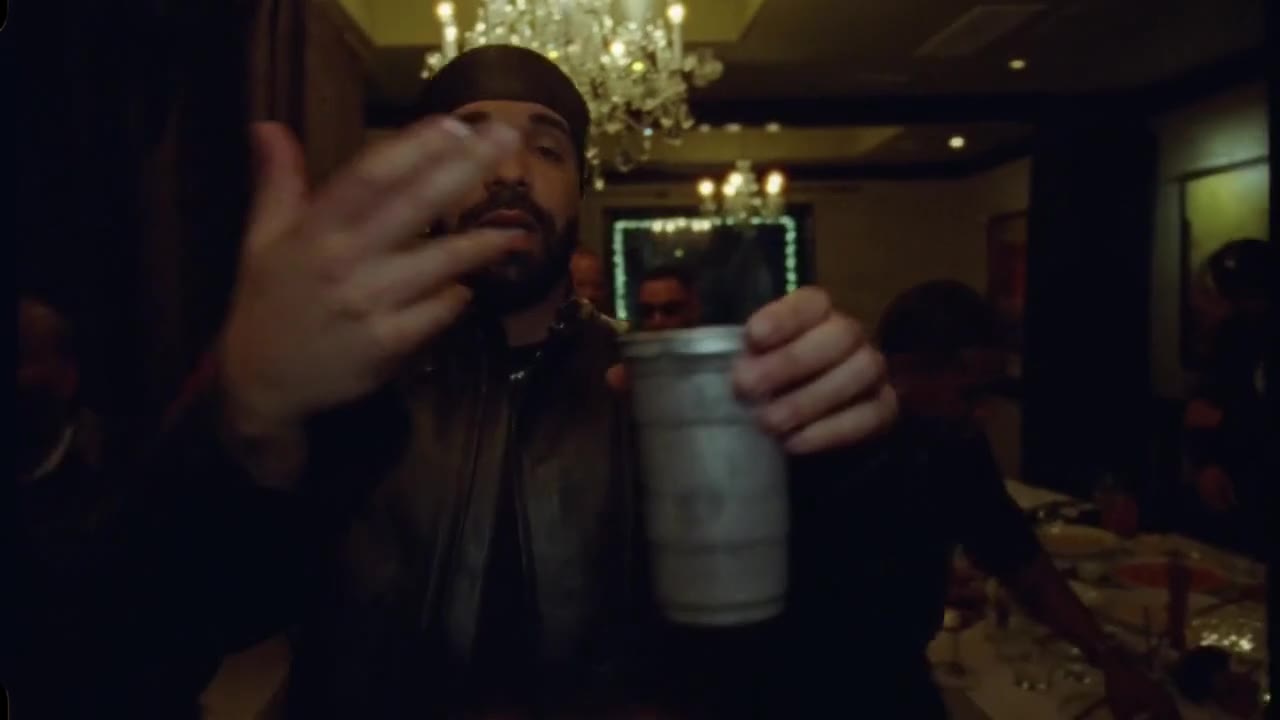
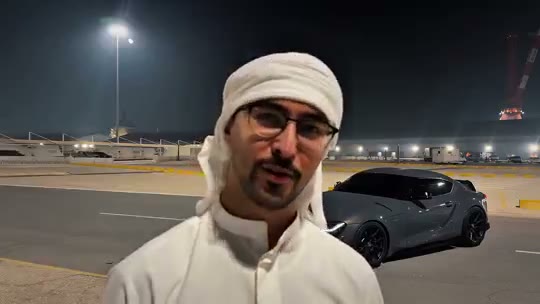
It is a reveal: someone talks to the camera in front of an empty spot, holds up two UNO cards — a 2 and a 4, which read “24” — and swipes them across the lens. When the cards move away, a car is parked behind them. The sound is “Unforgettable” by French Montana featuring Swae Lee.
Car owners started posting it on TikTok and Instagram Reels in autumn 2026, and it quickly picked up names: the 24 car trend, the 24 UNO car trend, the UNO car trend, or just the Unforgettable trend. Then the AI versions arrived, and you no longer need to own the car — or any car.
What happens in the video, second by second
- 0 to 3 s, the empty lot: a floodlit car park at night with nothing in it. You walk into frame and start talking to the camera.
- 3 to 5 s, the 24: up comes the 2, then the 4, and the arm sweeps both cards across the lens. That sweep is what hides the cut.
- 5 to 10 s, the car: the cards drop and a grey sports coupe is parked right behind you. A glance back, a point, and you carry on talking as if nothing happened.
How to make it with AI, step by step
Step 1: Pick one photo
One person or one pet, face clearly visible, chest up. The clip is a close selfie-style shot, so a full-body photo is not needed. You keep the outfit from your photo.
Step 2: Upload it in the generator
Open the Unforgettable Car AI generator and drop the photo into the upload box. It replaces the man in the white ghutra in the original clip.
Step 3: Generate
Pick standard, HD or Full HD. Every video is 10 seconds long and landscape (16:9) like the original. Rendering takes a few minutes and you can close the tab meanwhile.
Step 4: Add the sound and post
The video comes without sound, like the clip it recreates. Save it, then add the “Unforgettable” sound from the TikTok or Instagram library, or in CapCut, so the card sweep lands on the beat. If you want it vertical, crop it in CapCut or your phone’s editor; otherwise it posts with bars above and below.
How to film it yourself (if you have the car)
The trend began as a camera trick, and it still works with a real car and a friend who can park it:
- Prop the phone up so the framing cannot move, with an empty space behind you.
- Record yourself talking, hold up the 2 and the 4, and sweep the cards over the lens. Stop.
- Park the car in the empty space without touching the phone.
- Record again, starting with the cards covering the lens, then drop them and point at the car.
- Join the two clips in TikTok or CapCut on the card sweep and add “Unforgettable”.
The hard part is keeping the camera, the light and your position identical across both takes. The AI version does that for you, which is why most people now make it without a car.
What about an Unforgettable car trend AI prompt?
Most tutorials use a general video app: you write a prompt for the empty car park, another for the car reveal, generate both, then stitch them in a CapCut template and hope the faces match. A typical prompt reads something like “the person from my photo in an empty car park at night, holding up a red UNO 2 card and a 4 card, sweeping them across the camera; when the cards move away a sports car is parked behind them; handheld selfie video”. It can work, but each attempt costs a generation and the cut rarely lines up. The generator skips all of that.
Photo tips
- One person or one pet, not a group shot.
- Face the camera, face clearly visible, good light.
- Chest up works best: the clip frames you close to the lens.
- Portrait or square crop, at least 341 px on each side.
- Only adults who agreed to appear. No minors or celebrities.
More one-photo trends: the Money Flex AI cash flex or the Dime Dime Baby AI bite-and-stare.