How to Make the Ozil Goal AI Video: Score Özil’s Ludogorets Goal From One Photo
How to make the Ozil goal AI video from one photo: the 2016 Ludogorets goal second by second, the steps, prompts, sounds and photo tips.
By Burning Bridges AI · Updated · 4 min read
What is the Ozil goal AI trend?
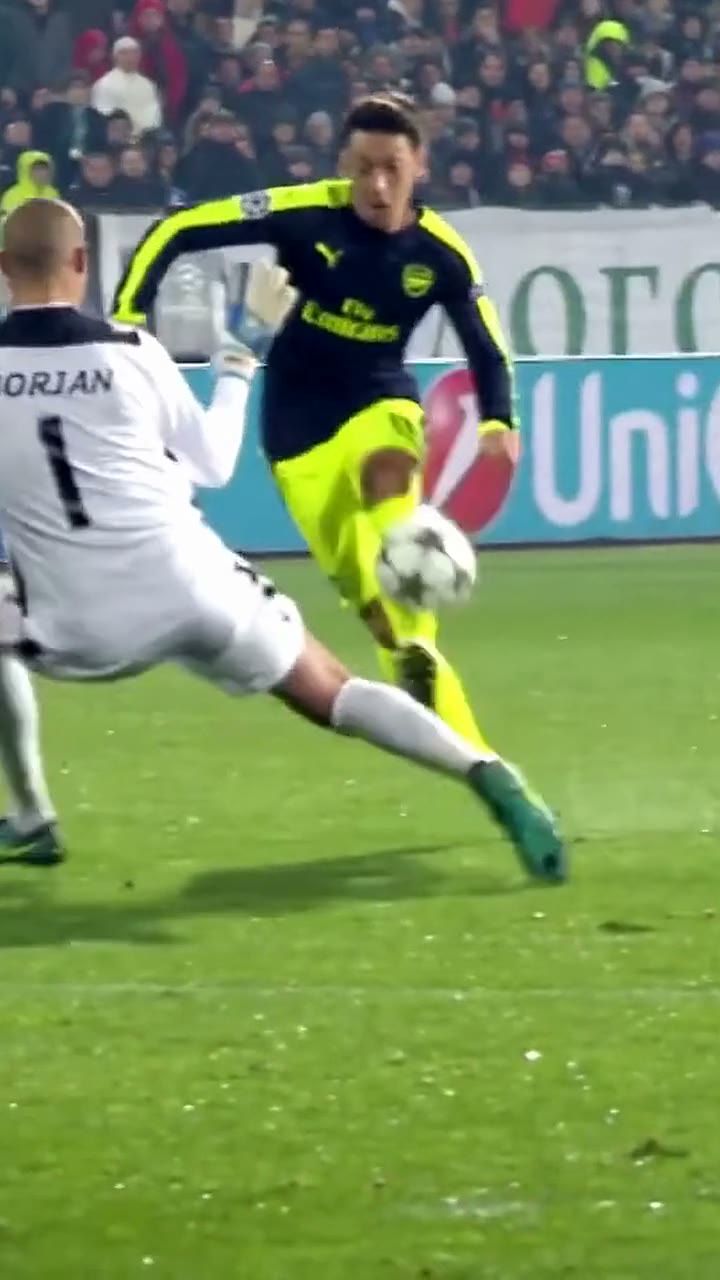
On 1 November 2016, Arsenal were 2–0 down at Ludogorets in the Champions League after 15 minutes. They came back to 2–2, and in the 87th minute Mesut Özil was played through, took the ball past the keeper, waited out two defenders and rolled it into an empty net to win 3–2. It is one of the coolest finishes of his career.
Ten years later, AI turned it into a meme. In October 2026, TikTok and Instagram Reels filled with versions of the goal where someone else is the scorer — friends, grandparents, dogs. The AI does not just paste a face over Özil; it recreates the whole run with a new player, which is what makes it so funny.
What happens in the video, second by second
- 0 to 3 s, over the keeper: through on goal, the keeper rushes out and slides in, and one touch lifts the ball over him.
- 3 to 11 s, past two defenders: the ball drops, a defender slides across, a cut back inside; the keeper and a second defender scramble back, another stop, another wait.
- 11 to 15 s, the finish: a calm side-foot, and the camera follows the ball into the net.
How to make it, step by step
Step 1: Pick one photo
One person or one pet, face clearly visible, waist up or full body. The clip shows the scorer head to toe, so a photo that shows more of you helps. You keep the outfit from your photo, so a football shirt looks closest to the original.
Step 2: Upload it in the generator
Open the Ozil Goal AI generator and drop the photo into the upload box. It replaces the No. 11 in the navy and neon-yellow kit; the keeper, the defenders and the crowd stay.
Step 3: Generate
Pick standard, HD or Full HD. Every video is vertical and 15 seconds long. Rendering takes a few minutes and you can close the tab meanwhile.
Step 4: Add a sound and post
The video comes without sound, like the clip it recreates. Save it, then add a sound in TikTok, Instagram or CapCut: the match commentary, or one of the trending Ozil goal sounds. A remix of Emma Peters’ “Clandestina” is one of the tracks reported on viral edits.
What about an Ozil goal AI prompt?
Most tutorials use a general video app: you upload your photo, maybe build a character sheet, write a prompt about the run and the finish, then check that the AI kept the chip, both defenders and the ball going in. Often it skips the finish or turns the defenders into extra copies of you, and each retry costs a generation. The generator ships with the clip and a prompt tuned for it, so the goal goes in every time.
Photo tips
- One person or one pet, not a group shot.
- Face the camera, face clearly visible, good light.
- Waist up or full body: the clip shows the scorer head to toe.
- Portrait or square crop, at least 341 px on each side.
- Only adults who agreed to appear. No minors, celebrities or cartoon characters.
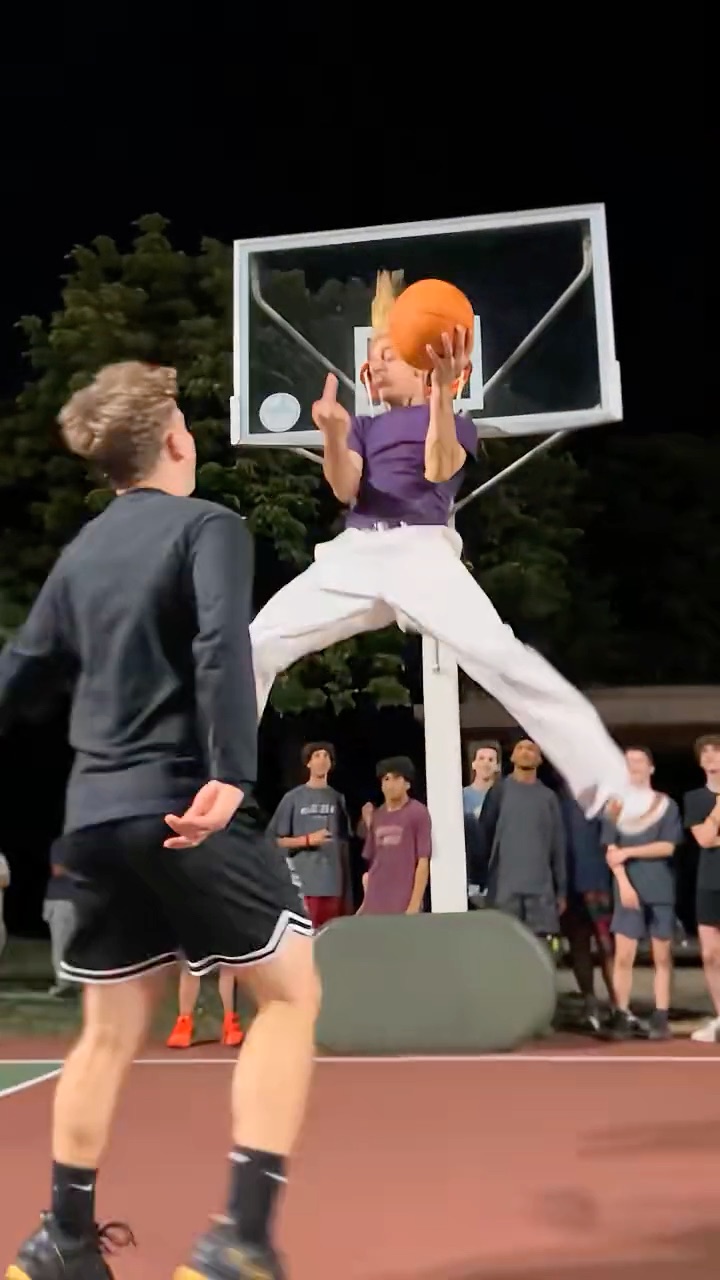
More sports trends: the Middle Finger Dunk AI or the Unforgettable Car AI reveal.