How to Make the Lil Yachty Walkout AI Video: the Hardest Walkout Ever, Starring You
How to make the Lil Yachty walkout AI video from one photo: where the clip comes from, what happens second by second, the steps and the song question.
By Burning Bridges AI · Updated · 4 min read
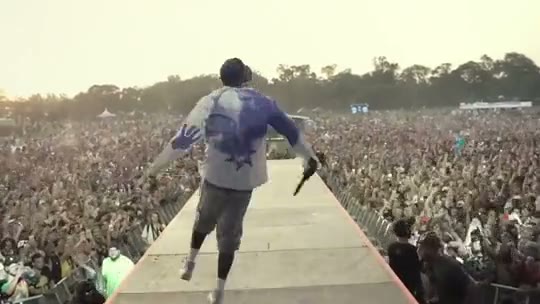
What is the Lil Yachty walkout meme?
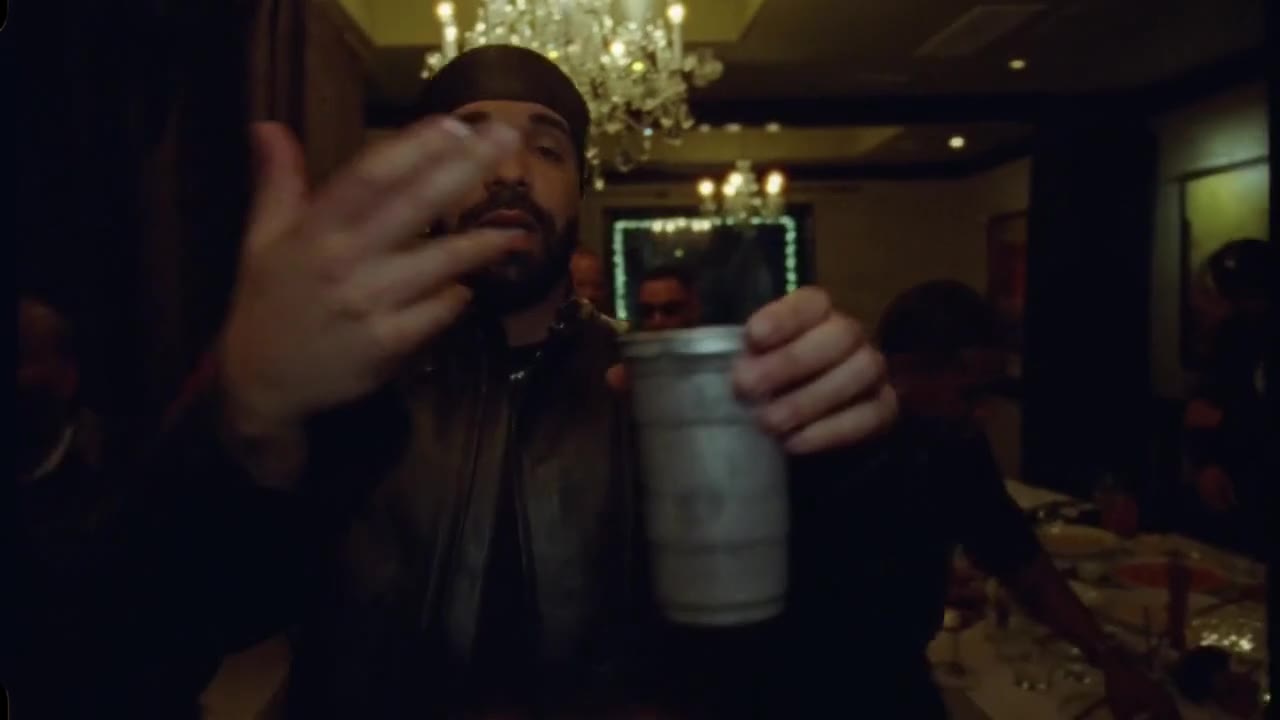
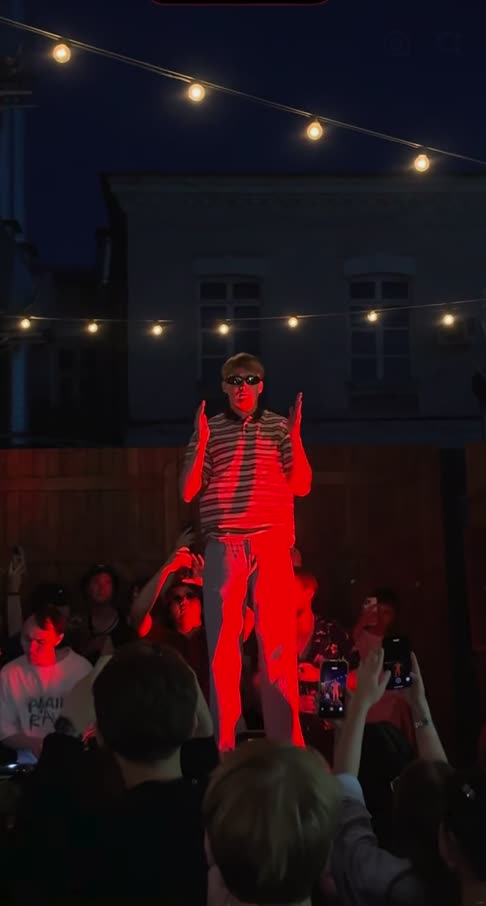
In August 2021, Lil Yachty walked out at Lyrical Lemonade’s Summer Smash festival, and a camera followed him the whole way in one take: out of the dark backstage, mic thrown up as he hit the stage, then a bouncing, high-stepping jog down a runway that cut straight through the crowd. Fans posted it as “the hardest walkout ever”, and it has been rewatched millions of times since.
In April 2024, people started using AI to swap someone else into the walkout, and it became a meme across sports and meme pages. It keeps coming back every time a new AI tool makes the swap easier — most recently as the stage walkout or stage entrance filter.
What happens in the video, second by second
- 0 to 6 s, backstage to the stage: out of the dark past the speakers and crew, mic in hand, then straight up in the air on the stage.
- 6 to 9 s, the crowd: the camera turns and reveals a sea of people and the long runway cutting through it.
- 9 to 26 s, the runway: a bouncing high-step all the way down, arms swinging, a skip or two, and a turn back to the camera at the end.
How to make it, step by step
Step 1: Pick one photo
One person or one pet, face clearly visible, full body or waist up. The clip shows you head to toe and mostly from behind, so a photo that shows your outfit helps. You keep the outfit from your photo: a bold shirt or a hat sells the walkout.
Step 2: Upload it in the generator
Open the Lil Yachty Walkout AI generator and drop the photo into the upload box. It replaces the performer in the bucket hat; the crew, the runway and the crowd stay.
Step 3: Generate
Pick standard, HD or Full HD. Every video is about 26 seconds long and landscape (16:9) like the original, and it is priced like the other long clips on the site. Rendering takes a few minutes and you can close the tab meanwhile.
Step 4: Add a sound and post
The video comes without sound, like the clip it recreates. Save it, then add the Lil Yachty walkout sound or your own hype track in TikTok, Instagram or CapCut. Crop it to vertical in CapCut if you want it to fill the screen.
Viggle AI, a CapCut template, or the generator?
The 2024 wave was made in Viggle AI: you upload the walkout clip and a photo, and it animates a character over the original moves — which is why so many of those versions look like a sticker sliding down the runway. CapCut templates are quicker but give everyone the same canned result. The generator recreates the whole shot with you in it, so you are lit like the stage, cast a shadow on the runway and stay yourself from behind as well as from the front.
Photo tips
- One person or one pet, not a group shot.
- Face the camera, face clearly visible, good light.
- Full body or waist up: the clip shows you head to toe.
- Portrait or square crop, at least 341 px on each side.
- Only adults who agreed to appear. No minors, celebrities or characters.
More big entrances: the Ozil Goal AI winner or the Tiny Desk AI concert.