How to Make the End of Watch Locker Scene AI Video (With Your Partner)
How to make the End of Watch locker scene AI video from one photo, with a friend as your partner: the scene shot by shot, steps, sounds, photos.
By Burning Bridges AI · Updated · 4 min read
What is the End of Watch locker scene?
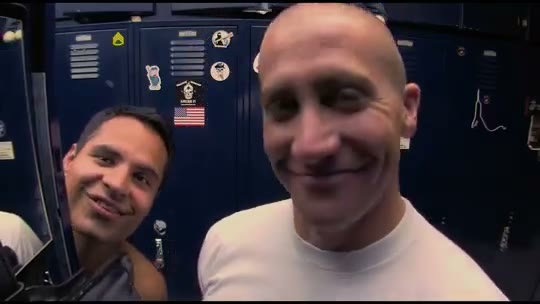
End of Watch is David Ayer’s 2012 found-footage cop drama, shot largely on cameras the characters carry themselves. Near the start, Officer Brian Taylor, played by Jake Gyllenhaal, films himself in the LAPD locker room and shows off his gear one piece at a time, while his partner Mike Zavala, played by Michael Peña, leans into the shot to tease him.
The scene became a TikTok format in 2023, when people showed off their own “gear” the same way — at the gym, at Walmart, in the laundry room. In August 2026 the AI version took over: the film’s locker room, shot for shot, with a new face holding the camera. Tutorials on TikTok usually point to a Kling AI template.
What happens in the video, shot by shot
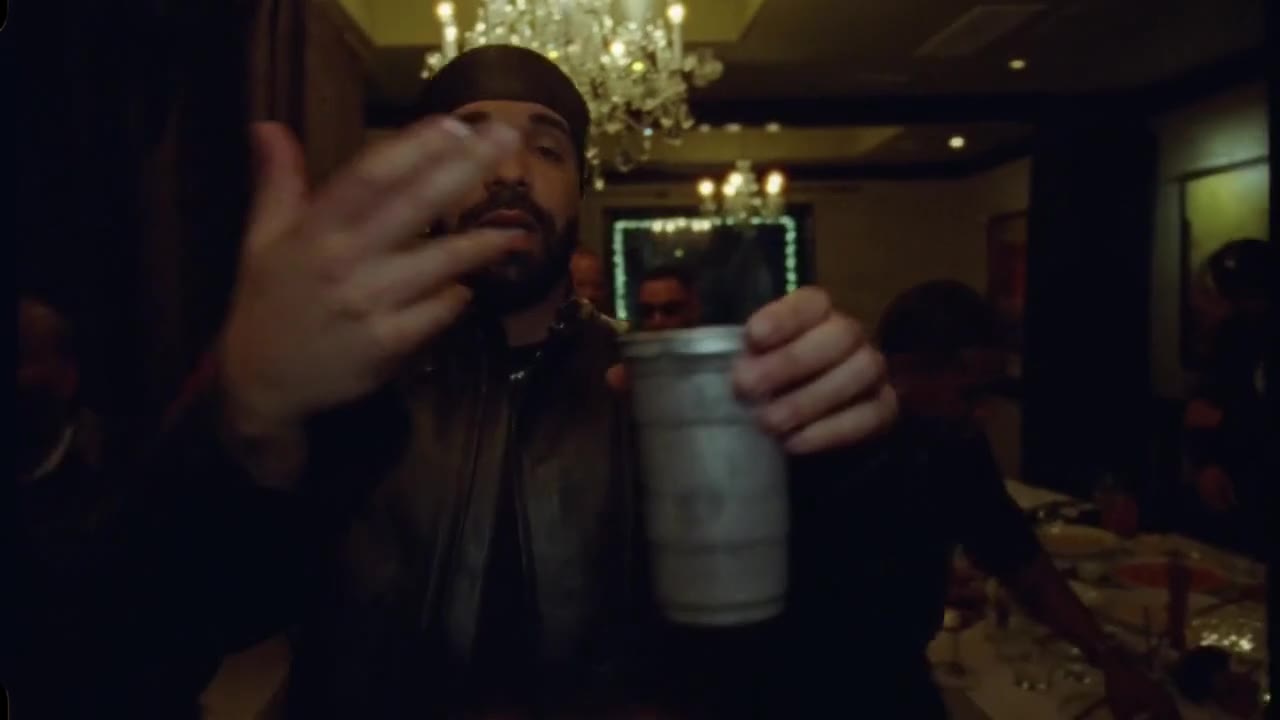
- 0 to 3 s, the close-up: a fisheye camera right up in the officer’s face, talking and grinning, as the partner leans in from behind the locker door.
- 3 to 7 s, the light: the pistol comes up and its mounted light flares the whole frame white.
- 7 to 12 s, the gear: handcuffs held up in both hands, a small canister, then two spare magazines held up to the lens.
How to make it, step by step
Step 1: Pick your photo
One person or pet, face clearly visible, chest up: the scene is all close-ups. You keep the outfit from your photo, so a plain white T-shirt looks closest to the film.
Step 2: Add a partner, or don’t
Open the End of Watch Locker Scene AI generator. The first box is you, the officer, in every shot. The second box is optional: your friend leans in as the partner in the first shot. Leave it empty and the original partner stays. The price is the same either way.
Step 3: Generate
Pick standard, HD or Full HD. Every video is 12 seconds long and landscape (16:9) like the film. Rendering takes a few minutes and you can close the tab meanwhile.
Step 4: Add a sound and post
The video comes without sound, like the clip it recreates. Save it, then add the locker scene sound in TikTok or Instagram, or your own track in CapCut. Crop it to vertical if you want it to fill the screen.
Kling template or the generator?
The Kling AI template from the TikTok tutorials swaps one face into a fixed clip, so you are on your own if you want your friend as the partner. The generator recreates the film’s four shots with you as the officer and, if you add a second photo, your friend as the partner, keeping the fisheye lens, the light flare and every cut.
Photo tips
- One person or pet per photo, not a group shot.
- Face the camera, face clearly visible, good light.
- Chest up works best: the clip is all close-ups.
- Portrait or square crop, at least 341 px on each side.
- Only adults who agreed to appear. No minors, celebrities or characters.
More film and duo trends: the Coldplay Kiss Cam AI or the Coffee Fail AI.