Is Hotel Lobby AI Free? Every Way to Make the Trend, and What Each Costs
Is there a free Hotel Lobby AI video generator? What “free” usually means, apps and CapCut templates compared, what it costs here, and the cheapest way to do it with your dog.
By Burning Bridges AI · Updated · 5 min read
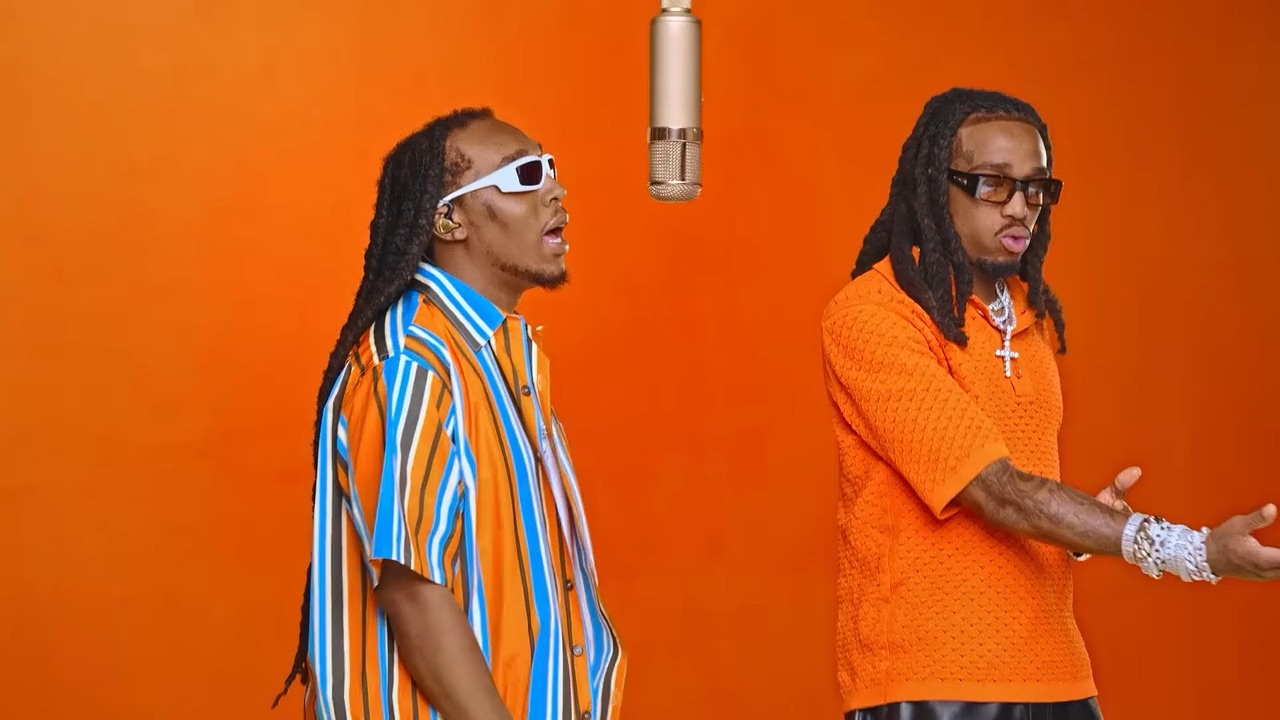
“Hotel lobby ai free” is the most searched follow-up to the trend itself. We make one of the paid generators, so we’re not neutral; to keep this useful, every other tool below is described from its own pages or public tutorials as of October 2026. Prices change often, so check before you pay.
What “free” usually means
Most “free Hotel Lobby AI” offers come with one or more of these:
- A free first try, then a subscription or credits.
- A watermark over the video.
- Lower resolution or a shorter clip than the original 15 seconds.
- Daily limits or a long queue.
- Do-it-yourself steps: you find, trim and upload the original clip and write the prompt.
None of that is a scam, it is how AI video is paid for: every second of video costs the tool money to generate. Just read the fine print before you upload photos.
Ways to make the Hotel Lobby AI video, compared
| Tool | How it works | Keeps the original moves | Free? |
|---|---|---|---|
| Hotel Lobby AI (this site) | Two photos; the clip, moves and audio are built in | Yes, recasts the original booth performance | No. From 100 credits a video, packs from $9.90, no subscription |
| Higgsfield Genjutsu | Upload the original clip as a motion reference, then your photos | Yes, motion transfer from the clip you upload | Paid per generation; check the current plan |
| CapCut templates | Search “hotel lobby” in the Templates tab, add photos | Varies by template | Some templates can be free, depending on region and plan |
| Kapwing with Seedance 2.5 | Follow Kapwing’s guide: motion reference plus photos | Yes, guided by the reference clip | Depends on your Kapwing plan |
| Prompt-only image-to-video apps | One photo and a text prompt | No, invents its own moves | Often a free trial, with limits |
What it costs on this site
- Standard 480p: 100 credits
- HD 720p: 200 credits
- Full HD 1080p: 300 credits
Landscape 16:9 and portrait 9:16 cost the same, and so do pets. Credits come in one-time packs from $9.90. In dollars, a Standard video works out at about $9.90 on the smallest pack and about $4.99 on the Pro pack. You only pay for videos that finish: if one fails, its credits come back automatically.
What app do people use for the Hotel Lobby AI trend?
Most viral versions came from three kinds of tools: AI video apps with motion transfer (such as Higgsfield’s Genjutsu, where you upload the original clip as the reference), CapCut templates, and dedicated generators with the trend preloaded, like Hotel Lobby AI. The first gives you the most control, the second is quickest if a good template exists in your region, and the third needs only two photos.
The cheapest way to do it with your dog or cat
Pets were some of the first Hotel Lobby AI stars, and they cost the same as people. To keep it cheap: pick Standard 480p, use one clear, well-lit photo per pet (face visible), and buy a bigger pack only if you plan several videos. You can put two pets in the booth, or one pet next to one person.
Before you upload
- Skip “free Hotel Lobby AI” downloads from sites you don’t know.
- Only use photos of people who agreed to appear. No minors or celebrities.
- Check how long the tool keeps your photos and videos.
Want to try another tool with your own prompt? Our Hotel Lobby AI prompt guide has one to copy. For the step-by-step, see how to make the Hotel Lobby AI video.