The Hotel Lobby AI Prompt: What to Write, What to Upload, and When You Don’t Need One
The Hotel Lobby AI prompt to copy and paste, extra lines for vertical videos and pets, what to upload with it, why a prompt alone fails, and how to skip it.
By Burning Bridges AI · Updated · 5 min read
“Hotel lobby ai prompt” is one of the most searched questions about the trend, and most answers online paste a long scene description and stop there. That is half of it. Here is the prompt, what to upload with it, and why a prompt on its own makes a video that doesn’t look like the trend.
What a Hotel Lobby AI prompt has to do
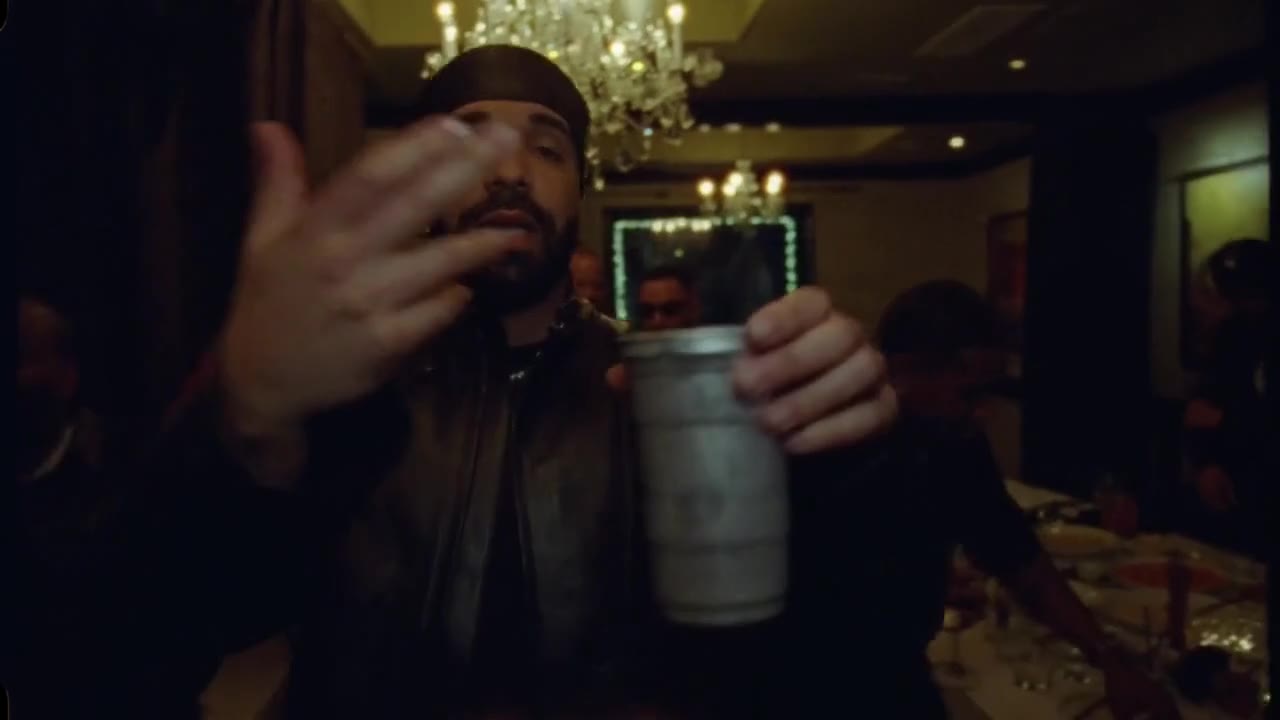
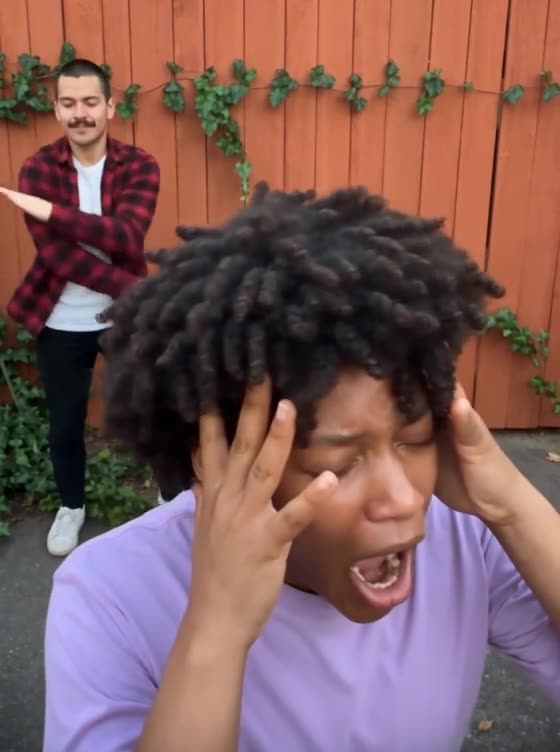
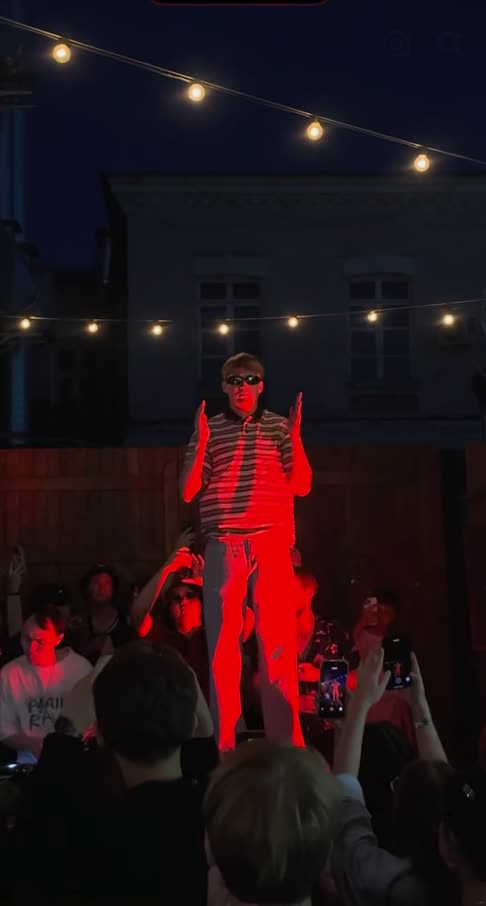
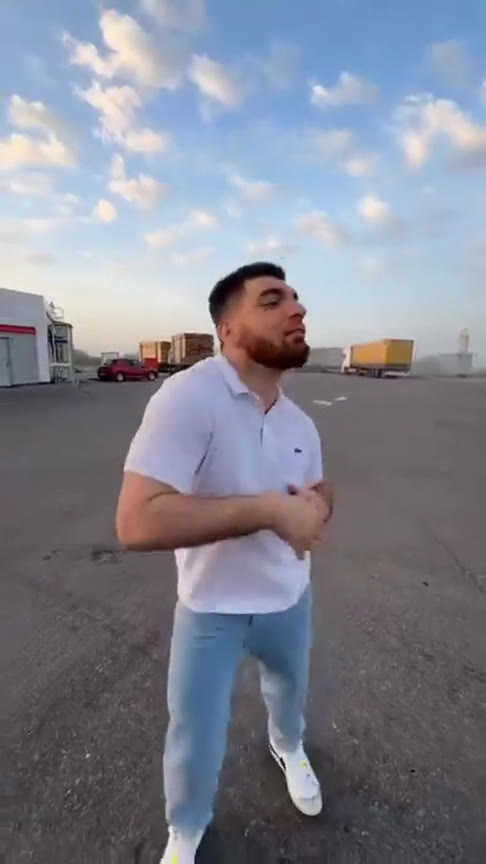
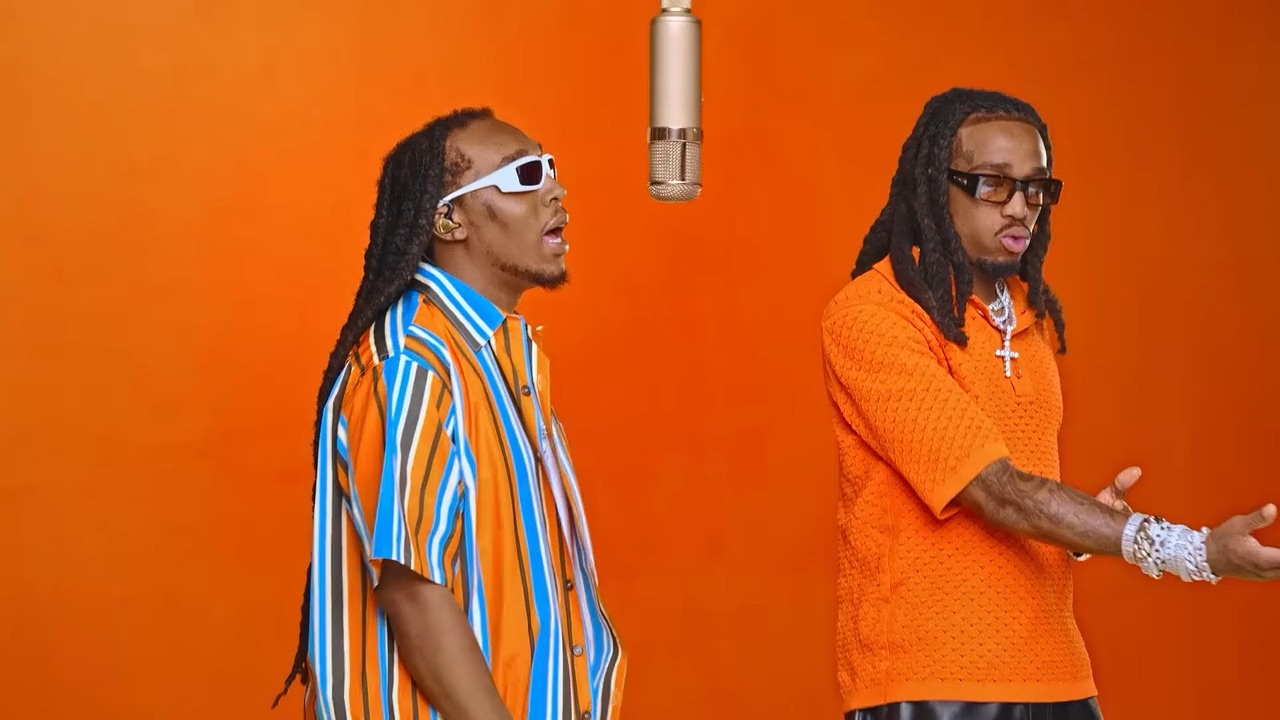
The trend recasts a 15-second clip of two performers trading verses at one microphone in an orange room. A good prompt doesn’t try to describe every move. It tells the model four things:
- Keep the scene: the seamless orange room, one vintage mic hanging in the middle, a fixed camera.
- Map the photos to the positions: which photo stands left of the mic and which stands right. Models mix them up if you don’t say it.
- Copy the motion: every lean, gesture and mouth movement comes from the reference clip, in time with the audio.
- Add nothing: no extra people, captions or logos.
The Hotel Lobby AI prompt (copy and paste)
Written for video models that take one reference clip plus two photos (“Image 1” and “Image 2”). Rename the images if your tool calls them something else.
Recreate the reference video shot for shot.
Scene: a seamless, saturated orange room. One vintage microphone hangs from the ceiling in the center. The camera is locked off, frontal, at chest height, and never moves.
Performers: replace the performer on the LEFT of the microphone with the subject of Image 1, and the performer on the RIGHT with the subject of Image 2. Keep each subject's own face, hair, body and outfit from their photo.
Motion: copy every lean, gesture, head turn, hand movement and mouth movement from the reference video, with the same timing, in sync with the audio.
Keep: the same lighting, colors, framing and length as the reference.
Do not add people, text, captions, logos or props.
For a vertical TikTok version, add
Vertical 9:16 frame: move the camera back so both performers and the microphone stay fully in frame, with orange wall above and below.
For a pet, add (and change the animal)
Image 2 is a cat. Keep it a cat: same fur, face and size, standing upright at the microphone, paws doing the hand gestures.
What to upload with the prompt
- The original clip, trimmed: many reference-to-video models accept at most 15 seconds, so cut it to the part you want.
- Two photos, one subject each: facing the camera, chest up or waist up, good light. Two separate photos work far better than one photo of both of you.
- The audio, if the tool takes it: without it, the lip movement drifts off the beat. If the tool can’t take audio, add the “Hotel Lobby” sound when you post.
Why a prompt alone doesn’t work
Text-to-video and plain image-to-video tools don’t know the original performance. Give them the prompt and a photo, and they invent their own booth, their own moves and their own timing. The result can look nice, but nobody recognises it as the Hotel Lobby trend, because the trend is those exact moves. The reference clip is what makes it work.
Other common mistakes:
- Real names in the prompt. Many models block them, and the clip already shows who does what. Describe positions instead.
- One group photo. The model has to guess who is who, and faces get mixed.
- Describing every move. Long move lists fight the reference clip. Say “copy the motion” and let the clip do it.
- Leaving out left and right. The two performers swap, or both photos end up on the same side.
Where to use the prompt
Any tool that takes a reference video and photos can run it. Tutorials on Instagram and LinkedIn show the trend made with Higgsfield’s Genjutsu motion transfer (upload the original clip as the video reference, then your photos), and Kapwing has a guide that uses Seedance 2.5 with motion references. Each charges in its own way, so check the price before you generate. You find and trim the clip yourself in all of them.
Or skip the prompt
Hotel Lobby AI is the same idea with everything preloaded: the clip, the prompt and the audio are built in, so you only add two photos. Photo 1 stands left of the mic, photo 2 right, and a still of each original performer sits next to its box so you can see who you replace. Pick 480p, 720p or 1080p, landscape or portrait, and press Generate. A video costs from 100 credits; packs start at $9.90, with no subscription, and failed videos are refunded automatically.
New to the trend? Start with how to make the Hotel Lobby AI video. Wondering about cost? See whether Hotel Lobby AI is free.