How to Make the Hotel Lobby AI Video: the Migos Trend From Two Photos
Make the Migos Hotel Lobby AI video from two photos: where the Quavo and Takeoff trend came from, step-by-step instructions, photo tips, pets, and whether there is a free app or filter.
By Burning Bridges AI · Updated · 4 min read
What is the Hotel Lobby AI trend?
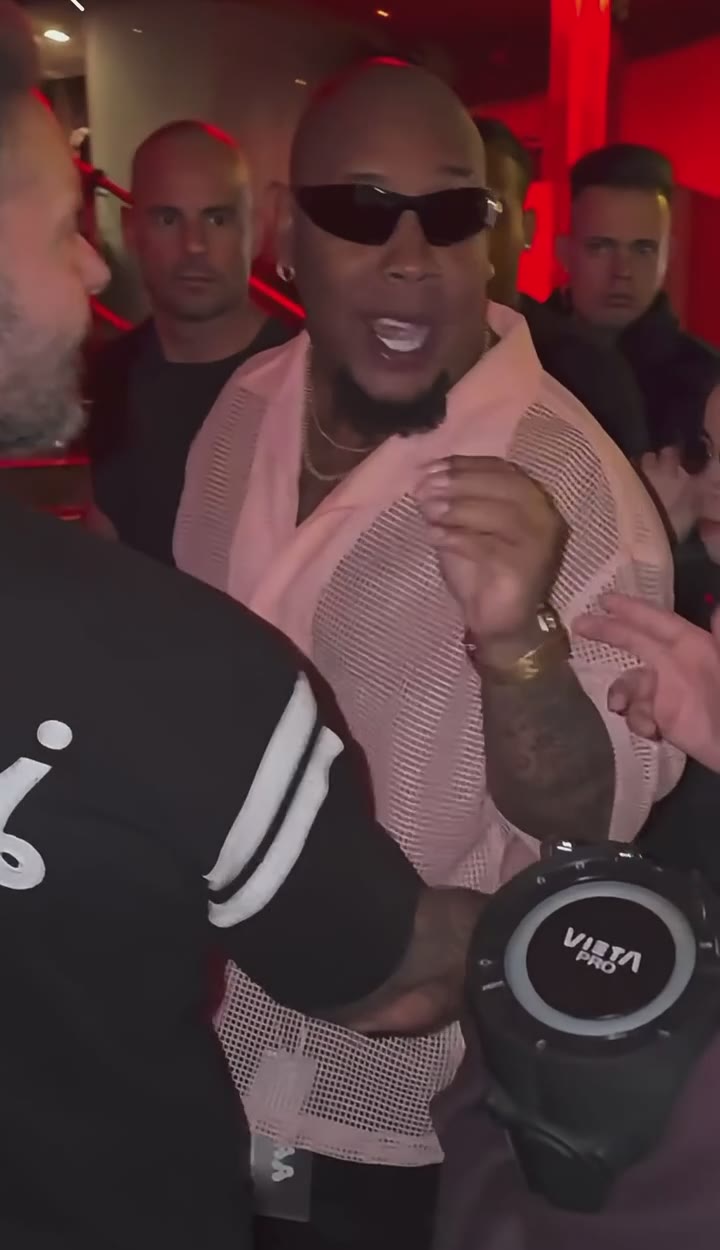
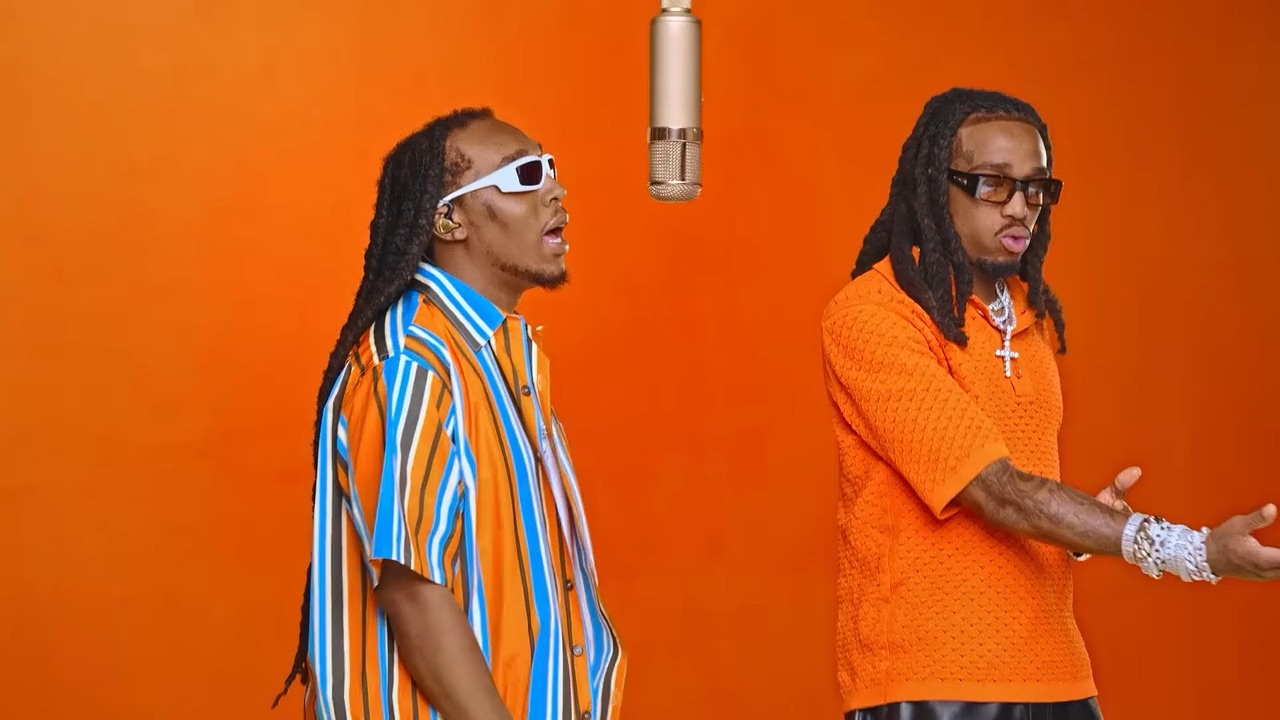
The trend starts from a 2022 COLORS performance of “Hotel Lobby” by Quavo and Takeoff of Migos: a saturated orange room, one vintage microphone hanging in the middle, two performers trading verses on either side of it. In 2026 people began recasting that clip with AI — cats first, then friends, couples and famous duos — and “Migos Hotel Lobby AI” became a trend of its own on TikTok, Reels and Shorts.
Google searches for “hotel lobby ai” peaked around September 26, 2026. Over the following month people mostly searched for how to make it: “hotel lobby ai generator”, “how to make hotel lobby ai video”, “hotel lobby ai app” and “free hotel lobby ai”. This guide answers those.
How to make the Hotel Lobby AI video, step by step
Step 1: Pick two photos
One subject per photo, two separate photos — not one group shot. Decide who goes where: photo 1 stands left of the mic (the striped shirt in the original), photo 2 stands right (the orange shirt).
Step 2: Upload them in the generator
Open the Hotel Lobby AI generator and drop one photo into each box. A still of each original performer sits next to its box, so you can see who you are replacing.
Step 3: Generate
Every video is HD 720p, landscape 16:9 like the original, and costs 100 credits. The booth, the mic, the moves and the soundtrack are already loaded, so there is no prompt to write. Rendering takes a few minutes and you can leave the page meanwhile.
Step 4: Download and post
Save the video and post it to TikTok, Reels or Shorts. If a platform mutes the audio, pick the “Hotel Lobby” sound inside the app.
Photo tips for a better Hotel Lobby video
- Face the camera, face clearly visible, good light.
- Chest up or waist up works best; full body is fine too.
- Portrait or square crop, at least 341 px on each side.
- Each performer wears the outfit from their own photo, so pick the look you want.
- Only people who agreed to appear. No celebrities.
Hotel Lobby AI with cats and other pets
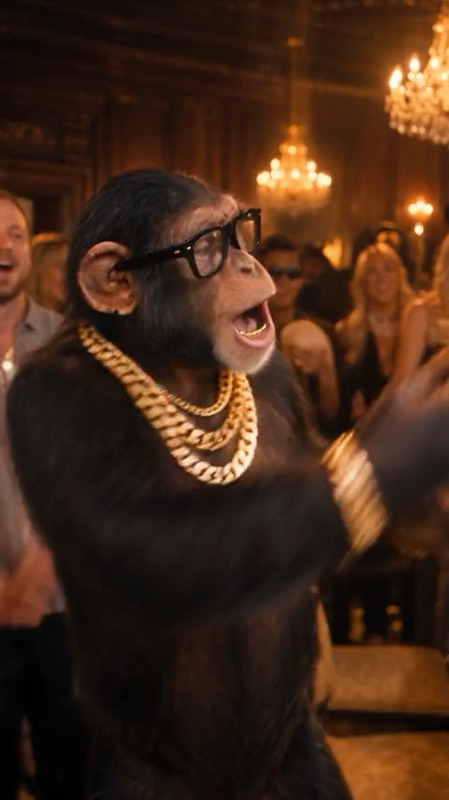
The trend took off with cats in the booth, and pets still make some of the funniest versions. Use one clear, well-lit photo per pet, face visible. You can put two pets in the booth, or one pet next to one person.
Free, app or filter?
Three things people search for, answered straight:
- Free: not on this site. A video costs 100 credits and packs start at $9.90, one-time, no subscription. Failed videos are refunded automatically.
- App: nothing to install. It runs in the browser on any phone or computer.
- Filter: it is not a filter on your camera. The AI recasts the original clip, so you never film anything.
Want more duo trends? Try the Raindance AI pier love story or the Rumpelstiltskin AI haystack dance, both made from two photos.