How to Make the Coldplay Kiss Cam AI Video From Two Photos
Make the Coldplay kiss cam meme with AI from two photos: where the meme came from, what happens in the clip, step-by-step instructions and photo tips.
By Burning Bridges AI · Updated · 4 min read
What is the Coldplay kiss cam meme?
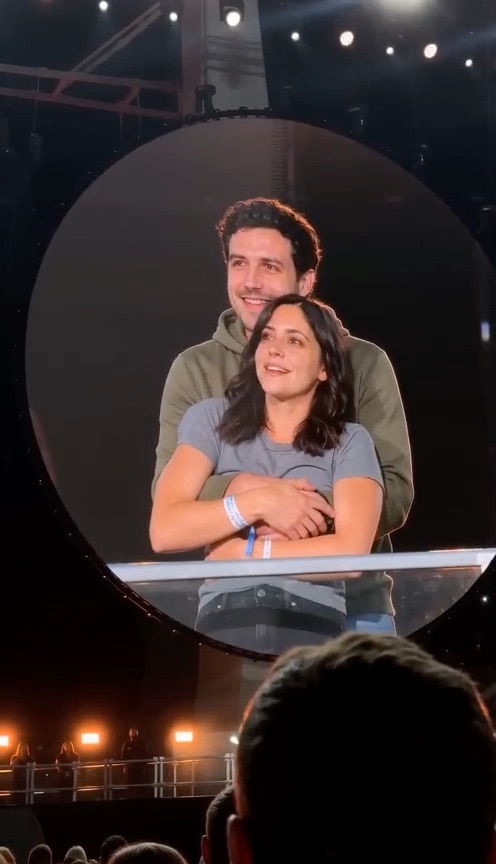
At a Coldplay concert in Massachusetts in July 2025, the stadium’s kiss cam landed on a couple hugging in the crowd. The moment they saw themselves on the giant screen, one ducked out of sight and the other spun around and hid their face, and Chris Martin joked from the stage that they were either having an affair or just very shy. A fan’s phone video of the moment went everywhere within a day.
Since then the kiss cam has been a meme template: people restage the hug and the panic with friends, partners and pets, and AI versions put any two faces on the big screen. The joke works best when everyone in it is in on it. The full backstory is in the Coldplay kiss cam meme explained, and the image-prompt route in the kiss cam ChatGPT prompt.
What happens in the video
- 0 to 3 s, caught: the round screen shows a couple, one hugging the other from behind, both smiling — until they notice.
- 3 to 6 s, the duck: the one behind drops out of frame while the one in front turns their back on the camera.
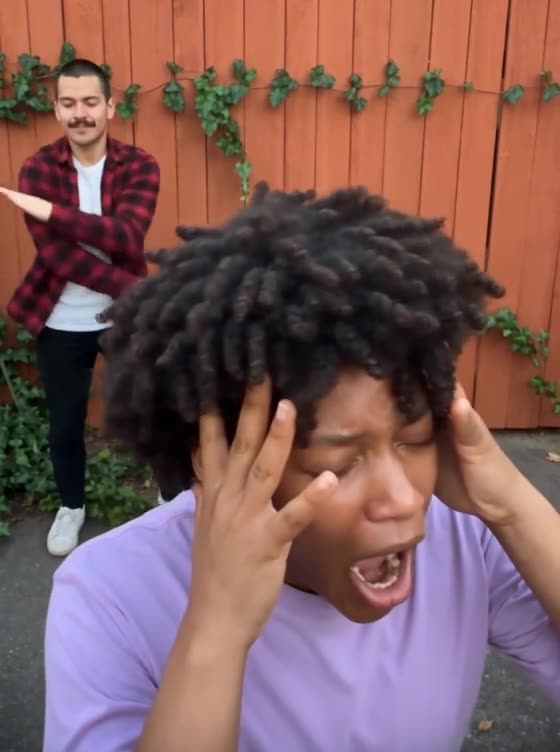
- 6 to 11 s, nowhere to hide: hands up to the face, while a friend at the edge of the screen cracks up.
How to make the Coldplay kiss cam AI video, step by step
Step 1: Pick two photos
One person per photo, face clearly visible, chest up. The first photo is the one who hugs from behind and ducks; the second is the one in front who turns away.
Step 2: Upload them in the generator
Open the Coldplay Kiss Cam AI generator and drop each photo into its box. A still of the person each photo replaces sits under the box, so you can check the order.
Step 3: Generate
Pick standard, HD or Full HD. Every video is vertical like the original and 11 seconds long. There is no prompt to write: the stadium, the big screen and the moves are already loaded. Rendering takes a few minutes and you can close the tab meanwhile.
Step 4: Add a sound and post
The video is silent, so add the kiss cam sound inside TikTok, Reels or Shorts, then post it.
Photo tips for a better kiss cam video
- Two separate photos, one person each. A couple selfie won’t work.
- Face the camera, face clearly visible, good light.
- Chest up is enough: the big screen frames you from the waist up.
- Each person wears the outfit from their own photo. A hoodie and a T-shirt look closest.
- Only adults who agreed to appear. No minors, coworkers who said no, or celebrities.
Free, app or ChatGPT?
- Free: not on this site. A standard video costs 100 credits and packs start at $9.90, one-time. Failed videos are refunded automatically.
- App: nothing to install. It runs in the browser on any phone or computer.
- ChatGPT prompt: gets you a still picture. The generator makes the moving clip.
Want another two-person meme? Try Hotel Lobby AI for the orange-booth duet, or Middle Finger Dunk AI to dunk on your friend.