How to Make the Gas Station Dance AI Video With Three Friends
Make the gas station dance trend video with AI from three photos: what happens in the clip, which photo replaces which dancer, step-by-step instructions, photo tips, and whether there is a free app.
By Burning Bridges AI · Updated · 4 min read
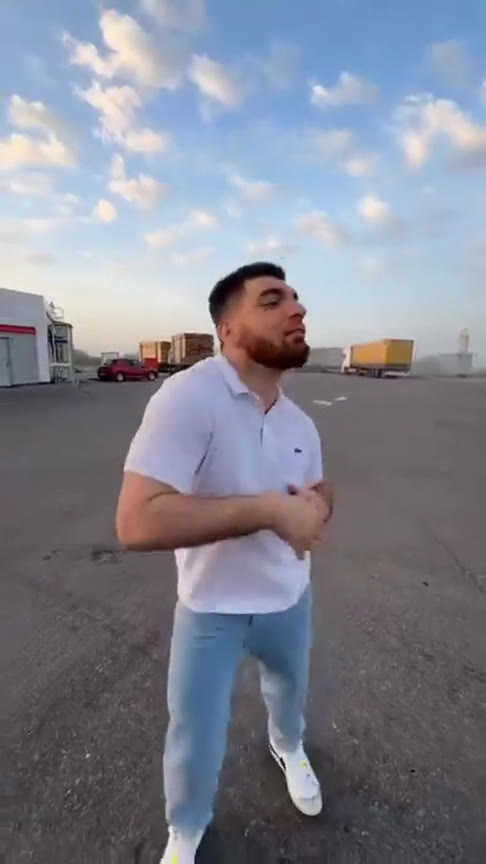
What is the gas station dance trend?
It is a short vertical clip filmed on the empty lot of a gas station at sunset, with three friends taking turns in front of a handheld phone camera. One dances on the open asphalt, the camera whips to a second filming himself selfie-style, then a third dances by the parked sports cars. It plays like a group of friends hyping each other up, which is exactly why people want to remake it with their own crew.
The AI version keeps everything that makes the clip work — the lot, the sky, the cars, the camera whips and every move — and swaps the three dancers for the people in your photos. You post it on TikTok, Instagram Reels or YouTube Shorts like any other trend video.
What happens in the video
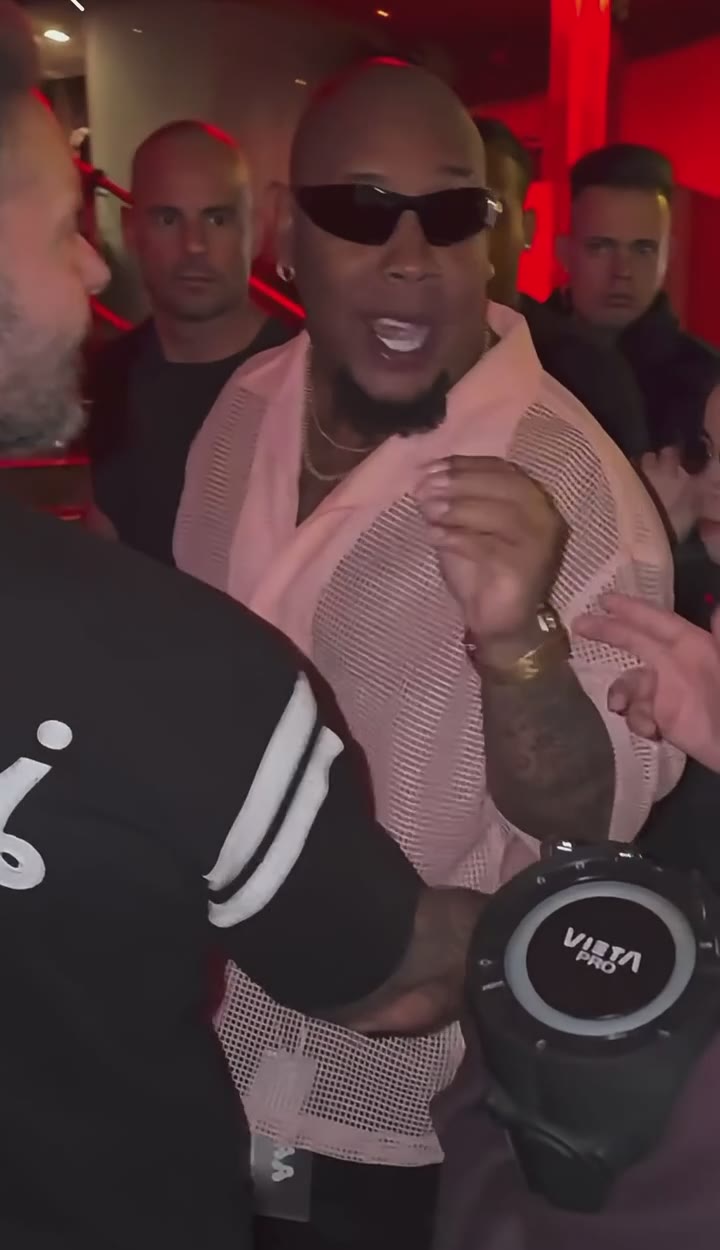
- 0 to 5 s, the opening dance: the first dancer, in a white polo, grooves on the empty lot and throws both arms up as the camera swings around.
- 5 to 7 s, the selfie turn: the camera lands on the second dancer, in a bucket hat, filming himself against the sunset.
- 7 to 18 s, the car-side finish: the third dancer, in a black jacket, steps out by the sports cars, smiles into the camera and dances full length before the bucket hat closes it out.
How to make the gas station dance AI video, step by step
Step 1: Pick three photos
One person per photo, three separate photos — not one group shot. Decide who plays which part: photo 1 is the white polo who opens the dance, photo 2 the bucket hat with the selfie camera, and photo 3 the black jacket by the cars.
Step 2: Upload them in the generator
Open the Gas Station Dance AI generator and drop one photo into each of the three boxes. A still of the original dancer sits under each box, so you can see who each photo replaces before you start.
Step 3: Generate
Every video is HD 720p, vertical like the original, 18 seconds long, and costs 100 credits. There is no prompt to write: the gas station, the cars, the dance and the sound are already loaded. Rendering takes a few minutes and you can close the tab meanwhile.
Step 4: Download and post
Save the video and post it to TikTok, Reels or Shorts. Each dancer keeps the face and the outfit from their own photo, so tag your friends — they will recognize themselves.
Photo tips for a better gas station dance video
- One person per photo. Group photos won’t work, even if all three of you are in it.
- Face the camera, face clearly visible, good light.
- Waist up or full body works best, since all three dancers are seen moving.
- Each dancer wears the outfit from their photo, so pick the look you want on the lot.
- Portrait or square crop, at least 341 px on each side.
- Only people who agreed to appear. No celebrities.
Free, app or filter?
- Free: not on this site. A video costs 100 credits and packs start at $9.90, one-time, no subscription. Failed videos are refunded automatically.
- App: nothing to install. It runs in the browser on any phone or computer.
- Filter: it is not a camera filter. The AI recasts the original clip, so nobody has to dance or film.
Only two of you? Try the Hotel Lobby AI booth duet or the Rumpelstiltskin AI haystack dance, both made from two photos.