How to Make the Bad Times AI Video With You or Your Pet
Make the Bad Times AI trend video from one photo of you or your cat or dog: what photo to upload, what happens in the clip, the song, step-by-step instructions, and whether there is a free app.
By Burning Bridges AI · Updated · 5 min read
What is the Bad Times trend?
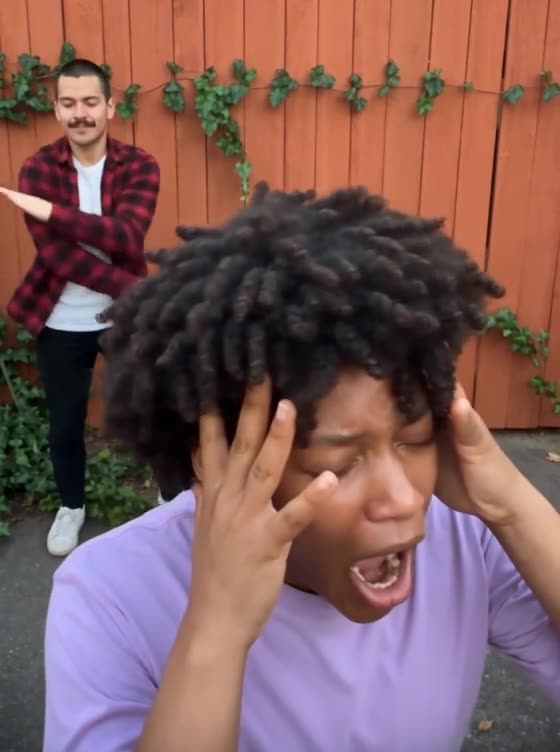
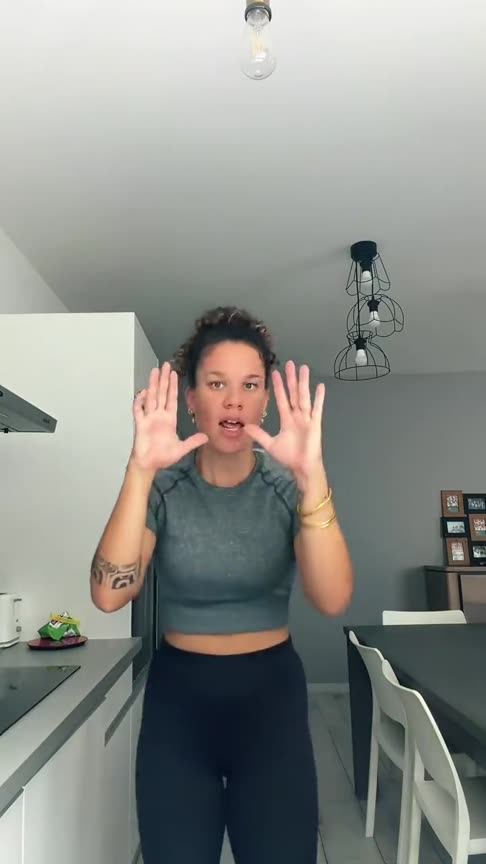
It is a 30-second vertical lip-sync of “Bad Times” by Imael Angel, filmed on a phone propped up in a kitchen. The performer treats the song like a fight with the camera: head in her hands, palms out, backing away, then lunging into the lens to point and shout every word. The over-the-top acting is the whole joke.
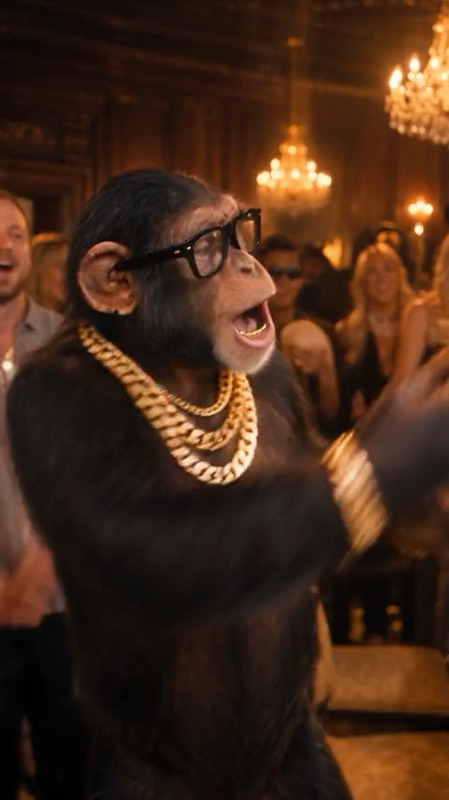
The AI version is where the trend took off: people swap the performer for their cat or dog, so the pet seems to be having the argument. You post it on TikTok, Instagram Reels or YouTube Shorts like any other trend video.
What happens in the video
- 0 to 5 s, the breakdown: head in her hands, she frames her face for the first line, then strikes a pose with a hand on her hip.
- 5 to 11 s, talk to the hand: palms out to stop the camera, she backs away, shrugs and waves it off.
- 11 to 20 s, in your face: she lunges into the lens, points, wags her finger and shouts the lyrics.
- 20 to 30 s, the stare-down: she jumps back, throws her hands up, then walks up close and ends on a dead-serious stare.
How Bad Times AI works: your photo is the set
Bad Times AI does not paste you into the original kitchen. It takes only the moves and the song from the clip and makes the person or pet in your photo perform them. Everything else comes from your photo: the room behind you, the light, how far away the camera is, and whether the video is vertical or wide. That is why the photo matters more here than in most trend generators — you are setting up the shot.
What photo to upload
Works best
- Vertical (portrait) photo, like a phone video. A wide photo gives a wide video.
- Standing, facing the camera, head to knees or full body in frame — the way the original starts.
- Arms down and free, hands visible.
- Some space above the head and around the body. The moves step back and lunge toward the camera, and they need room.
- A background you like. Your bedroom, kitchen, backyard or office becomes the set of your video.
- Sharp and well lit, face clearly visible.
Avoid
- Close-up selfies or head-only crops: the AI has to invent the rest of the body.
- Sitting or lying down, crossed arms, hands in pockets.
- Other people in the photo: the AI may pick the wrong one or blend them.
- Bags, pets in arms or furniture in front of the body.
- Heavy filters, dark or blurry photos.
For cats and dogs
Use a photo of the whole animal, not just its face, ideally sitting up or standing and looking at the camera, with space around it. Your pet acts out the lip-sync on its hind legs, so a photo where its body and legs are visible gives the AI the most to work with.
How to make the Bad Times AI video, step by step
Step 1: Take or pick the photo
The easiest way is to take a new one: prop your phone up vertically at chest height, step back until you are in frame from head to knees, and take the photo with your arms down. For a pet, get down to its level and catch it sitting up.
Step 2: Upload it in the generator
Open the Bad Times AI generator and drop the photo into the upload box. An example of a good photo sits right under it.
Step 3: Generate
Every video is HD 720p, 30 seconds long, and costs 150 credits. There is no prompt to write: the moves and the song are already loaded. Rendering takes a few minutes and you can close the tab meanwhile.
Step 4: Download and post
Save the video and post it to TikTok, Reels or Shorts. If the result looks off, the photo is almost always the reason: try one with more of the body in frame and more space around it.
Free, app or filter?
- Free: not on this site. A video costs 150 credits and packs start at $9.90, one-time, no subscription. Failed videos are refunded automatically.
- App: nothing to install. It runs in the browser on any phone or computer.
- Filter: it is not a camera filter. The AI animates your photo, so nobody has to film or lip-sync.
More pet trends: the Burning Bridges AI clip works with one pet photo, and AI Zombie turns your pet into the zombie in a love story.