How to Make the AI Zombie Love Story Video From Two Photos
Make the viral AI zombie love story video: what the trend is, the four shots (with a prompt outline), step-by-step instructions, photo tips, and how it differs from a zombie filter.
By Burning Bridges AI · Updated · 4 min read
What is the AI zombie trend?
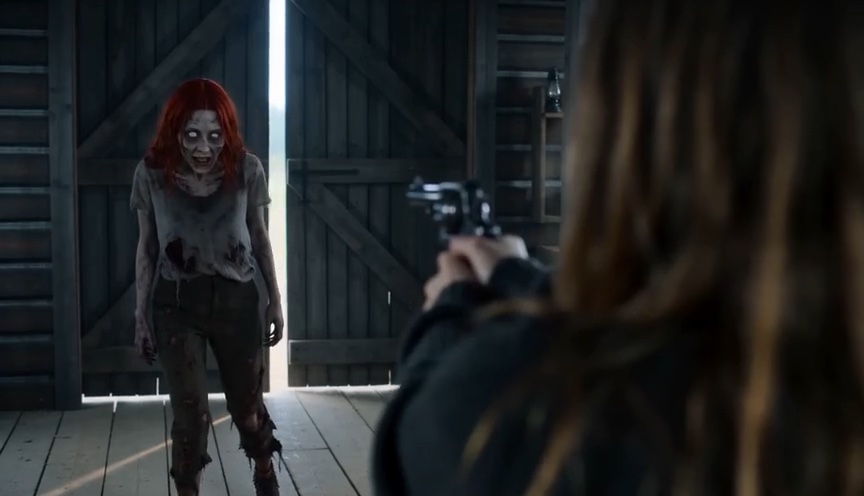
It is a tiny love story told in four shots. One of you has turned. The other stands in a barn, gun raised, crying — and cannot shoot. The gun drops, arms open, the zombie sprints and leaps, and mid-air the film cuts to a golden wheat field at sunset where the leap becomes a hug and you are both alive again.
Searches for “ai zombie” have held steady all autumn, and in the past month the fastest rising related searches were “zombie love story”, “trend zombie” and “my zombie sweetheart ai” — so if you have seen the trend under any of those names, it is this one.
The four shots (and an AI zombie prompt outline)
People search for an “AI zombie prompt” because general video models need one. Here is the film as the generator makes it, shot by shot, which also works as an outline if you write your own prompt elsewhere:
- 0–4 s, the barn: a tearful close-up behind a raised gun; in the open barn doors stands the one who turned.
- 4–8 s, the face: an extreme close-up of the zombie — grey skin, white eyes, bared teeth — then the survivor breaks down.
- 8–10 s, the leap: the gun hits the floor, arms open wide, the zombie sprints and leaps.
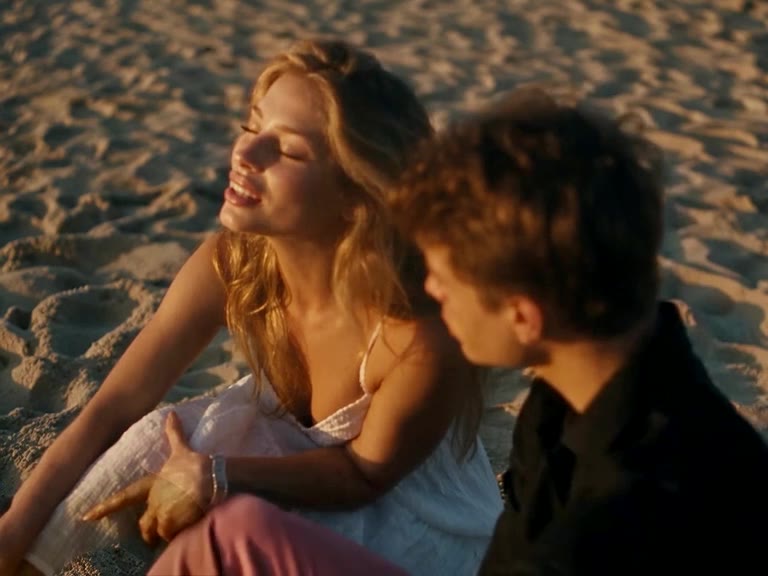
- 10–15 s, the memory: mid-air, a cut to a wheat field at sunset; the leap becomes a hug.
With the AI Zombie generator you skip the prompt entirely — the shots, the make-up and the timing are built in.
How to make the AI zombie video
Step 1: Choose who turns
Photo 1 is the survivor holding the gun. Photo 2 is the one who turns — a partner, a best friend, or your pet.
Step 2: Pick quality and format
Standard 480p costs 100 credits and HD 1080p costs 200. Choose portrait 9:16 for TikTok and Reels, or landscape 16:9 like the original film. Both formats cost the same.
Step 3: Generate, download, post
Rendering takes a few minutes and you can close the tab. The video has AI-generated sound — barn ambience, sobbing, a soft score in the field — and no licensed song, so you can add any trending sound when you post.
Photo tips
- One person per photo, or one pet for the one who turns.
- Face the camera with the whole head visible.
- Good, even light. No sunglasses, masks or heavy filters.
- Only people who agreed to appear. No celebrities.
Zombie filter vs AI zombie video
A zombie filter or effect paints make-up onto a video you film yourself. The AI zombie video is a different thing: it writes the whole short film — barn, standoff, leap, wheat field — from two still photos. Nothing to film, and it is not gory: no blood, and no shot is ever fired.
Like duo trends? Hotel Lobby AI and Raindance AI also take two photos.